Search
-
UE5 PBR Lightning
 Hi! I've started working on a new environment for my portfolio and encountered a problem with the lighting. Lighting has always been a weak spot in my projects, and I've often heard that it's important to set it physically accurately if the environment is realistic. So, I consulted the Unity cheat sheet and decided to use…
 -
Re: UE5 PBR Lightning
i am not an Unreal user but the sun is 100000-130000 lux as much as I remember. 10k is not enough even for environment light. -
Re: UE5 PBR Lightning
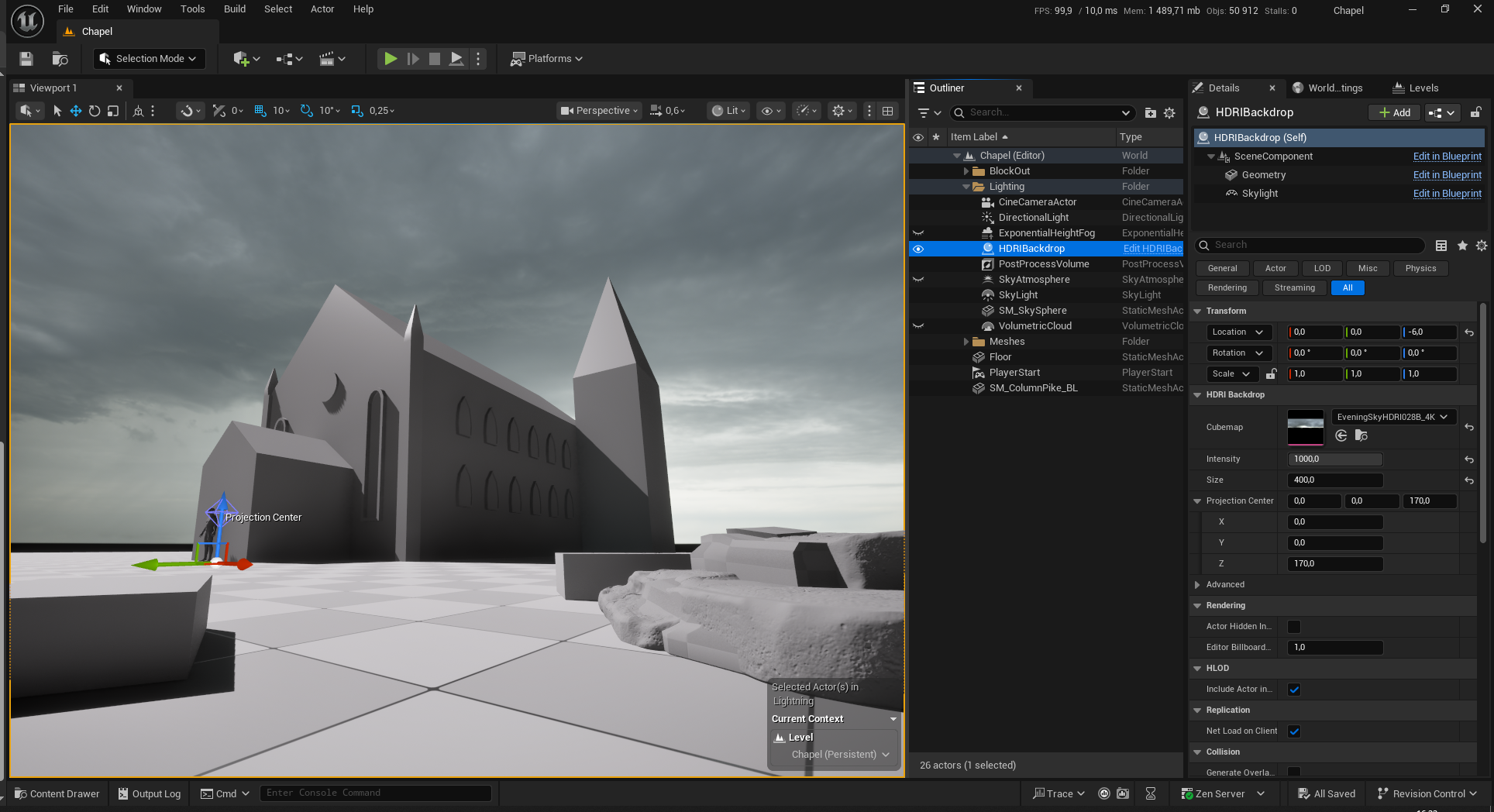 Thanks for the reply! I fixed auto exposure; however, it was still too dark. I looked through the HDRIBackdrop properties and found the Intensity parameter. By default it sat at 1, but increasing it to 1000 gave me the result that I wanted, but I'm not sure if it's the right way to do it.
 -
Re: UE5 PBR Lightning
 The first thing to do if you didn't already is turn off auto exposure as it makes it extremely hard to judge the lighting intensity. It's so absurdly strong out of the box something lit by a 0.1 cd light can be bright as if lit by sunlight, then you look away and it disappears.
 -
Re: UE5 PBR Lightning
The sun 'is' 120k lux before clouds/atmosphere get involved iirc - don't quote me but i think the 75k that the sun position plugin provided by Unreal uses is probably in the right ballpark for actual light hitting earth (i will immediately concede to anyone who has done actual research into this - im doing the sums in my… -
Re: UE5 PBR Lightning
 Yeah the skylight/HDRI strength needs to be relative to the skylight strength, I've heard a ~4:1 ratio is normally suggested, but probably depends a lot on the particular HDRI being used. Using real world values can sometimes cause artifacts with other features like Lumen having black spots or a grid artifact, I think this…
6 results