Search
-
Re: Shuttle Altair
 Your latest renders have a very hard edge where the atmosphere ends (reminded me of the earth shots in 2001). All your previous renders had too large of an atmosphere falloff. I would recommend something closer to the photos sacboi posted... a thin gradient falloff on the edges of the planet.
 -
Re: Shuttle Altair
-
Re: Shuttle Altair
Small nitpick, but usually the atmosphere edge gradient has a slight blue tint, which I think is missing in the latest renders? Check the latest closeups from the Artemis II, should be some good shots, or shots from the I.S.S. -
Re: Shuttle Altair

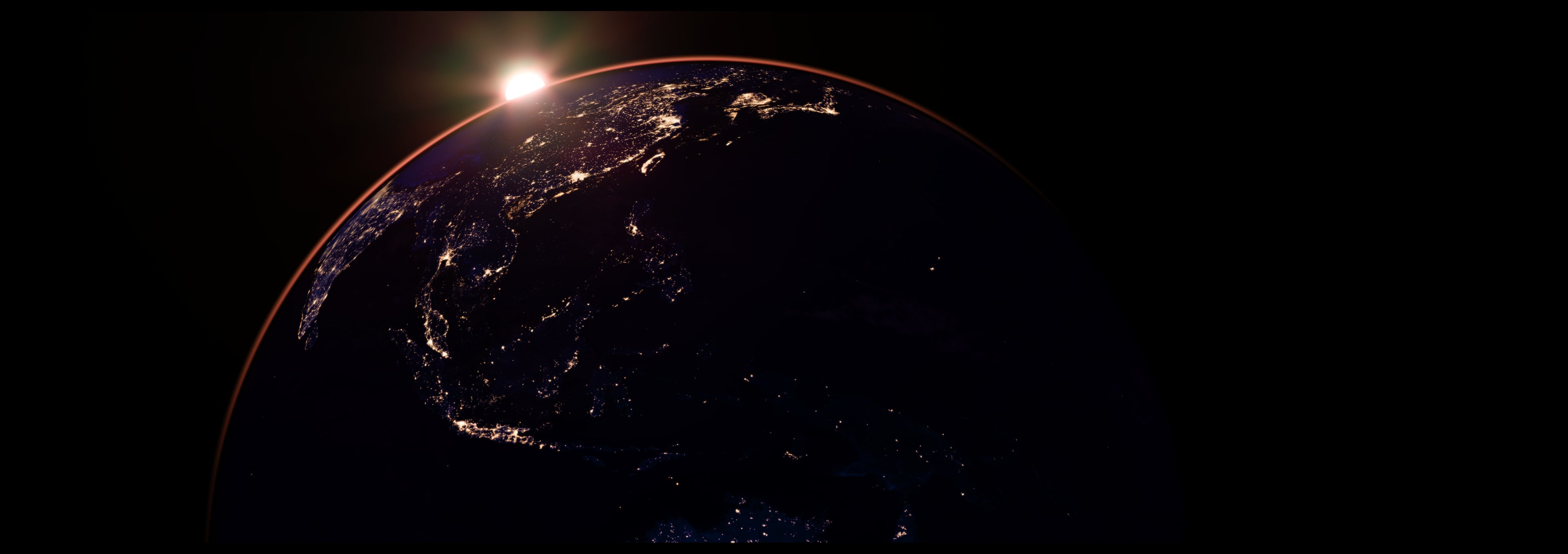
 Okay, I promise this is the last update. So why starting on my next project I just had to fix this small major error. There was no atmosphere on my Earth so I fixed that. Also, did I make my model renders to sharp? I'm just curious.
 -
Re: Shuttle Altair
Thank you! I appreciate the compliment! I updated the images one more time. A official final...final update on the post above. Definitely need to make this a stopping point. Still need to learn rendering, texturing and other stuff. XD -
Re: Shuttle Altair
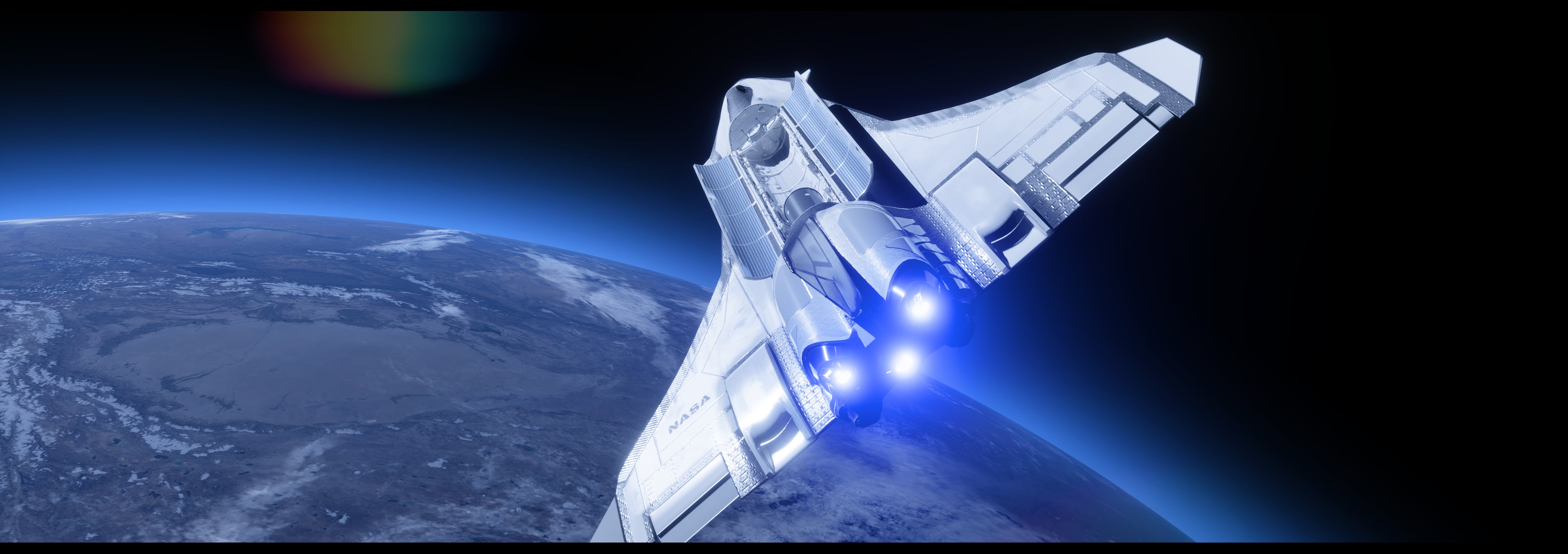 Final update! Added Earth and some beauty shots to give that sci fi orbit feel. I gotta say I learned a lot from this project! Pretty happy with the result.I rendered some video clips on my artstation account : https://atomicarmy.artstation.com/Edit: Did Minor adjustments
 -
Re: Shuttle Altair
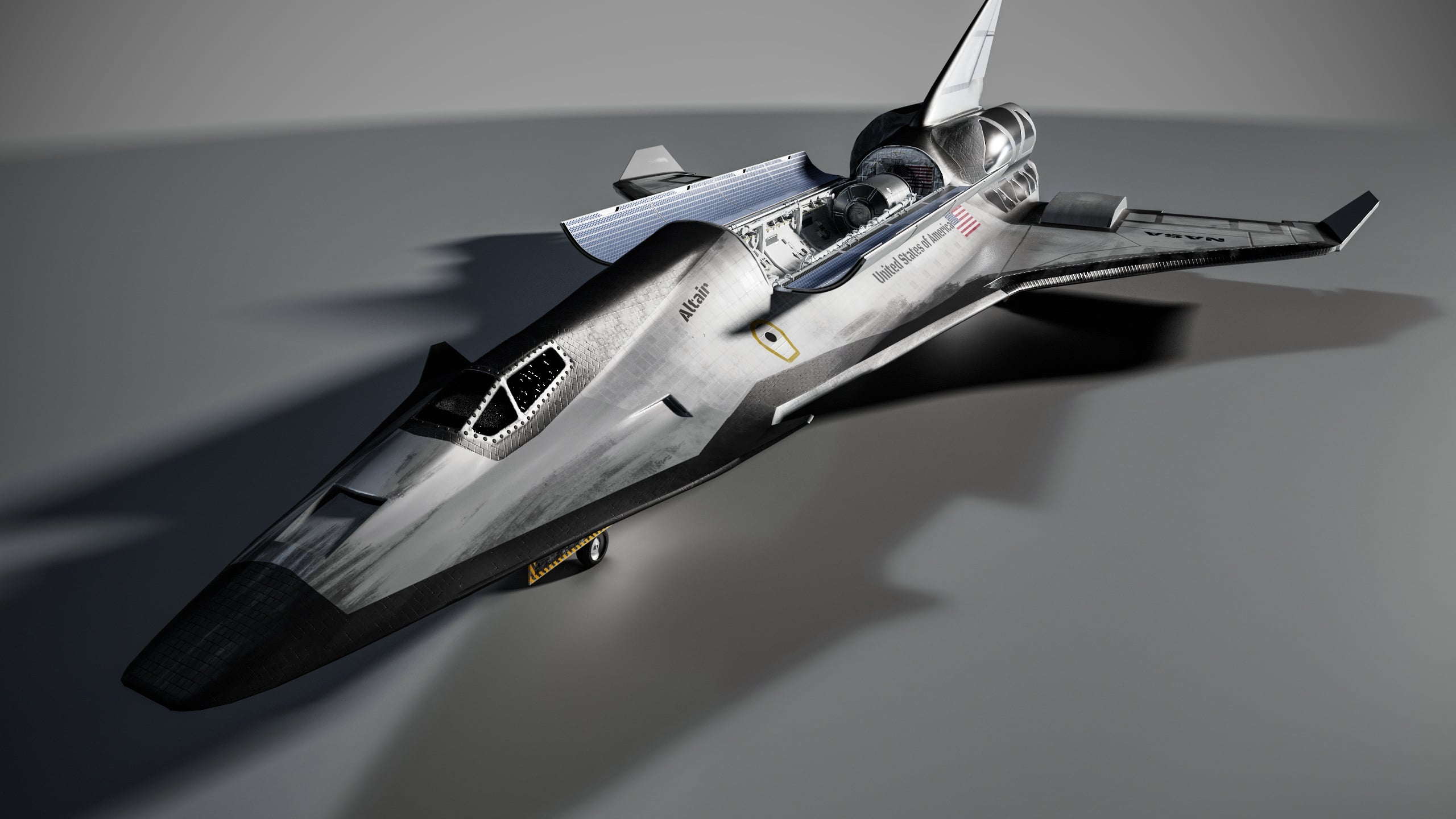 Update: Calling it done! Just have to adjust a few things with the textures and presentation. Now I just need to rig it for practice, then unreal engine scenes! Edit: Uploaded better renders.
 -
Shuttle Altair
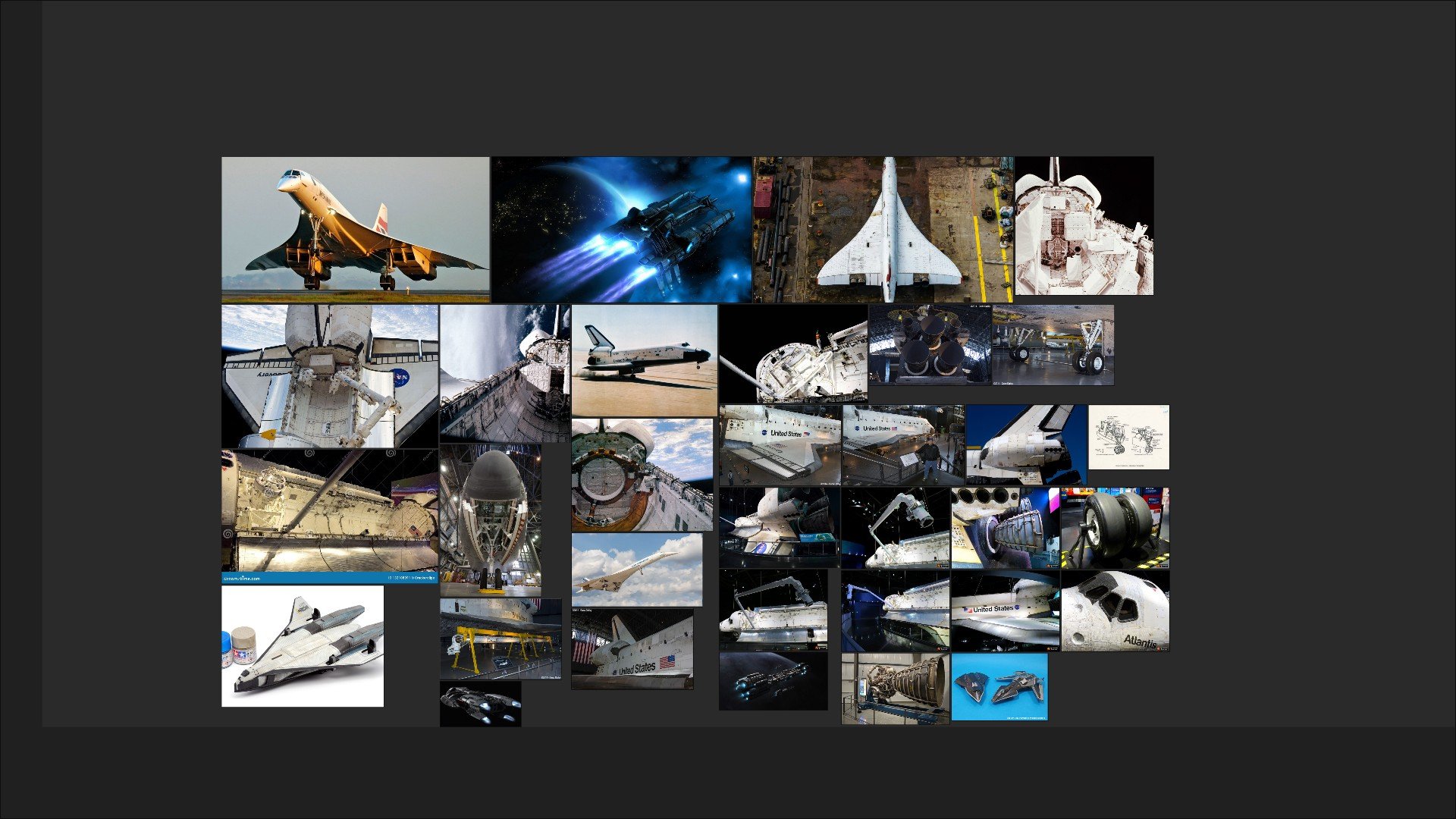 Started my new project designing a new age space shuttle and so far I have a blockout. I plan on doing modular pieces for the cargo bay and kinda designing the whole shuttle using other designs. Eventually, I would like to render this in UE5 with the shuttle over Earth. Here are my references: Simple blockout:
8 results