Search
-
Re: Low poly baking issues (NEW)

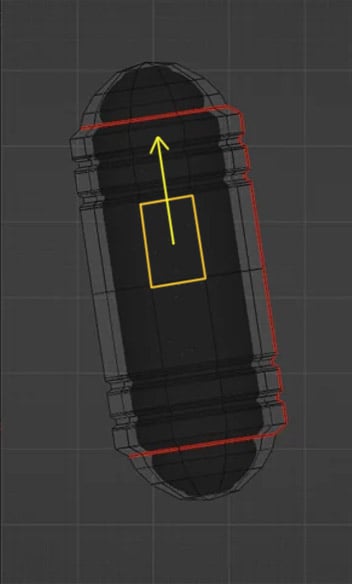 In Blender you can move edges, edge loops and vertexes along any edge direction ( with auto UV correction). So world or local coordinates , axis being tilted it's all irrelevant . You just hit G double time + Alt and hover over an edge you want as a sliding direction and get yellow track lines appearing representing…
 -
Re: Low poly baking issues (NEW)
 If the rotation isn't applied to the mesh you can work in local axis mode by either selecting it in the transform orientation dropdown in the viewport header or by pressing the axis shortcuts twice if you leave it as global. It works even when you constrain the scaling to two axis by pressing shift+axis letter. Example:…
 -
Re: Low poly baking issues (NEW)

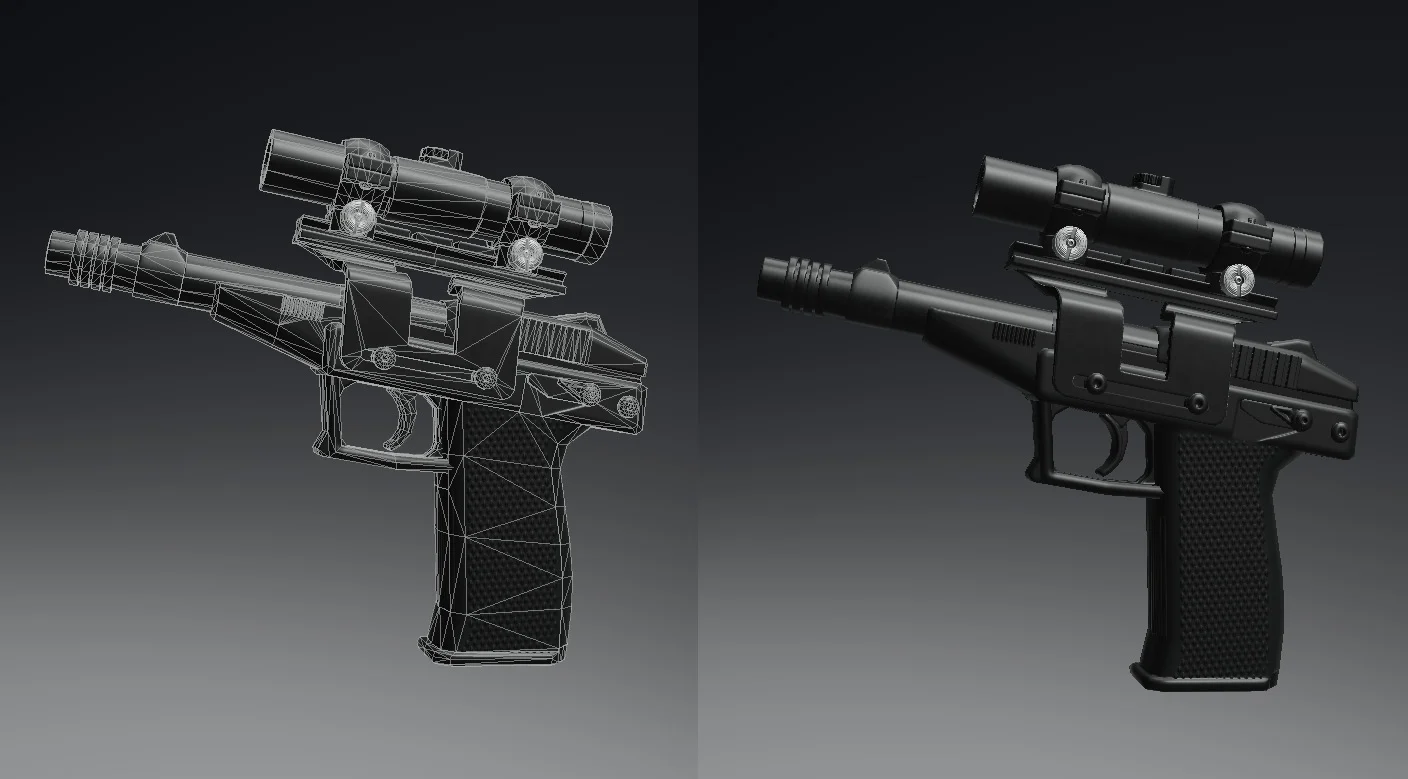 Thank so much , really appreciate your time! I should clarify, * The reason it's faceted (not smoothed) in the Blender file is because I was only focusing on trying to find out where/why the stray verts are coming from. Before i noticed the problem, I had been Smoothing and Triangulating it all for export as .fbx file. My…
 -
Re: Low poly baking issues (NEW)
I did refer to this.... The .blend file is intentionally as a kind of 'baseline' stage, whereby I can do things like triangulate, smooth, add sharp edged, etc. and then export it as/to wherever... I already mentioned that the 'verts' issue can probably be dismissed as anyhting to do with baking by now, as it appears with… -
Re: Low poly baking issues (NEW)

 If it shows up in Blender, then select it in UV sync mode, that way it'll also select it on the model and from there you'll be able to identify the problem with your geometry. But if it isn't displayed, then it's probably some other geo issue that you'll need to find through some other kind of inspection. And of course…
 -
Re: Low poly baking issues (NEW)
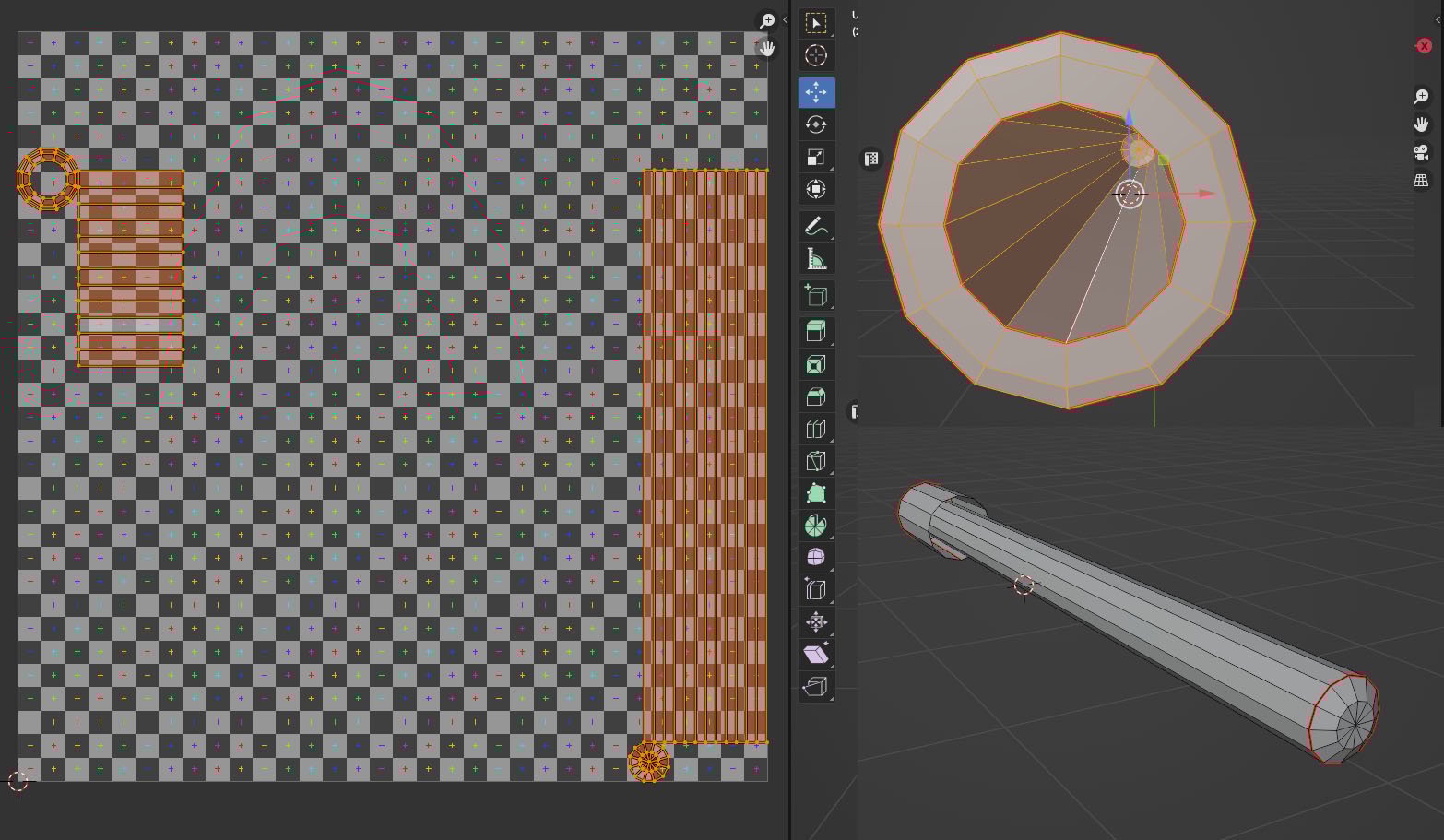 A new problem hoping for any help with, this time it's the inner gun barrel. UV's (only selected issue parts) Substance bake -The horrible join line running down the middle only seems to extend from the rear and doesn't seem so visible towards the tip. (I checked the UV's and they all sit within the tile map) -It isn't…
 -
Re: Low poly baking issues (NEW)
Yes, original problem was 'inner barrel', I did mention this... The 'stray verts' took over as the issue, and yes with hindsight I could have kept things simpler and focused on one issue at a time, apologies. The .fbx file you used is exactly the same as the one i have used... the various images i showed earlier than after… -
Re: Low poly baking issues (NEW)
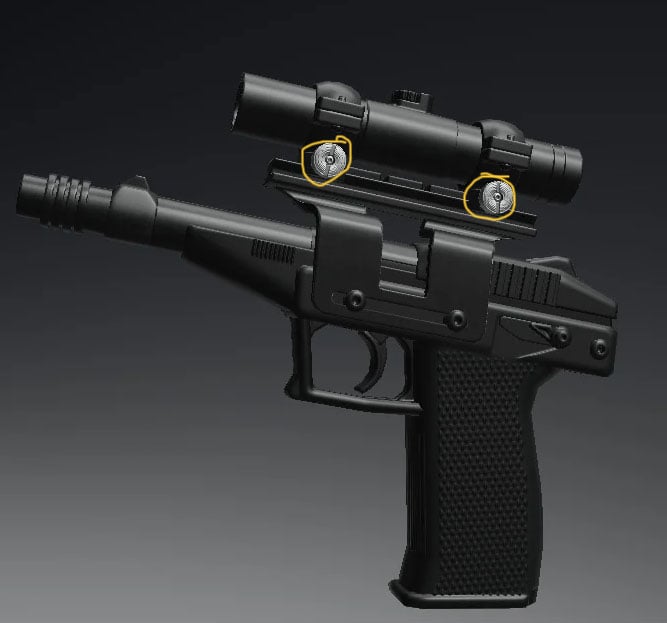 I must have Google drive since I have a Google account, so i can try that out. Also, the plot thickens... I did luckily manage to isolate where the stray vertices is coming from. it is one of the tightening 'silver screw' things that attach scope to the rail: Steps i took to try and fix: 1. In Zbrush. checked it…
8 results