Search
-
Re: MODO | Vaughan in 60 Seconds Videos

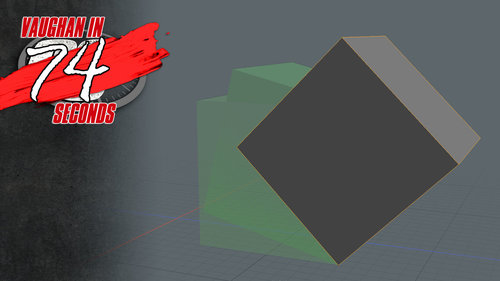 MODO | Animate a Rolling Cube Animating a rolling cube is a trivial task in MODO if you understand centers and pivots. This video introduces the concept of Centers and Pivots and then walks through animating a rolling cube. http://www.pixelfondue.com/blog/2017/5/3/modo-animate-a-rolling-cube
 -
Re: MODO | Vaughan in 60 Seconds Videos
Here’s some additional videos: Create Perfect Squares and Circles in MODO http://www.pixelfondue.com/blog/2016/9/21/create-perfect-squares-and-circles-in-modo Create a Woven Mesh in MODO http://www.pixelfondue.com/blog/2016/9/22/create-a-woven-mesh-and-a-microphone-mesh-in-modo Create a Microphone Mesh in MODO… -
Re: MODO | Vaughan in 60 Seconds Videos
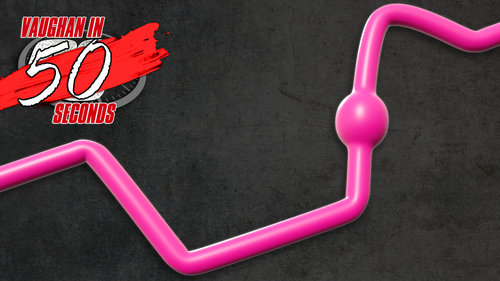 MODO | Animating a Buldge in a Tube This video shows a quick tip for animating a buldge running through a tube in MODO. http://www.pixelfondue.com/blog/2017/6/5/modo-animating-a-buldge-in-a-tube
 -
Re: MODO | Vaughan in 60 Seconds Videos
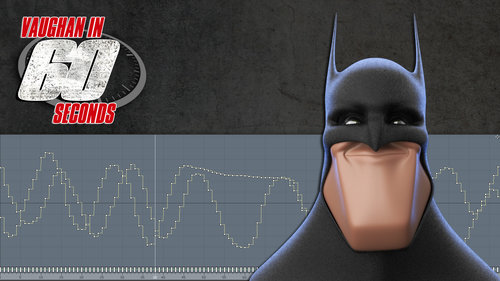 MODO | Channel Chimp: Recording Performances This video is a quick look at recording performances with Channel Chimp and sending the animation data to MODO. In this video, I'll be using the character and controller I setup in the Channel Chimp Puppet Control video.…
 -
Re: MODO | Vaughan in 60 Seconds Videos
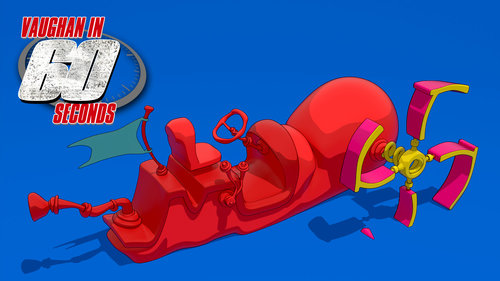 MODO | Cel and Cel Edges Material Creating flat posterized shading that mimics traditional cel animation is a trivial task in MODO. This video introduces the Cel and Cel Edges custom materials that were designed for creating 2D cel-like renders in MODO.…
 -
Re: MODO | Vaughan in 60 Seconds Videos
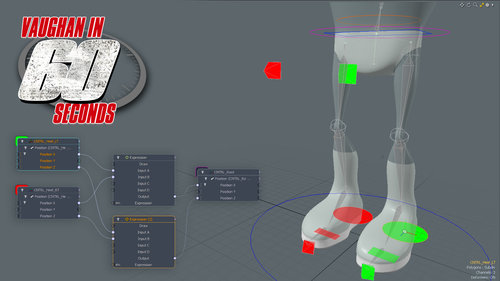 MODO | Auto Hip Centering Expressions can procedurally control elements by overriding or modifying channel values. This can be an easy way to cut down on keyframes by automating portions of your animation. There are several ways to create a character rig with auto hip centering, and in this quick video I show the use of…
 -
Re: MODO | Vaughan in 60 Seconds Videos
 MODO | Show as Silhouette This video is a quick introduction to the Show as Silhouette display option in MODO. When the Show as Silhouette option is enabled the item will be displayed as a solid shape with no interior details. This display mode can be extremely useful when designing a character because the silhouette…
 -
Re: MODO | Vaughan in 60 Seconds Videos
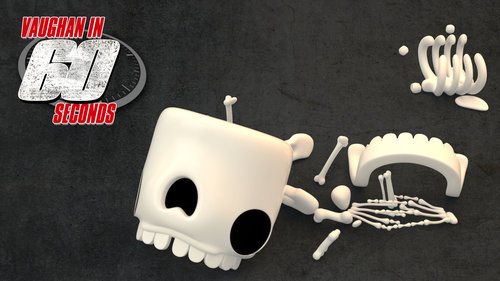 MODO | Dynamics: Sleep This video takes a quick look at using the Sleep options in MODO. By default, dynamic objects are active when any dynamic simulation starts and the object will begin to react immediately. The Sleep options enable you to change this behavior when working with rigid body items, delaying when individual…
 -
Re: MODO | Vaughan in 60 Seconds Videos
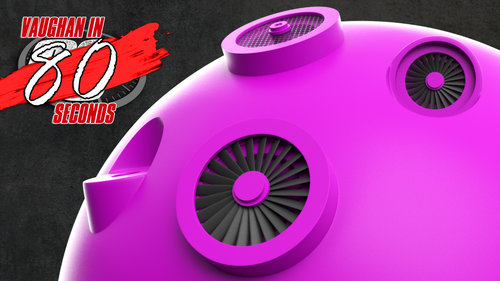 MODO | Adding Hard Surface Detail Using the Polystein Kit Being able to create and use your own mesh presets with the Polystein Creator Command, gives you the ability to automatically scale, orient and stitch any type of pre-built SubD geometry into your mesh including hard surface presets. Although the kit ships with an…
9 results