Search
-
Issues displaying normal map in viewport

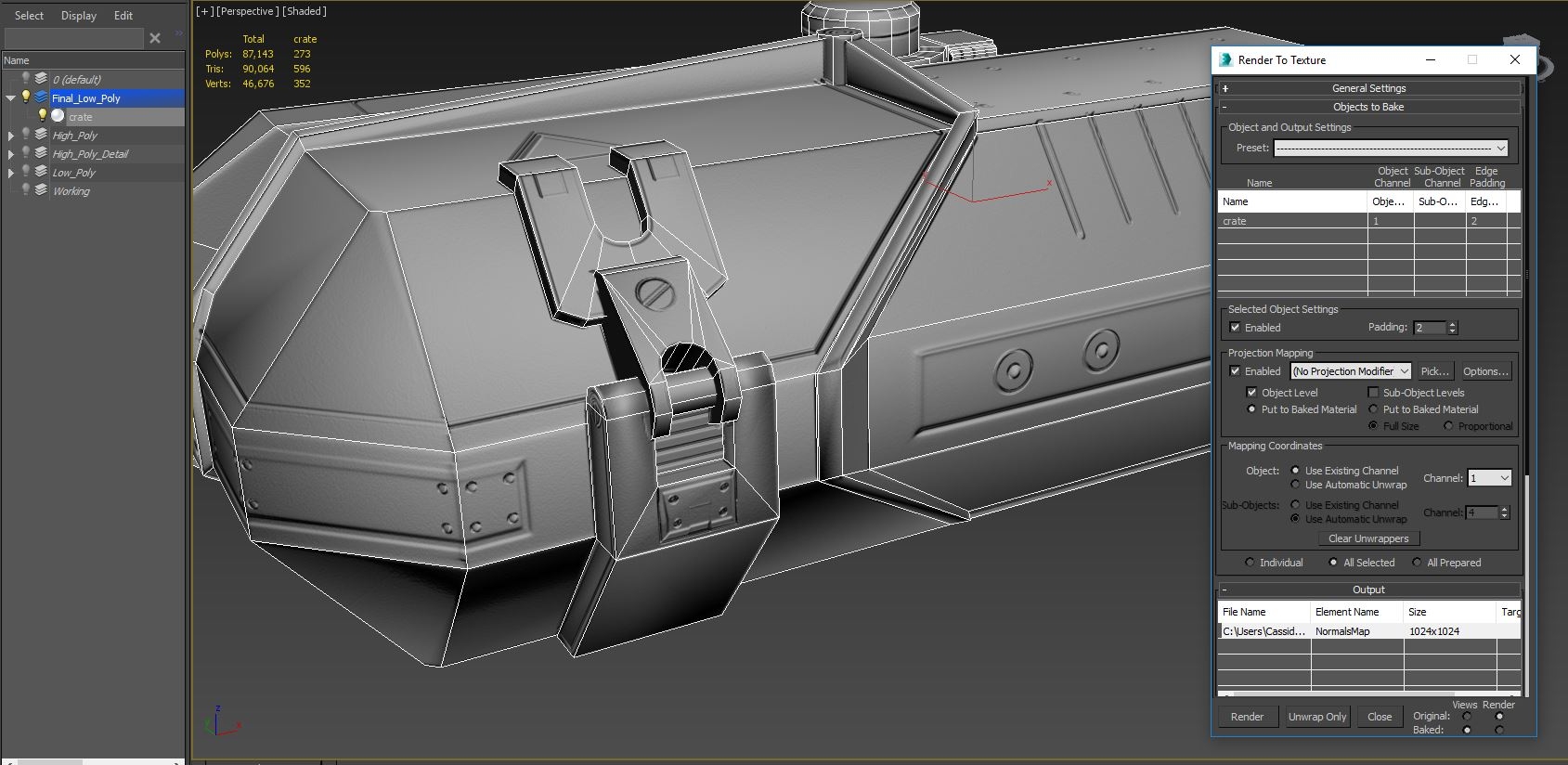 I am working through a 3 year old course - Fundamentals in game asset creation from CG Society - and am having issues with the normal map displaying poor quality in the viewport, where as the example is in much, much better quality. My high poly displays perfect, and the normal map is displaying no errors (this is the test…
 -
Re: Issues displaying normal map in viewport
Thanks, Millenia. I have followed steps 1-5, but unfortunately I'm on 2015. The teacher is using Nitrus in shaded, despite being an old tutorial. Your example image is pretty much what I'm going for (just checking normal burn atm) but I think at this point I have to chalk it up to really poor hardware as I seem unable to… -
Re: Issues displaying normal map in viewport
 As far as using Nitrous goes, you'll want to: 1) change the bump slot's opacity from 30 to 100 2) add a Normal Bump into the bump slot 3) add your normal map via Bitmap into the Normal Bump's normal map slot 4) optionally tick flip y if shading looks incorrect 5) enable hardware rendering of materials in the viewport It…
3 results