Search
-
Maxivz's Interactive Tools for Max

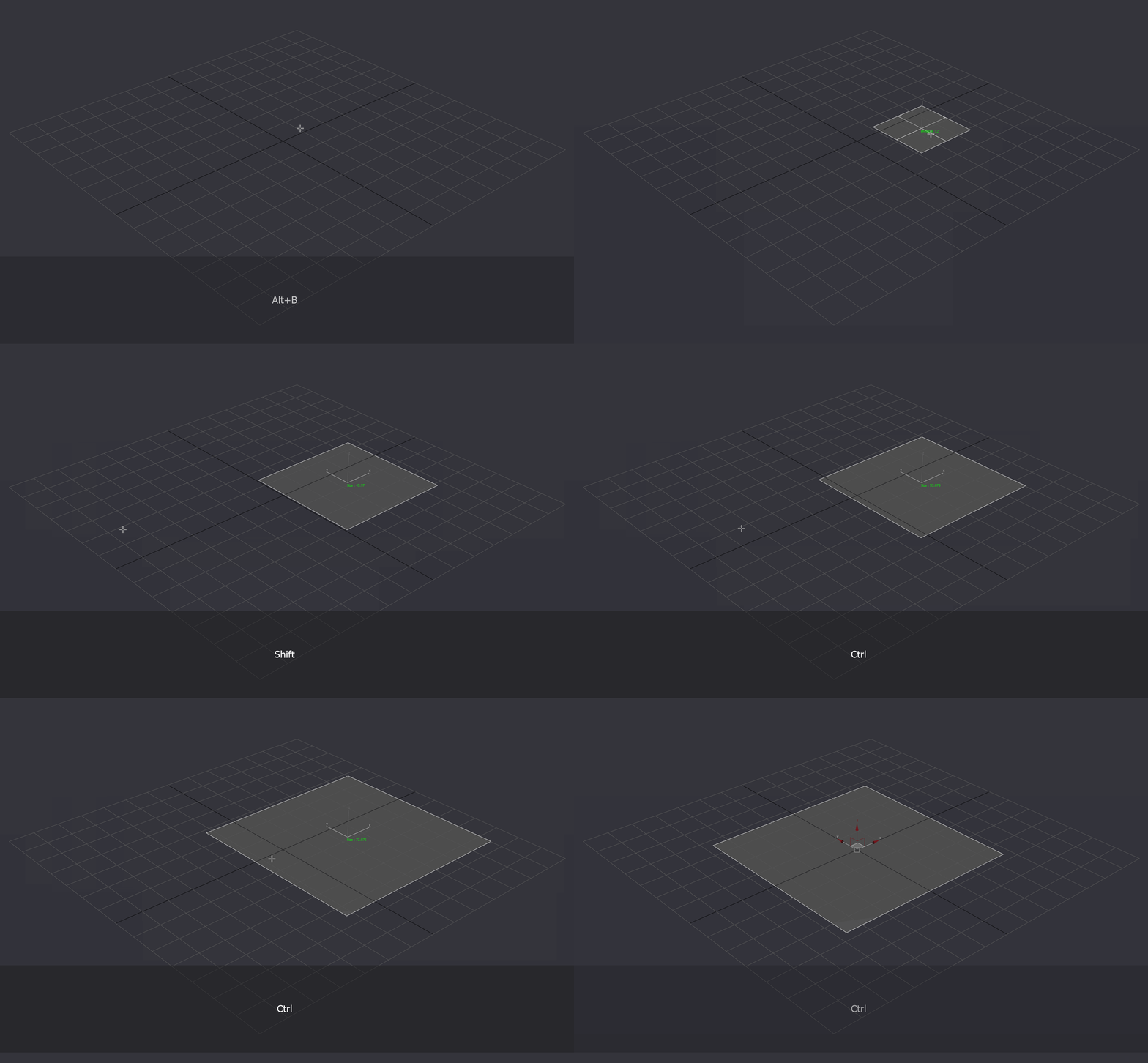 Hi guys, I have been playing with some maxscript to automate some stuff that I usually use and decided to share it here, maybe somebody will find it useful. The scripts are tested in Max 2015 so I don't know if they will work in all max versions. Interactive Tools: Collection of tools that do different actions when…
 -
Re: Maxivz's Interactive Tools for Max
 So a separate tool. Too lazy to do that since it would mean I'd have to do multiple ones instead of catching the current mode. As a side note, I only see one gif, the chamfer one.
 -
Re: Maxivz's Interactive Tools for Max
Looks good, does it hijack the edit_poly/editable_poly chamfer mode as soon as it's activated or is it a separate tool? Made something similar (user customizable and working for any mode and any property of any primitive as well), though controlled by scrolling instead, which is great for fixed-step inputs like segments or… -
Re: Maxivz's Interactive Tools for Max
 Cool tools. Thank you for sharing. :smile: Are you planning to use also vertical axis to map antoher mouse control input? ZModeller is using two axis if you have enabled interactive mode and it works also really well.
 -
Re: Maxivz's Interactive Tools for Max
Hey guys, sorry for not being very active lately, I have been quite busy. I dont have any plans to add vertical support to it for now, but I will defently look into making the tools work in edit poly mode a well -
Re: Maxivz's Interactive Tools for Max
 Oh my God yes, this would be super neat! Loving the idea of mouse/keyboard-based mesh operations. Detecting SO modes like with Perna's script would be useful too, where it decides whether to chamfer/inset depending on what's selected. Keep up with the cool work Maxivz!
 -
Re: Maxivz's Interactive Tools for Max
@musashidan Yeah I have wanted one for a long time as well! So I decided to see if I could make it myself @Swordslayer Fixed the gifs! Yeah, they are separate tools. Catching the current mode does sound really interesting. Using the scrollwheel sounds like a good idea as well! -
Re: Maxivz's Interactive Tools for Max
 $ can be a reference to an object or an array while selection guarantees an array. Also its just neater for anyone else looking at your code. If i see selection[1] I can assume you are just grabbing the first in the selection list. I generally mess about with $ if I'm doing stuff in the listener.
 -
Re: Maxivz's Interactive Tools for Max
Hey @Swordslayer I am using mouse Tools for this, for the bevel and chamfer I am entering the preview mode, modifying the values and then applying them. For the cylinder I am changing its properties, I want to make the same for some other primitives. Next I want to try to capture keyboard input so it allows you to input… -
Re: Maxivz's Interactive Tools for Max
Hey guys, I have updated the main post with the added features, V2 is out now. I will continue working on more scripts and update once I have something. Thanks for the detailed explanation @Justo, I have some custom SO hotkeys as well that take you to the lowest level on the stack, I have been working in adding the ability…
13 results