Search
-
Re: A question for programmers
 Cant help you on the form for the color picker, but here is the code to make a system try icon and give it a context menu and a exit button. You will want to just create a new Windows Form application in Visual Studio, that will get you started with 1 form, and a Class with a Main() method. C# shouldn't be a huge jump for…
 -
Re: A question for programmers
 C# would likely give you the least headaches in such a case. It's a good useful language for tools and utils overall. If you were working in 3ds max, the additional bonus would be that you could write an assembly/dll in C# and load it in 3ds max and use its functions quite easily. Makes for good code reuse.
 -
Re: A question for programmers

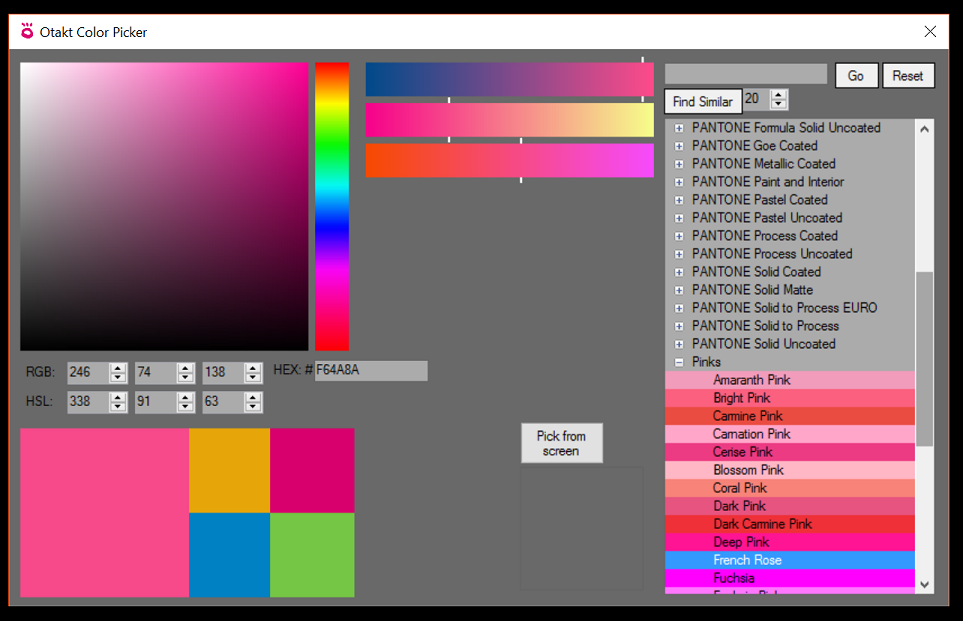 Hello again. I'm reviving this thread because I'm stuck. I went with C# and it's pretty easy to get the hang of, but I just can't figure out how to replace the windows default color picker. I guess I need to listen for the opening of the default color picker and hook into/hijack that somehow?, but I don't even know what to…
3 results