Search
-
Re: A short explanation about custom vertex normals (tutorial)
 I'm just presenting all the workflows I know of. Syncviews srcipt is the same as manually averaging faces but you can do it in 1 go. So if you store your face selection you save a lot of time. Unless you have custom tools I'd personally recommend this workflow over anything else. The other scripts are definitely usable…
 -
Re: A short explanation about custom vertex normals (tutorial)
 I have come to necromancy this thread because when I was googling around this subject and 'maya' it's what google gave me. Should others like me come from the future and want a maya script to do what's discussed here... same steps, do your bevel with no mitering then run this python script.…
 -
Re: A short explanation about custom vertex normals (tutorial)
 Hi guys, this is an awesome technique and we're making extensive use of it for Horror City. I've written a script that accelerates the whole process and I'd love to share it with you guys. To use the script, simply copy it to your scripts folder and then create a shelf button that executes "MADE_forceVertexNormalsToFace".…
 -
Re: A short explanation about custom vertex normals (tutorial)
 a3D> migNormalTools? It's a MEL script. Just running the script will only register(correct term?) the function. You run the main function by typing migNormalTools() afterwards. Which in turn adds the "Normal Tools" menu at the top of Maya where you have File, Edit, Modify, etc. There's a few ways to run scripts, personally…
 -
Re: A short explanation about custom vertex normals (tutorial)
I presume you mean Syncview's script? I see you posted in that thread as well. Here's the link again if anyone's curious http://www.polycount.com/forum/showthread.php?t=75753&page=2 Are you able to share any details about the custom tools? Does it work on face angles and surface area or is there some other process… -
Re: A short explanation about custom vertex normals (tutorial)
Under the shading tab change it from manual to sharp boundary and set round shade to 1.0 The script works on face selections. So you make a face selection and then press a hotkey to trigger the script. After dragging the script into max it will appear in the Normal Tools category. -
Re: A short explanation about custom vertex normals (tutorial)
A while ago I made a script to allow quick editing of custom normals in Blender so that I could use it on the game I was working on that used cell style outlines heavily so we couldn't use split normals. It basically works by using the standard normal calculation but removes any influence from elements that are not… -
Re: A short explanation about custom vertex normals (tutorial)
 Can you point me to it? I only have two scripts from the multiple Polycount threads on the subject I saw: * weightednormals.ms (by Martijn Buijs): http://hastebin.com/moresahili.lua * Modeling_FaceWeightedNormals.ms (not sure who authored it): http://hastebin.com/iqutubejaj.lua Both had the same issue I highlighted in the…
 -
Re: A short explanation about custom vertex normals (tutorial)
 Initially I also thought that "Soft Edges" would do the same, but after closer inspection it does not hold up. The script also helps with different angles of bevels, not only 90° angles. With Maya's soft edges functionality, there is still a gradient, even though it's not as hard as a regular "Average Normals" invocation…
 -
Re: A short explanation about custom vertex normals (tutorial)

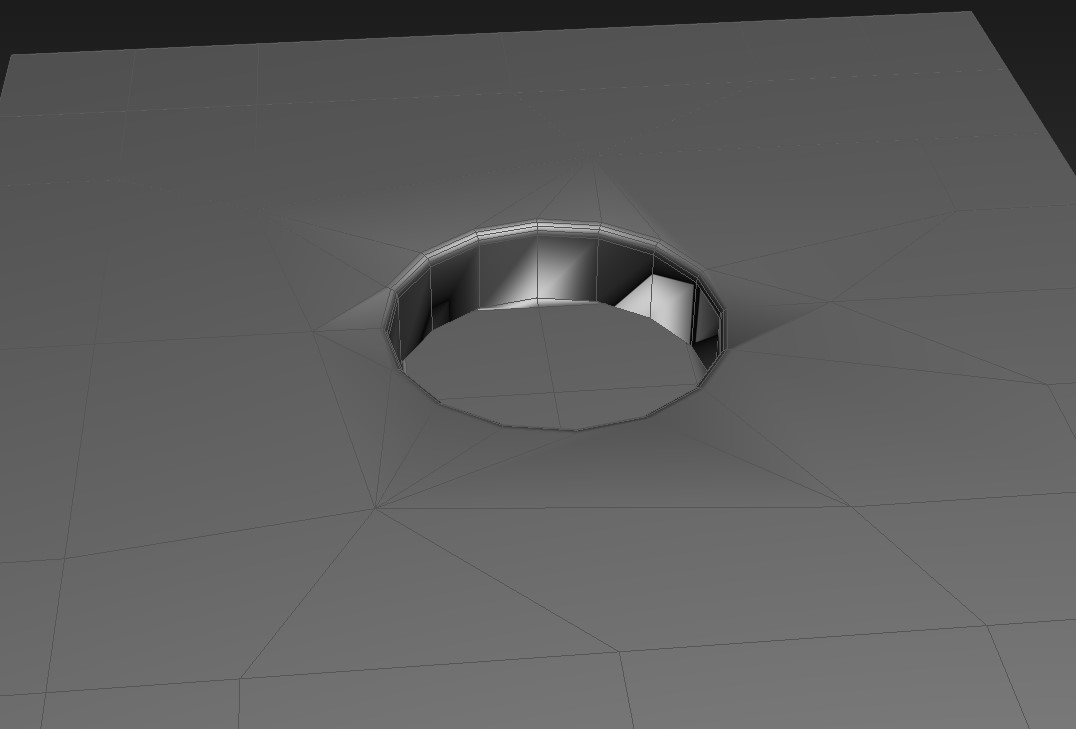 You should use custom normals if won't bake a geometry. Here is a very good script for that: http://www.scriptspot.com/3ds-max/scripts/average-normals I hope it will help you!
54 results