Search
-
Re: Physically based rendering in games
 @almighty_gir if your using the cubemap blur technequne that was posted in post #154 did you change the custom code to point to lod instead of bias? in the custom node changereturn texCUBEbias(PixelTextureCube_0,float4(BiasInput, rough)); toreturn texCUBElod(PixelTextureCube_0,float4(BiasInput, rough)); that seemed to have…
 -
Re: Physically based rendering in games

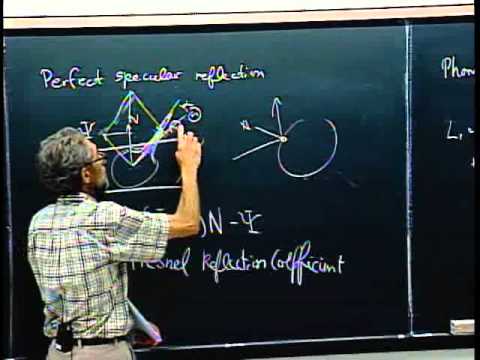 Not sure how useful this is, but it seems like it provides a good understanding of how the new shading model works, including the code. Even though I don't do any coding, I love learning about new things we may see, as well as staying up to date. [ame=" Reflectance Distribution Function - YouTube[/ame]
 -
Re: Physically based rendering in games
 No need to make it harder for yourself then it should be, there is no reason to deeply understand all this math and such behind it. Just start with understanding the important part, understanding the four textures used (diffuse/spec/gloss/normal), and how they differ from today's textures, and how they should be created.…
 -
Re: Physically based rendering in games
 you'd need to normalize that result right? so in code it's: float3 m = normalize(L+V) right?
 -
Re: Physically based rendering in games
 in most of these cases m simply = ( L + V ) e: which is kind of confusing in shader code, since we define our roughness as "m" :V
 -
Re: Physically based rendering in games
 Thanks for the info guys, I will most likely have to skip using PBR until I fully understand how to integrate it into a game with destruction. I'm just an artist, I wouldn't know how to code things for environment probe/cubemap seamless transitions.
 -
Re: Physically based rendering in games
just came across this gem on the interwebs: http://graphicrants.blogspot.co.uk/2013/08/specular-brdf-reference.html saving it to my HDD :D just out of curiosity, what is the term "m" used to describe? for example part of the code is: (n.m) i know it's n dot "something", just don't know what the m is. -
Re: Physically based rendering in games
so in the case of the UE4 (among others: the order 1866, codblops2 etc.) their tech papers show that their BRDF is formed of three components: Specular distribution, Geometric shadowing, Fresnel. the math given in the UE4 tech paper (and in their source code) for Fresnel is this:Fresnel = F0 + (1 - F0) * pow(2, (-5.55473 *… -
Re: Physically based rendering in games
The way I went about it is still bake some AO to some degree, but to a lesser extend, except for the low poly AO wich was still kinda important (less than usual as it was more like a mid res than a low res). This was in our own custom implementation of PBL inside UE4. If a hole was to be faked, then so be it. It's a hole.… -
Re: Physically based rendering in games
 Anything new coming to Substance for PBS?
36 results