Search
-
Re: How Would You Texture a Large Building Like This?

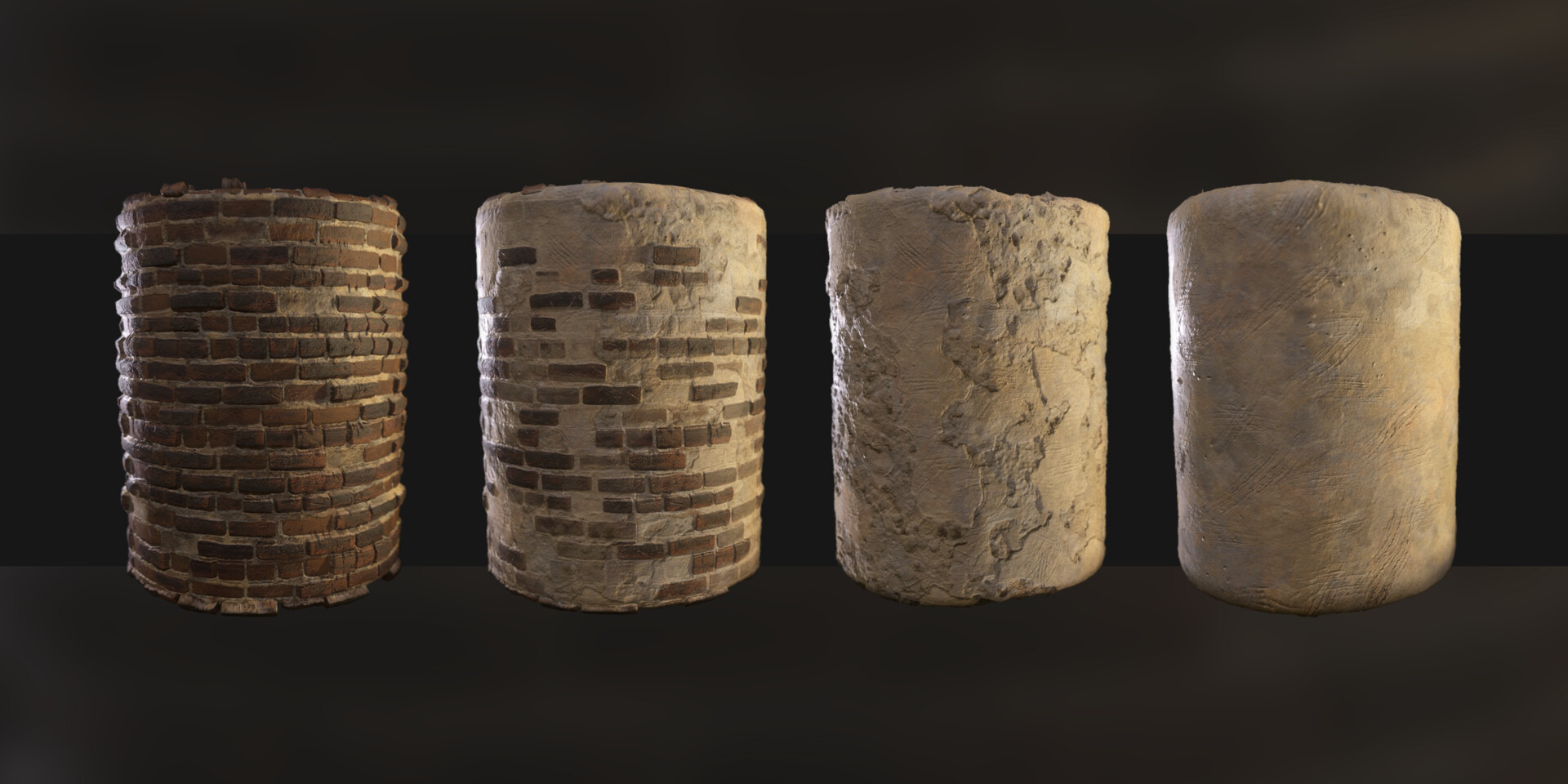 For the building walls it shows you in the link the actual 2 tiling textures that are blended together. It looks like 2 textures vertex blended with a mask/height lerp to fade between them. Noticiable tiling is well hidden as the vertex color is hand crafted. The drips under the windows are probably a mesh decal placed…
 -
Re: Turtle Animation
Since my last post I have been extremely busy researching how to create a rig (as this is actually the first rig that I have created in Maya), actually making the rig and creating the textures for the model. I started by reading Animation Methods: Rigging Made Easy by David Rodriguez and Rig It Right! by Tina OHailey,… -
Re: 3ds max 2010: Why are my IK chains not keying bone rotation?
 Yea typically you have 2-3 skeletons when you're working with IK and there is some kind of blending set up. FK: rotation only. IK: err.. your IK set up, typically this is never exported these bones are ignored or the FK bones are snapped/blended to its position. Its like a helper rig that never gets keyed. Resulting Bones:…
 -
Re: Unity Level Design Question

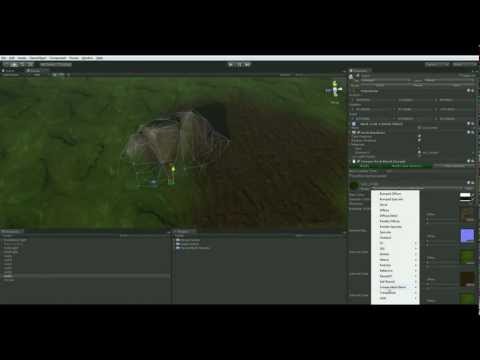 After reading through this and after looking through other stuff regarding mesh/texture blending, I've not found a way to do something like that blending thing on a mesh instead of a terrain. I found a video here doing what I want, but on a terrain instead of a mesh. https://www.youtube.com/watch?v=pv8wjMGGGDM I know…
 -
Re: mini-excavator RH_1.29
 yeah, the alpha is in the diffuse alpha slot. but you can see the black borders on the windows. they should be 100 procent visible (not see trough) while the dirt should be see trough. For transparancy I use dither. Wich works but gives some unwanted effects. The black on the windows is a halftone gradient but as you can…
 -
Re: [Shaders] Help creating masks for texture maps in UE5?
 Just plug the output of your function into the alpha input on a blend node. You could use a Linear Interpolate or one of the material blend nodes like MatLayerBlendSimple if you want to blend a whole material at once.
 -
Re: Seven days of Substance
Thanks. One think that I can add, when you have uniform color that you blend later on with something, you can set its size to 1x1 pixel. One green pixel scaled later on to 1024x1024 will look exactly the same like 1024x1024 green pixels ;) . Now, you have to be careful, because if this 1x1 uniform color ends up in primary… -
Re: Non Noticeable Repeating Textures
 Try this: https://docs.unrealengine.com/udk/Three/TerrainAdvancedTextures.html It's for UDK, but the concepts are the same. It can be done with mix maps tiled differently. There's also a method where a texture is rotated 90 degrees, then scaled and blended into a version of the same texture without transformations. Not…
 -
Re: [UE4] Cliff Tower Ruins
 Be careful with the blending... you may see strange transitions in the blended areas. You have a regular pattern of stones with distinct gaps between them. Each texture set should probably use the same number of rows as the first set. If you had flat concrete-like textures instead, the blending would be easier because you…
 -
Re: Crit My Painting Workflow Please!
 reiro: If you can paint a face without having to use photos as a base you can really make it look how you want it to look. I noticed that when you use photo's you lose a lot of control on what you really want to create because the photooverlays will make there mark in your texture in one way or another. Especially when it…
>11459 results