Search
-
Re: [3D] How to unwrap spherical Visor so texture doesn't distort?
 I'd probably try to drastically reduce the polycount of that element (reproject it later if necessary) so you can manipulate it with greater ease to get a bit more even texture flow, or use soft selections and pinning along with relaxing (or combine both approaches) to get the best possible outcome, but there will be some…
 -
Re: 3D Realtime Character [WIP]
 Hey im new to the forum and was avoiding introducing myself until someone made a maya post on which i could be help. to alter your proportions at this stage in the game is a pain caus you have your skin rigged and animated already. but if you have a comprehensive skin and you took the time to set your retargeting pose to…
 -
Re: Baking high to low with UDIMS
 If one wants to pack UV shells from the same object across multiple UDIM tiles, then one has to apply multiple materials to that one object and assign the corresponding faces to the materials. This is thankfully quite easy in Blender: * Select all objects and enter edit mode (make sure UV sync selection is on) * Roughly…
 -
Re: Falloff Script for Max 9 - Is this possible?
macroScript falloff_2 category:"MyScripts" toolTip:"" ( rollout falloff_mouseRollout "Untitled" width:344 height:25 ( slider sld1 "" pos:[51,1] width:300 height:25 range:[0,selection[1].Falloff*2,selection[1].Falloff] orient:#horizontal ticks:0 label edt1 "" pos:[2,3] width:44 height:16 on sld1 buttonup do ( if… -
Re: Unwrapping in Maya makes me want to chew glass...
 Hi Vesp! Strangely enough I find Maya's UV editor much much better than any other. I find myself using only a few tools, but being much faster than in Max no matter what plugin I used to help the process. First off I would recommend getting the Roadkill plugin. It's free! It's possible to work without it but it would be a…
 -
Re: [MAYA 2018] Get Back UV Editor Tools Menu

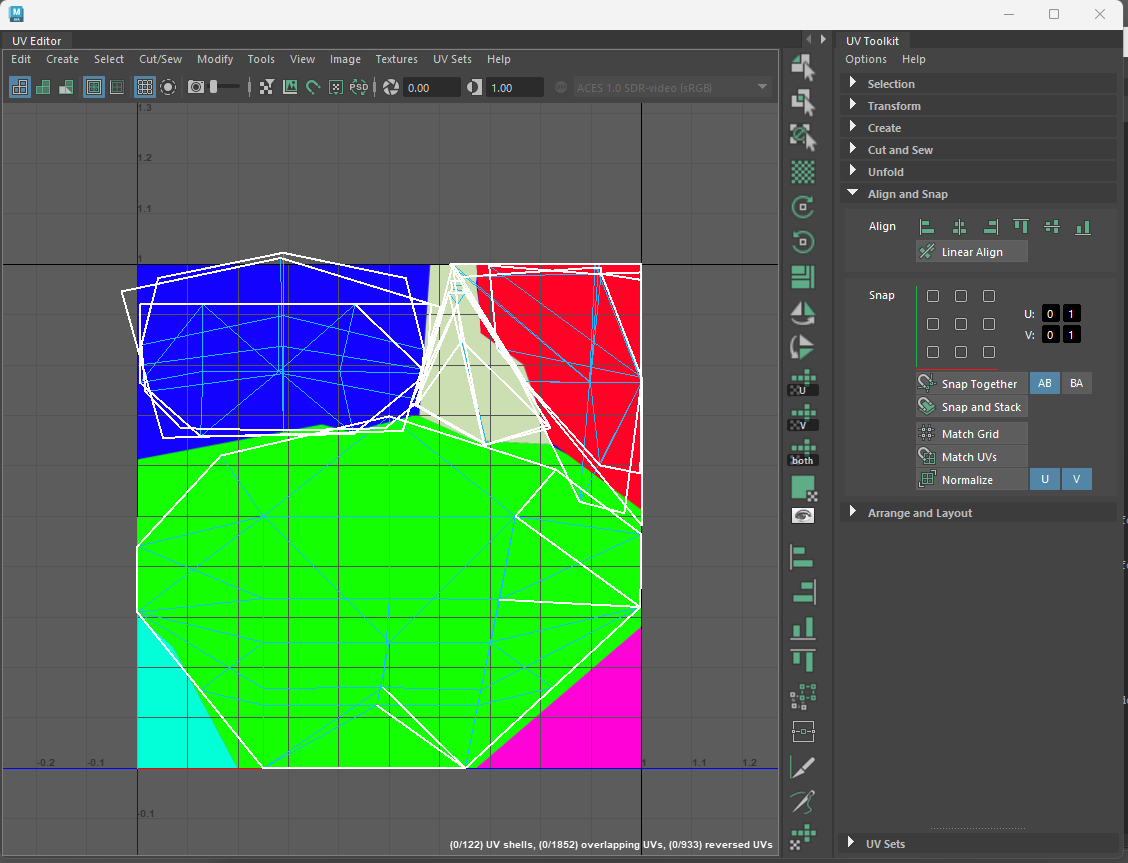 My workaround has been to open the UV editor via a shelf button that adds a custom panel next to the UV toolkit. When I want to add something I look up the MEL command for it and add an entry to the list. if (`workspaceControl -exists PixelBUV`) deleteUI PixelBUV; TextureViewWindow; global proc…
 -
Re: 3dsmax Quick and Dirty Workflow Tips!
 I've been collecting these for a few years now. Many came from a similar CG Society thread. I've edited some, left some as found, and hope I'm not repeating too many. When saving a file pressing the + sign will add a number increment next to it (e.g. normal.max will be normal01.max). Press the "i" key to re-center the view…
 -
Zbrush 2022.0.8 question about random IMM mesh insert ?
I forgot how I did it and help pages doesn't help really . Both Chat and Gemini know nothing . The whole random system looks like a bug maybe. But I am sure I did it before. it was in brush>modifiers as far as I remember . Yet "Variation" and "variation select" slider in 3 position do nothing. Still same mesh inserted.… -
Migrating from C4D to 3DS - navingation questions
So I have finally decided that I have to migrate to 3DS, for obvious reasons. I believe 3DS is quite easy to comprehend, although there are some tools that I am seriously missing in 3DS, and I was wondering if you guys could maybe help me. In C4D there is a loop selection tool (shortcut U-L), which is fantastic and selects… -
Re: Maya MEL Scale UV shells locally script for anyone that wants it
 Have gone through and made some improvements basically now there is a progress bar in the main window (bottom left corner) you can cancel the script with the escape key if you use edge selection you remain in edge selection mode and so on for the other selection modes
>15386 results