Search
-
Re: Unreal 4 - Dungeon Crawler

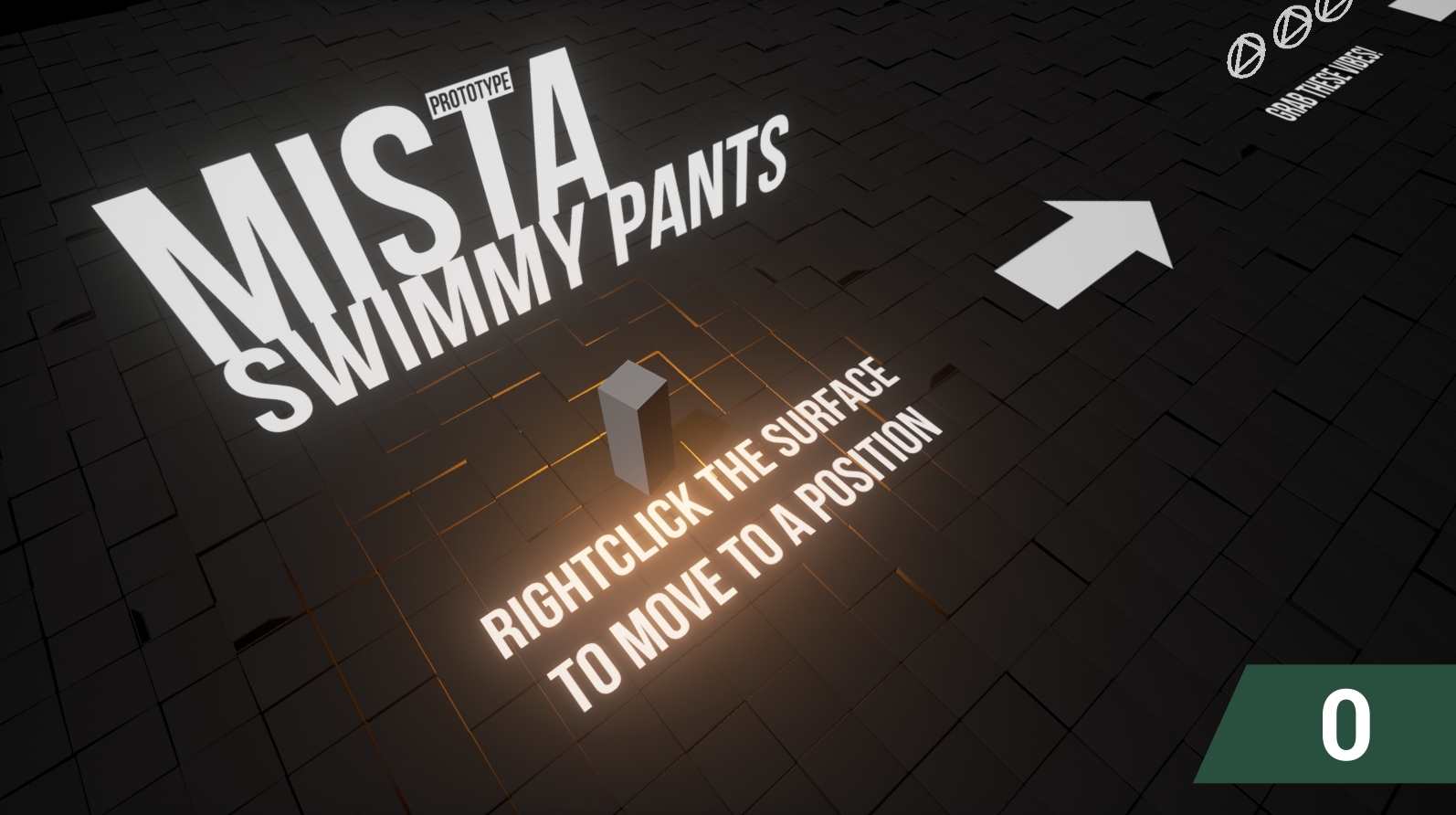 Update on the visuals: Movement update: (dot visualises where the player clicked, then fades away Updated pickups: Vibes + Torches PS: I have no idea why the torches fall through the ground, if any of you have an idea, I'll be happy to hear so! S.
 -
Re: Rowinish's Dota 2 Workshop
-
Re: [Riot Art Contest] - Rise of the Thorns [Zyra]
 Reply by wuzidan · · Home› Contests & Challenges Archives› Riot Art Contest› Riot Art Contest - IllustrationGreat process so far! Love all your steps and resources (using yourself in cosplay as a model is awesome!) I would pay attention to the size of her face. Usually when rendering people tend to shrink the features a bit. PS Teemo must die
 -
Re: Retro Revival Geno-Need advice-1st Timer
 Dont be in too much of a rush for 3ds http://boards.polycount.net/showflat.php...;gonew=1#UNREAD XSI is a brilliant tool and no ugly watermark admittedly there will be quite a bit of learning but tis free for game modeling just no render (ps im on about xsi mod tool 6)
 -
Re: Sketchbook: TomYi

 This time, i began with some 3Ds in photoshop. It's good to have them for instant structure + perspective. This one's actually modified from the next one Building crappy spacecraft using PS 3D is fun Only the the beam in the middle is made from 3D cliche one
 -
Re: zapplink blurs textures
It's because it's reprojecting the texture (at least I think so, I had the same problem). Brute force solution that worked for me: Do a projection, paint in PS, save out texture after done, rince and repeat. After all projections are finished, stitch in photoshop. -
Re: SOLVED: Bought the quixel suite 3 months ago , still does not work.
 I've been unable to use the any builds of QS for quite some time, it doesn't seem to like to run under the last three or two builds of PS. No matter what I try. So you're not alone. It's disappointing, I was really enjoying it while it worked.
 -
Re: Xnormal, Normals and photoshop!
 Hehe, nah I meant the Xnormal filters in PS (or, I guess, the other tools in Xn that aren't for baking from high to low) but you're right, I think CB is more popular for this...and you exaplin everything much better...but I'm still better looking.
 -
Re: Zbrush Render Bug
 [ QUOTE ] PS. How do you frame your current work area? [/ QUOTE ] Alt + Left Mouse on the canvas, and the camera will focus on the visible meshes. If you mean you want the camera to rotate around the area you're working on, you activate the Local button.
 -
Re: My art topic
 Not trying to be rude or anything but you should reallly look into getting a better image host, having to click out of a pop up every time I click a thumbnail here is kind of annoying. Speaking of which....*goes to download Opera* PS: Your work is great.

>9714 results