Search
-
What is wrong with my UVs? Or is it the baking process?

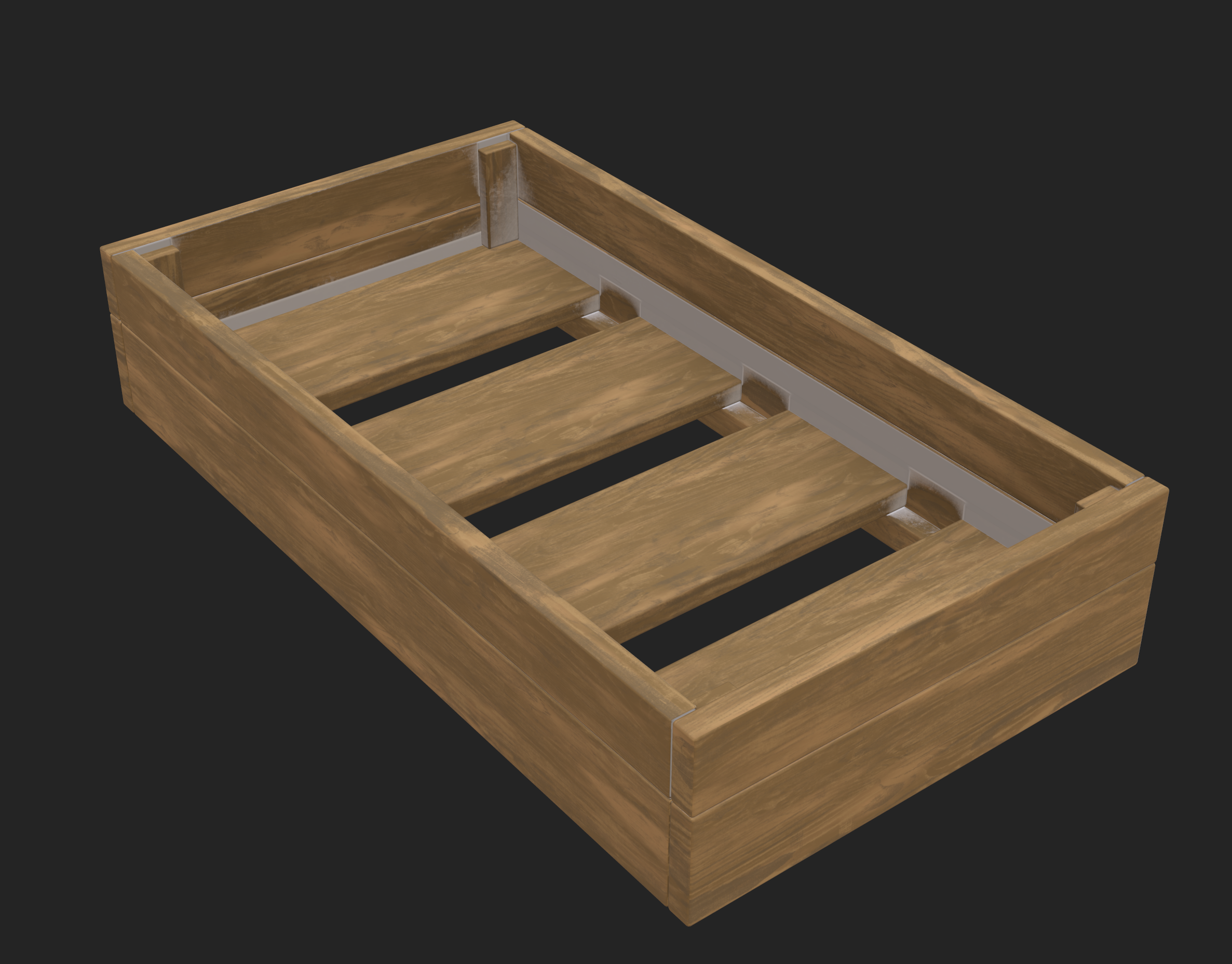 Hi folks! I modeled this crate for modeling/texturing practice and when I imported into Substance and textured, I noticed the UVs were strange on the back bottom plank and the side. The other sides are okay. I transferred UVs on some of these but not all, however, I deleted history and did everything correctly in that…
 -
ZBrush 2020 show/hide menus - gone?

 Seems like the toggle button for the menu bar has vanished from the ZB UI with version 2020 - the one highlighted in orange below: Image is taken from the offical docs over at Pixologic so it's apparently outdated info on their site. I skipped a whole bunch of versions but from what I can find on the web it looks like this…
 -
Re: 101 Photoshop tips in 5 minutes
 transcript : Time: 00:00.00 #1: Wanna copy a layer? I say jump it: Ctrl+J. You a Mac user? Awesome. #2: When I say Ctrl, press Cmd, the one with an apple on it. #3: For a new layer, press Ctrl+Shift+N (Cmd-Shift-N on the Mac). #4: To delete a layer, get the move tool and press Delete (or Control-Delete). #5: Every letter…
 -
Re: Early-Late 2000s CGI/Game Models

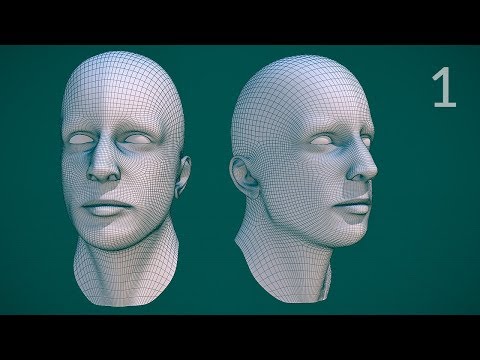 Johnathan Williams still has some public videos of his edge modeling and facial topology series from the late 2000's and early 2010's. This is fairly representative of how things were typically done prior to digital sculpting. At least for those using open source tools from the period. Tool sets do vary but a lot of the…
 -
soooo PC it's been about 6 years...
 Since I've found PC and made the decision of leaving my home town, joining the military and learning game art on the side. It was the best decision I've made in my life and It's been a wild ride but i would of never made it without the support of this Web site. I'm about done with my military stint and I'm wondering I have…
 -
Re: Essen AE-0006+ Assualt Rifle
 Well, It's looking good. There is definitely room for improvement in the mesh and uv area. For starters.. 1) I would mirror the uvs for the whole gun. If you don't want to mirror in the mirror, you could map top, left side and bottom. and just mirror the left side to the other side, this way you won't have the obvious…
 -
Re: How to make good lowpoly UV?
You can also use the ordinary transformations that you would use in the 3D viewport. So to align some verts along the U or V axis, just type 'sx0<Enter>' or 'sy0<Enter>'. Then you can continue to move the verts wherever you want them. You can also use proportional editing, sculpting tools, and all the rest of your ordinary… -
Re: [Portfolio] Joshua Lennen
 I think I may have found a new home. The honesty and quality of crit here is so refreshing. If I find time for DWIV this year, I will surely setup camp at Polycount! There is a little background here as to why everything sucked until you guys and gals put in your two cents. The site was originally set up for an art show I…
 -
Job Filled - Looking for experienced 3D animator - Job Filled
![TorQue[MoD]](https://us.v-cdn.net/5021068/uploads/userpics/978/n9Y8GE4KMHMJB.jpg)
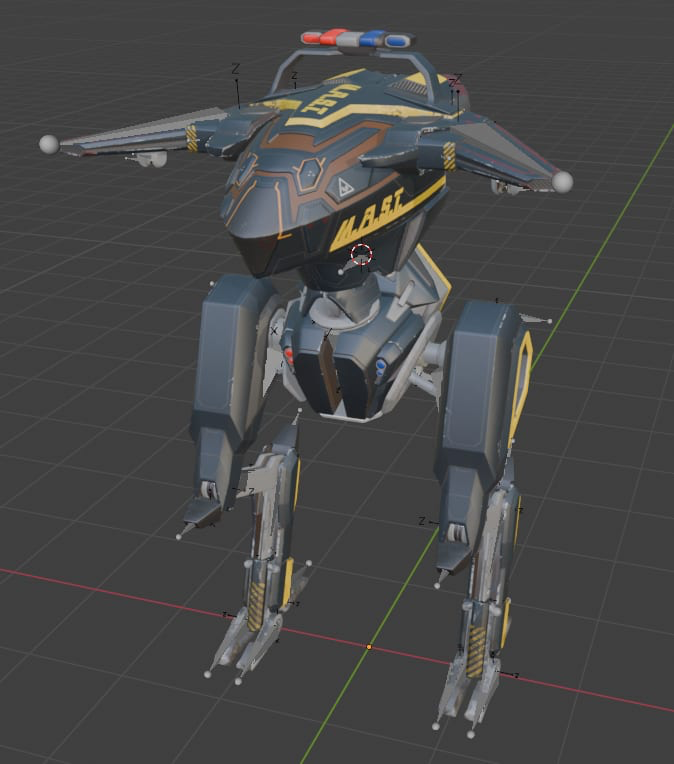 Thank you everyone for your interest. The gig has been filled. ------------------------------------------------------------------------------------ I’ve been working on a spiritual successor to Future Cop LAPD for a few years now, but I’ve been having a difficult time finding an animator for the occasional job animating…
 -
Re: Bigley: Low Poly Thread
 Oniram - Idk what to tell you sir. It is I did an open chamfer to create an 8 sided hole, shift dragged in, and with edge constraints on I moved the horizontal and vertical vertices around the hole out a bit to match the circular shape of the hole. You should watch Grant Warrick's series of hard surface videos. He does a…
>51318 results