Search
-
Re: misc. maxscript UV scripts/tools
 I used your renderUV script and mixed with one of mine. Now the script count black pixel on the uv map, and drop a percentage of "wast uv space" depending on the wanted size of the map. result just below my code is perhaps not very optimised, but its working well on editpoly object just select an editObj and run the script…
 -
Offsetting subtools to tile in zbrush isn't working properly
 This might be a lot easier to understand if you could see the video tutorial I'm following, but it's a paid one so bare with my description alongside my texture screens. I used Nanomesh to lay out my leaves, sticks, and rocks. Then I went in manually to adjust any inter-lapping. So, onto the tiling portion. In said video…
 -
Re: Crytiff Normal map error
 Did you set the swizzle to Y- instead of Y+ ?
 -
Re: UE5.6 stylized portal shader help — Ratchet & Clank inspired
 Thanks, that makes sense! I’ll look into the parallax/cubemap approach for the inner portal. If it’s easier to explain with screenshots or a quick back-and-forth, would you be okay with adding me on Discord? I think it would be easier for me to show my current material graph and understand the steps that way. My Discord…
 -
Sketchbook: aumramaram
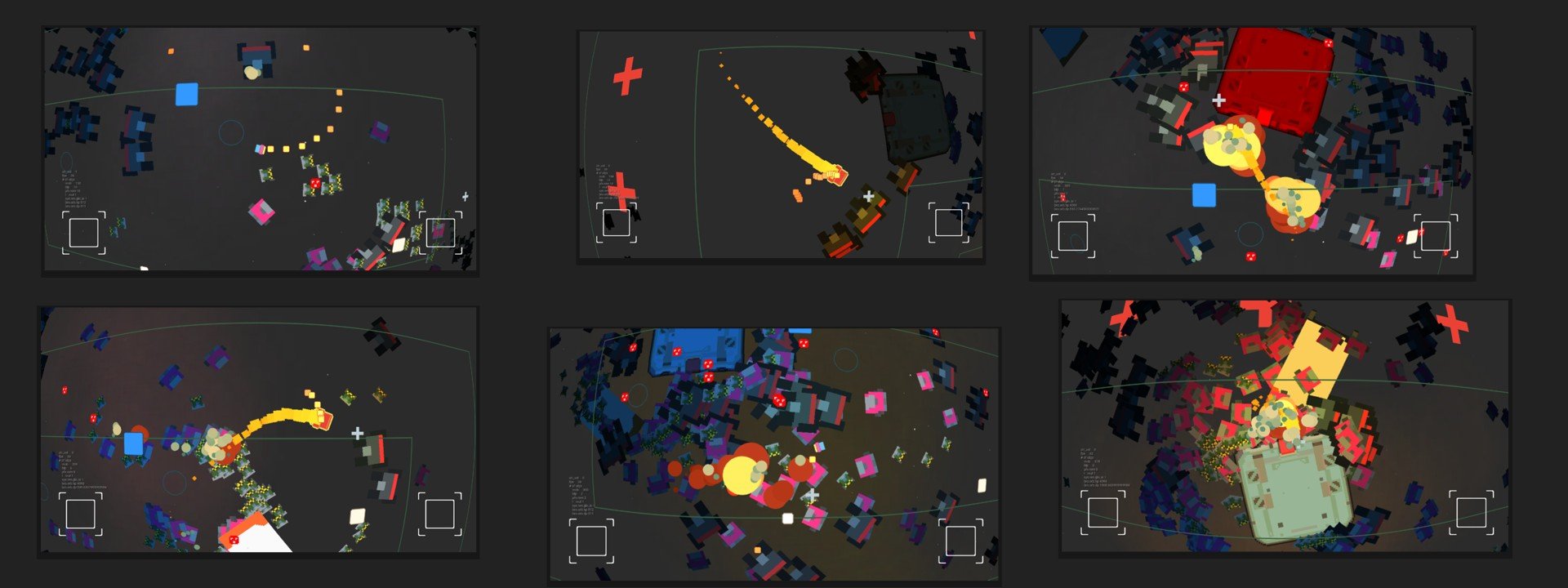 Hello new and old, I'm Per. If you have a gamepad you can play some web-games/stuff while I put together an art dump: https://aumramaram.itch.io/ If you want to chat with someone unpleasant and rude I'm interested in all disciplines of indie game development. I hope I don't have to unlock any abilities in order to post…
 -
Re: Problematic baking of hard edges (how to do it without adding supporting loops?)
 Yes, before conversion of course. The only matter is to set right axis order , Y or Z up etc and directions. Xnormal , SD,Mari etc assume it differently For Cycles in Blender 2.7 and Xnormal I set +X +Z -Y for example. SD seems does it just same way as any Y up kind of soft. In fact for such a simple geometry OP sowed you…
 -
Re: Tile a specific portion of a texture in Unreal material editor
 You don't necessarily need a mask, just use "fmod" on your texture coordinates, with the correct value for the y tile. for example- fmod(UV, float2(1.0,0.5)); This will repeat your texture on Y depending on the limit you feed it - with the above pseudo code it'll repeat from 0 to 0.5, and then repeat that section…
 -
Re: Animating fading out objects for game engines
 That looks like Unity! Here are some options: EDIT - It was material.color.a material.color.a (or similar) can be scripted. Attach a script to the emitter or something, and fade it. So: instantiate (Z prefab, which is a plane - NOT the Unity plane with 200 tris - with texture and shader with transparency)…
 -
Re: more xnormal woes!
 Some things: 1. Avoid to use the 3ds2max OBJ exporter. It does not export well the vertex normals. If you are forced to use it sure you enable the "smooth normals" xNormal option n case you have problems. If you use ZBrush or Silo sure you set the correct options to export the model in standard OpenGL/Maya/XSI right-handed…
 -
Re: UDK Yet Another Scifi Corridor (with glowy bits)
 That could be it, I don't have a lot of experience with UED so I'm probably not the most helpful. This is 1 brush right now, right? How does it look if you make the brush 1 half, and then use a second (mirrored) brush for the other half? Not be a perfect solution, but might work. On the environment itself: -the floor tiles…
>147183 results