Search
-
Sculpting merged meshes in ZBrush

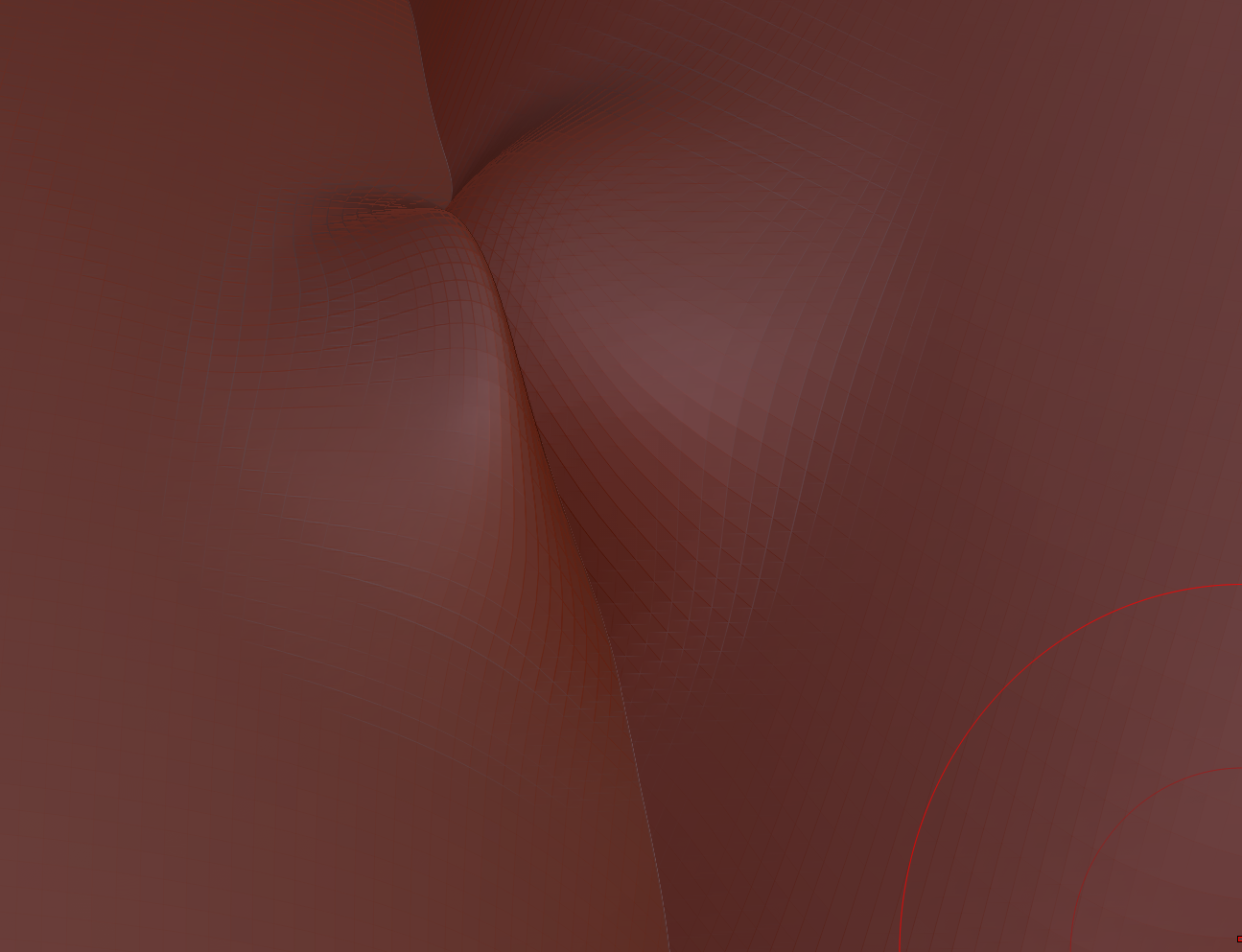 im new to ZBrush and i am trying to sculpt two merged meshes, however when i attempt a smooth/Sculpt the edges do not blend together. how can i fix this? thanks in advance! sorry if i posted this in the wrong place im new to polycount.
 -
Texture baking in Modo?
Anybody know the correct blend modes, and render settings to bake a couple of painted bump maps into a single normal map? Also I've noticed that you can't bake out a bump map from, is this a known bug? I couldn't find any official word on the Luxology website. -
Gnome

 Gnome - (Tris 9.767) (Textures 4096x4096) Axe - (Tris 556) (Textures 4096x2048) Formats: .blend, .obj, .FBX, .glb Based on art of J.B. Monge Get this model: https://www.cgtrader.com/3d-models/character/man/gnome-b5ae70b5-f0b4-4de4-8e18-7a1a657ebb2f model
 -
Re: UV optimisation??
@Neox Absolutely bless you!! Will go through the document once I can access my pc and post here when I've made some changes!! Thank you so much! -
Re: [Unity] Rig and animate directly in Unity 2019
-
Re: I need advice on art test!
 https://docs.unrealengine.com/en-US/Engine/UI/LevelEditor/Modes/MeshPaintMode/VertexColor/index.html You can also pretty easily find video tutorials on youtube and elsewhere, just google "UE4 vertex blending" or similar
 -
Re: [WIP] [UE4] Snow Siege
 Great work so far!! :) Yes, the broken walls looks cool! My suggestion would be to create one or two variation materials for the bricks and blend between them with vert paint to break up the repetition. Keep at it!
 -
Re: UE4 Z-up Shader w Foliage
 You shouldn't even have to mask it any more than the z-up blend. The alpha for the branches is driving the opacity, so snow shouldn't impact the opacity unless you want it to create visible lumps or something.
 -
Re: Quixel SUITE | Advanced User Tips And Tricks
 You can use NDOs map converter and convert the tangent space normal map with your bolts to a curvature map, then place it on top of your other curvature and set the blend mode to "Overlay". That should do the trick.
 -
Re: Hand Painted Textures/Models Practice
Thanks for the feedback. I decided to go do a more "classic" hand painted style to practice my colour blending. I'm currently planning out a diorama for my next piece. Definitely something with a bit of foliage.
>11468 results