Search
-
Re: Unwrap cables / hydraulic hoses

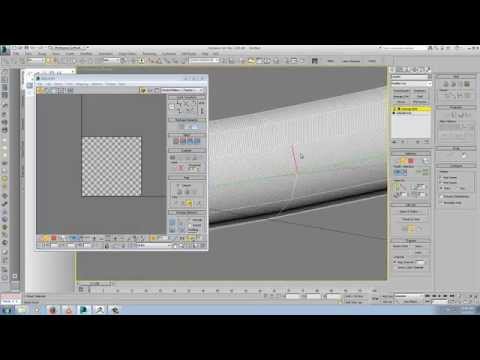 Here's one method. One of my older video tuts on the unfold strip from loop method https://www.youtube.com/watch?v=t2Ba_wTXnE8&list=PLFR9irzqqKRp-GODB3TxXup8AviBbRm7I&index=3
 -
Re: How to configure Wacom x Zbrush?
 same you can drag and drop any element of the ui, the only thing you cannot change is the order of the menus on top and how they are structured when unfold or put into one of the sidebars.
 -
Re: weish does stuff... and things
 Expert work on the handpaintz as always, Weish. Why aren't you working everywhere! Really looking forward to seeing your comicon entry unfold. Soul Eater and Hellboy is an epic mix!
 -
Re: Bake fur to a texture? (Maya)
 Can't try right now but you could try using mop's script : http://www.polycount.com/forum/showthread.php?t=55987 So you could "unfold" your geometry. Then just render it.
 -
Re: Baking groom onto geometry problem
 Man I think in oreder to bake something as precise as hair width you gonna have to have absolutelly no stretch in the UVs! Idk, perhapes unfold UVs in individual polys? It's quite risky..!
 -
Re: Maya - Straighten UV borders

 I would straighten the borders with the straight border tool and unfold only the inner part. PolyRaven does have some tools to help with this here at 16min. https://www.youtube.com/watch?v=cVTwmZStnbo
 -
Re: Need help Unwraping?

 Depends what its for entirely. But in most cases, this would be ideal. You can then cut the circular UV shells like so, and unfold them into thinner rectangles, which helps with baking/packing.
 -
Re: Going from Max to Maya, the Unwrapping Edition
 That's a cool video, thanks for that. I was wondering why Maya's unfold was so bad. But when he selects a poly from the viewport, the UV shells in the UV editor don't disappear. Where's that setting?
 -
Re: How i'm supposed to UV Map this mesh?
 Each extremity would probably be a separate tube-like rectangle and the body I would just split across one side so it kind of unfolds looking like a butterfly...if that makes sense.
 -
Re: Problem UVing extruded object in 3DS MAX
 You can use unfold from loop or spline mapping in unwrap but for next time you could just make it easier for yourself and start with a renderable spline with Generate Mapping Coords checked.
968 results