Search
-
[PAID] [REMOTE] Technical Animator | R16 Interactive / Tale's Edge (Unreal Engine 5)

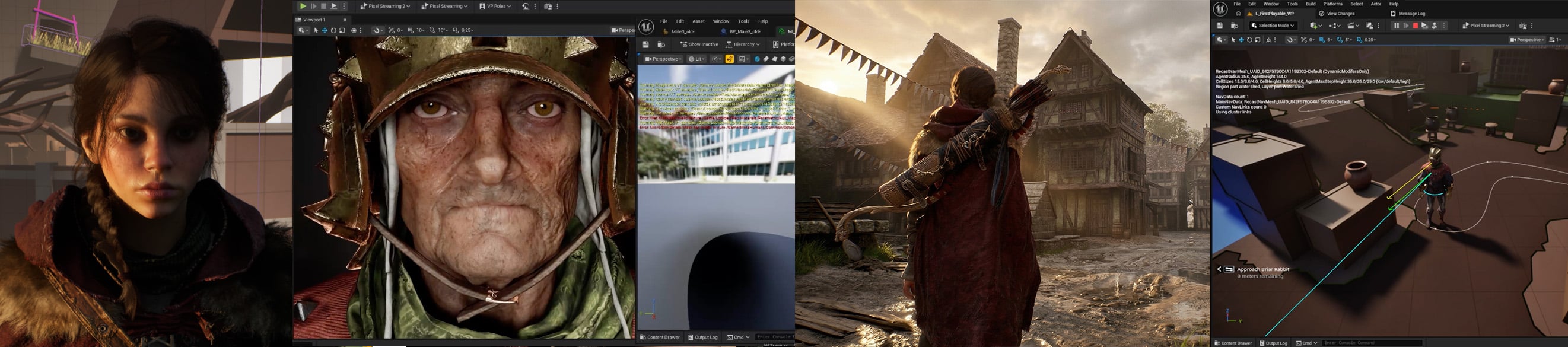 Studio: R16 Interactive Project: Tale's Edge Role: Technical Animator Type: Contract (hourly or day rate) with opportunity for full-time if deemed a good fit for both sides Location: Fully remote, global applicants accepted Rate: Competitive based on experience, engine understanding and location. Please share your…
 -
Re: 3DSMax viewport alpha sorting
 Have you tried the different transparency viewport modes (Best/Simple/None)
 -
Re: Low Poly Tavern assets. (critiques please)

 @Fabi_G Thanks a lot! I'm not really sure about the normal map. Substance plugin auto sets the maps up and did it with bump node which I felt wasn't working properly so I plugged the normal map file into an ainormalmap node and set it up like this: And Uvs: I did much of them as UDIMS so I could have larger islands and…
 -
Re: Every Game Studio Thats Opened Since 2006.
 Haha amazing! What's the cheat code for robots big head mode? :) :thumbup:
 -
Re: Your favorite portfolio?
 ~ Kids, take note on how almost none of these have elaborate splash pages ^___^
 -
Re: kong gets longer.. and jackson foots the bill
 As noted above, a nude Naomi Watts would make for a long Kong dong.
 -
Re: POM with shadows?
Looks like your mesh is black because you're not supplying the POM node with a light vector input, If you load up the Epic POM content example map, and take a look at the shadow example, you can see how the light vector input works. They use a custom light BP which updates a material parameter collection, which in turn… -
Re: Perspective Extrusion

 In Maya, you can start an extrusion, use the move tool to position at your vanishing point, and scale tool to pinch the selection together to fake the perspective. Using the Extrude nodes Offset attribute, you can adjust the size of the final points to tweak it as needed. This is for a single object with multiple holes…
 -
Re: Modular objects & Texturing
 Vertex paint is one option- using a world position offset is another. Basically, you are applying another 'detail' texture on top of your standard texture, and piping a WorldPosition node into its UV node to scroll it. http://www.chrisalbeluhn.com/UDK_Asset_Position_Offsets_Texturet_Tutorial.html (watch the gif at the end…
 -
Re: Exporting Pivots from Maya to UDK
 global proc stupidMayaGlobals(){//Getting Selectionstring $sel[] = `ls -sl`;//Declaring outside loop so I can access it laterstring $objects[];//Cycle through selection for ($object in $sel){ //Get shape node of current string $shapes[] = `listRelatives -shapes -path $object`; //Get parents of shape node $objects =…
>37268 results