Search
-
Re: Crysis 2 Hallway - UE4 (PBR)
 I can't seem to find the blend node instance in SD5? Any idea if they renamed it or am I just blind. I'm not talking about the greyscale blend node but the one that was in SD4 :) Thanx in advance
 -
[Maya LT 2016] Layered Textures?
 Hey all, I'm to blend two textures in Maya LT, for example, a brick texture and a dirt map texture. In full Maya I would use a Layered Texture node in hypershade but that node isn't present in Maya LT 2016. Any help?
 -
Re: Help requested, bark material in Unreal 4
 You don't need the local aligned texture nodes either - just plug the textures into the material node. Then scale the mesh UVs in your 3d app. Doesn't matter if they extend outside the 0-1 area
 -
Re: texture blending in Maya using vertex color
 If it doesn't need to be real time, mental ray has a node that can make use of vertex color data. For the 2 UV sets I think you can use uv linking to the texture2d node.
 -
Re: Car Paint - Pro for VR?
 I'd suggest you get a node-based shader editor like Shader Forge or Amplify Shader Editor. You'll need a shader that performs really well, so only add the nodes you need.
 -
Re: Substance Painter Baking Issue

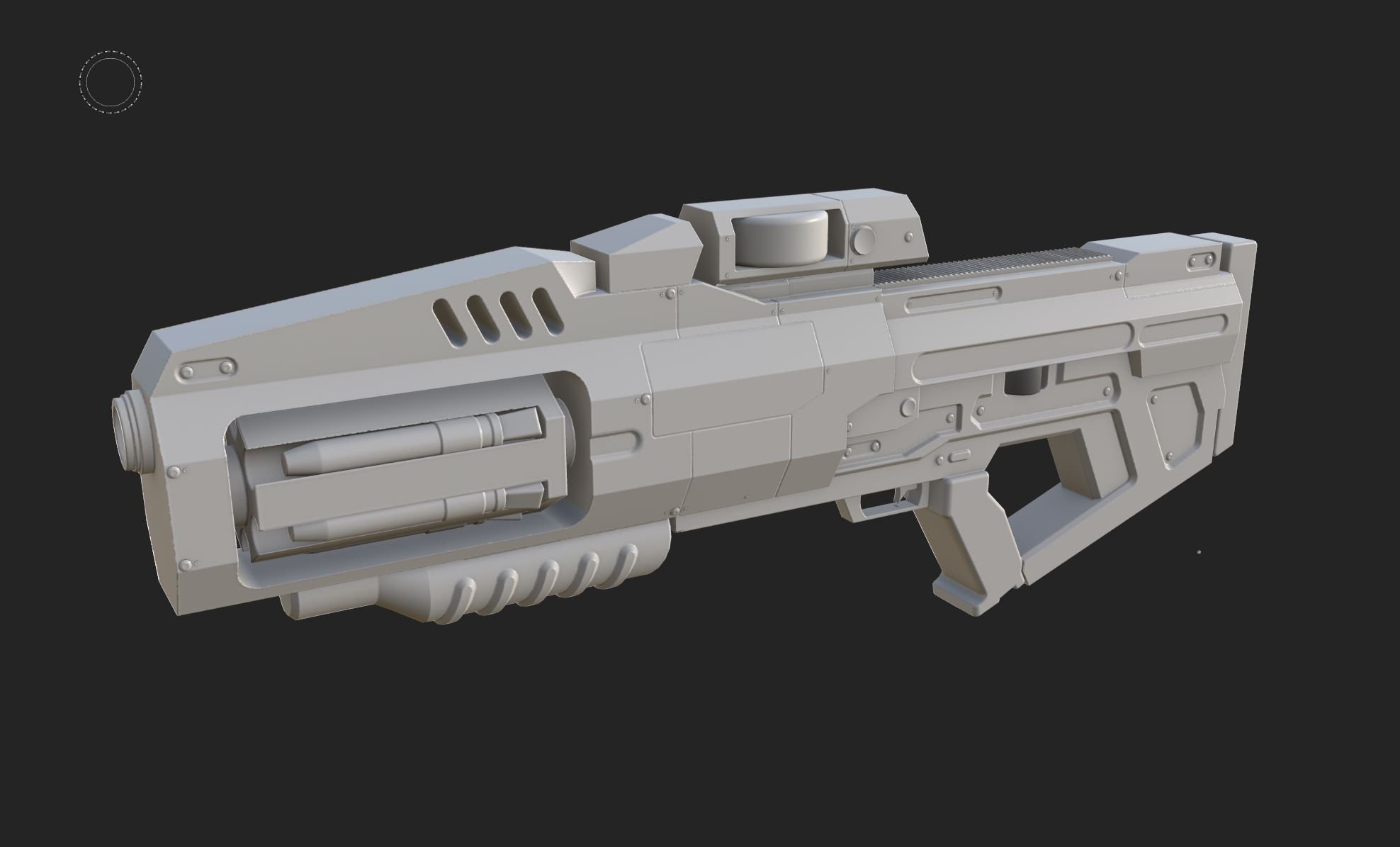 Hi! Opening the Painter project, what I see is different than what you shared in your initial post, so I suppose the original post is outdated? Since I don't have a Max license, I can't check the highpoly or rebake. Exported the lowpoly from Painter, some notes looking at the low poly mesh: - there are hard edges without…
 -
loop (repeating) operations in SD?
Filter forge has a cool Loop node that allows to make a "Slope blur" doing it not only 32 layers/samples/iterations max but whatever you want with just one node , not a stairs you have to make manually? Do somebody know a way to recreate this ? -
Re: Unreal 5 - Why is my grass brighter than the landscape?
Use your buffer visualization mode to check specular/roughness differences, check it under different lighting conditions (ie: when the sun is behind the grass, does it get darker than the landscape?). This is sort of to be expected, though; grass cards are generally perpendicular to the landscape so they will receive light… -
Anyone using DDO with Octane
 Has anyone build a robust node tree for Octane that will correctly set-up textures generated by DDO? I've messed with different export options, and colorcorrect nodes etc, but just can't get the output to look anything like as good as 3DO does. Help anyone?
 -
Re: How would I create a color vector map for this tile pattern?

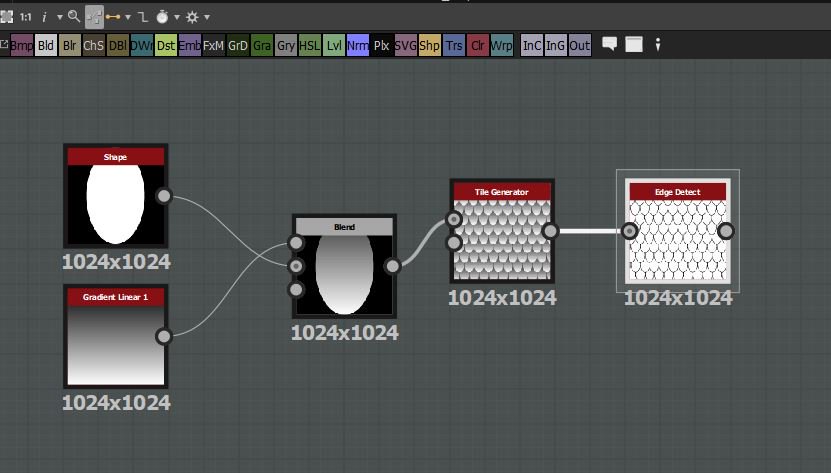 if you use an 'edge detect' node after the tile generator you'll get a result you can use to drive a flood fill node - like this: from my twitter: https://twitter.com/sprunghunt/status/1061079820832919552
>37262 results