Search
-
Re: Modular Game Environment. Is it better to have more or less?

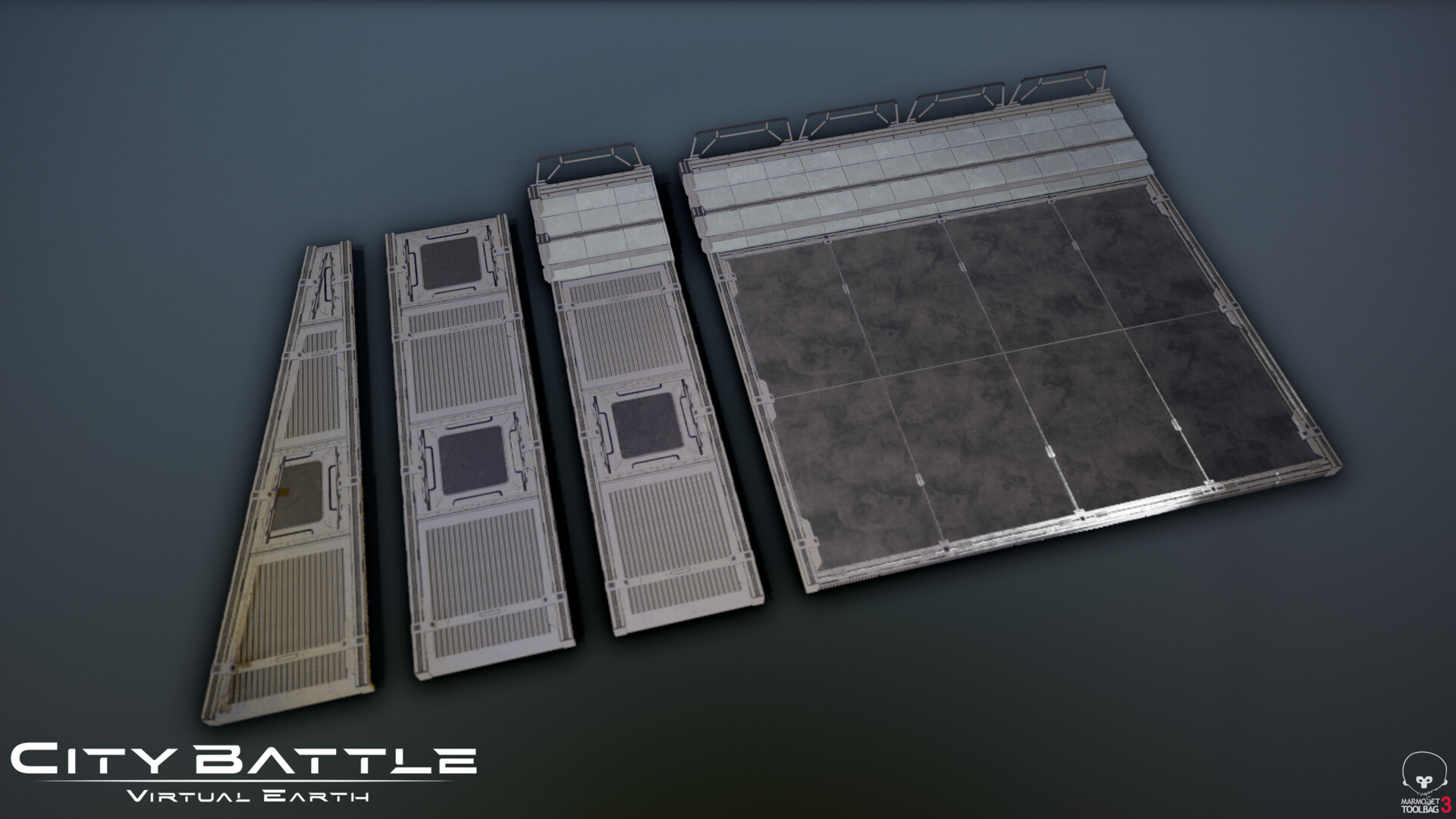 This is going to sound vague and unhelpful but you should use as many pieces as you need and not a single one more. The bare minimum you need to make the room/level/building. I don't know what you're trying to model so it's hard to say exactly what you should do. A really helpful thing that will make it click is if you…
 -
Re: DeLorean time machine WIP
 Nice! I should add to my previous post: If you've made a wire, and you want to resize it, instead of needing to recreate a larger cylinder in order to extrude it along a curve, you can just highlight all the vertices of the wire, and use Transform Component. This will allow you to push all the verts on their Y axis,…
 -
Re: Pixelhammer: A Star Soldier Saga

 update! dodge rolling in Z axis "up" and "down" (the timing still needs some adjustments to be equal both ways)
 -
Re: mini riddle
 huevaditas Well let's agree to disagree, anyway for the sake of clarity your OP was an obvious give away...a cube modified shape when viewed from differing ortho axis, that remains unaltered in the viewport?! Hence a boolean option someone had shared on that thread, though I'll admit various other methods will indeed…
 -
Re: What is the best way of rigging this mechanical object?
I use C4D and Unity but the basic principles are the same. Separate the pieces and make sure their axis are facing the same direction and are snapped to their proper rotation points. I find it easier to apply the joints when the pieces/parts are in line and not bent in place. -
Re: What is wrong with my normal map?

 Okay, I did this and the UVs look fine now. No blank space and the plane lines up with the normal map perfectly... And it still did basically the exact same thing lol. I added another fan-pattern down the y-axis to fill the empty space. It just ends up looking like this, and I don't really understand? I can keep moving it…
 -
Re: Question about UV stretching and general workflows
 So I tried your suggestions and here is result. Ive ended up using better topology and straightening UV island only on vertical axis. Thank you both very much!
 -
Re: How to split the UV of a complex mechanical or character 3D model?

 For mechanical bust: If you have a beast of a PC and do not think you need to learn proper uv layouts since you will probably apply for texture artist / ?general 3D artist positions? You could do the quick lazy method of just clicking unwrap all <- for the low poly version and letting zbrush do all the work for you then…
 -
Re: The Bi-Monthly ENVIRONMENT ART Challenge | November - December (69)

 @samA That is looking really nice and detailed already, good work. Regarding the join of the thruster to the main body, it seems to me what you have there looks like it will be a weld, which feels too flimsy to me without a supporting brace of some kind to take the upward forces on the shaft that the thruster would…
 -
Re: Ue4 - Terrain Mesh Normal Blending with Virtual Textures Guide!
 No... create a master material as found in this tutorial video and you'll be golden: https://www.youtube.com/watch?v=_u-HdkJ3woE You can get results similar to that found from the OP but without having to switch Distance Fields on. TBH, if you're working on a large open world, then you'll probably have DF's on to help…
>5462 results