Search
-
Re: Texture Baking Multiple meshes to 1 Low poly! (Zbrush XNormal) Help!
 That tutorial is outdated, made before xnormal could read polypaint data. It's easier now. 1. With polypaint turned on, export your two highpoly meshes as OBJs. Zbrush will save the polypaint data into the OBJ. 2. Load them both up in xnormal in the highpoly slots. Be sure to uncheck "Ignore-per-vertex-color" 3. Load your…
 -
Re: help : bake texture from zbrush to retopology
An alternative: Export your highpoly mesh along with it's polypaint (as long as polypaint is turned on, then it should be included with the resulting OBJ). Decimation Master is optional but may be beneficial if it is a large file; if you do use it, be sure to enable Preferences: Decimation Master: Use and Keep Polypaint.… -
Re: Adding to already made model, share some knowledge please
 its realy simple if you have zbrush: add wings or other stuff to youre model -> go to zbrush -> subdivide without smoothing enough to feel comfortable with painting qualitie -> project texture as polypaint - add polypaint -> back to 3d soft you are using -> fix/edit uv's -> back to zbrush -> project polypaint to new edited…
 -
Re: baking a diffuse map in zbursh for photoshop selection
 EDIT: Sorry didn't read that the blue sections were subtools. Probably the easiest way would be to divide the red plane pretty high. Then Project the subtools and the Polypaint onto it. ProjectAll is found at the button of the Subtool rollout. When you press it with Colorize on it will ask if you want to project the…
 -
Re: Game Character workflow question
Well yes and no. When polypainting within a sculpting program be that mudbox or zbrush; the mesh will need to be on several subdivisons to achieve a smooth effect. - So yes in that respect. However, when you bake this colour to the lower poly it bakes the colour into "vertexes" so in theory you could polypaint a plane and… -
Re: Sketchbook: Kaitlin B.

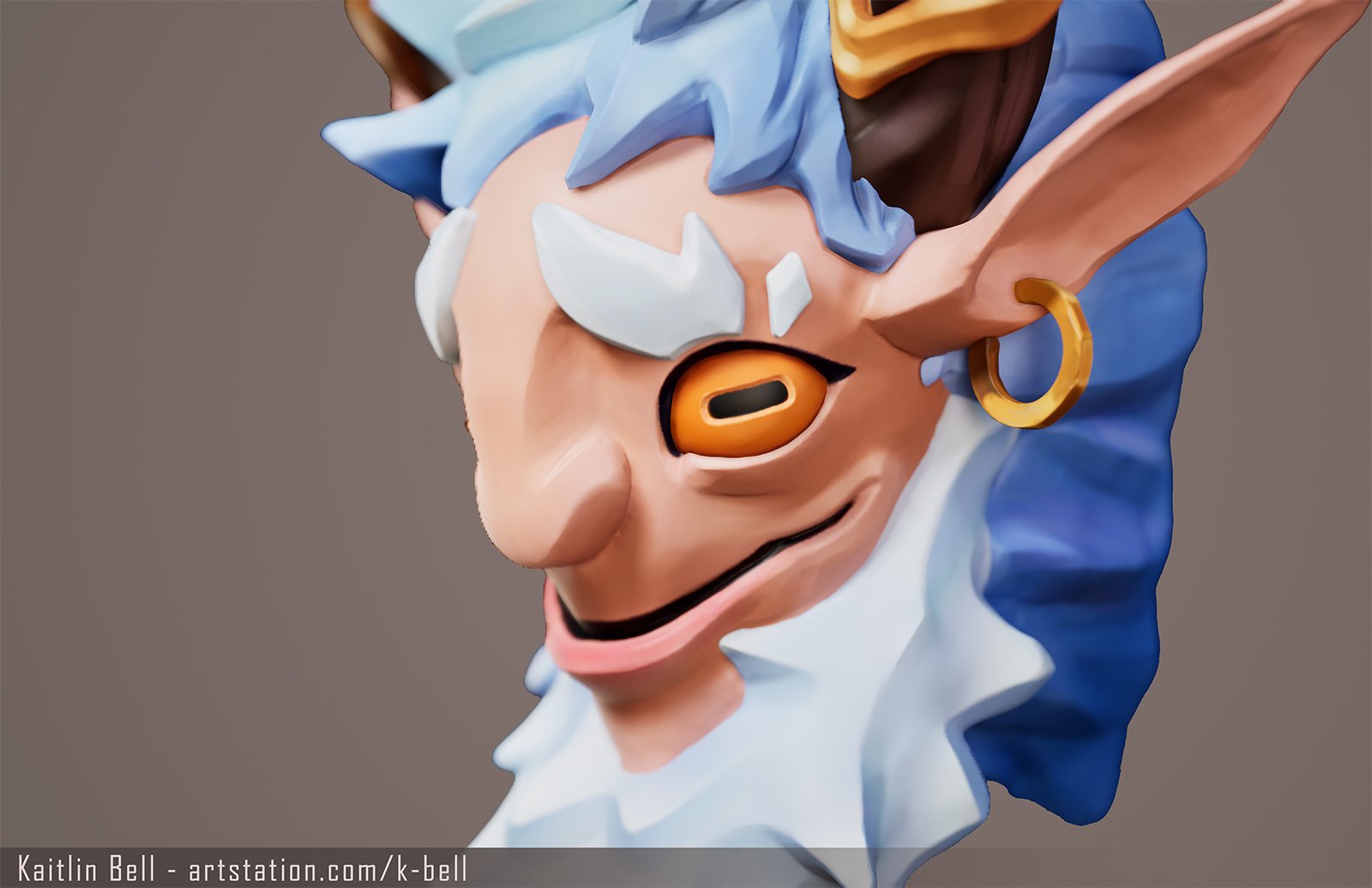 Creature bust modeled after Guillaume Normand's The Legendary Mischievous Goat. Modeled and polypainted in Zbrush, rendered in Unreal.
 -
Re: zBrush Syncing diffuse and height
I think this is just happening as the model lacks polypaint to begin with. Simply switch the current texture back to 'Texture Off', and then fill the object with white polypaint (Color: Fill Object). Note: You may want to work with RGB rather than MRGB, so that you don't apply the Red Wax material as well. You won't notice… -
Re: [WIP] Sci-fi gun need C&C and help!
 Woops! Yeah I meant polypaint (sometimes projection). If you've got the normals/UV's set up then you shouldn't have to bake the diffuse and you wouldn't need to make a high poly. Polypaint has good detail on all res models. So (in your case) you import the low res, paint it, then generate the texture from polypaint and the…
 -
Re: [ZBrush] Bake Layer Problem
 From what I understand, layers and polypaint just don't work together. Any time I try to use layers to add polypaint data everything turns to shit: either you get some weird white haloing effects while painting on a new layer, or you get black with randomly colored squares once you bake down. I'm pretty sure you're limited…
 -
Issues with xNormal baking & UVs
Hey there 3d masters! First of all: That's really a nice place to find information. Read already plenty of threads here and abroad to fix my problems and while I did find lots of useful information that could help me out a lil, I just fail to nail it. Okay, here's what I got: [LIST=!] [*]A mainly symmetrically sculpted…
>2626 results