Search
-
Re: The Bi-Monthly Environment Art Challenge | January - February (88)

 Happy new Bi-Monthly! Nice concepts and work in progresses. @MikeKhine I think the blockout captures the concept nicely. Good job transferring the lighting/atmosphere! How are you planning to texture? Will you make use of trims? Will you add cats? Looking forward to updates. @J_East96 I think so far the blockout looks…
 -
Re: How is his Substance Painter not slowing down with all the Hair Cards he has?
 Assuming you have a decent gpu and aren't working at a stupid resolutionthe speed painter runs at it almost entirely down to how complex your layer stack is. In this example the stack is simple.
 -
Re: Fantasy RPG - (Advice / Collaboration)
 Check out UE and Unity forums as well, plus their respective example game demo's that'll demonstrate most aspects involved with real-time development in both art and technical fields.
 -
Re: [WIP] My first satisfying work
 Thanks for quick responds. I agree, didn't touch the hands yet. hey Brian, thanks for the tip.I'll fix it. But also can you Show me an example for correct position of arms.
 -
Re: Maxscript - Check if object convex?
 Hey Steffen, could you show me an example of what you mean? I guess you mean the "triangulation" that happens in each poly. You want to keep it concave, right?
 -
Re: How do you save BC7 DDS textures?
 I chose the "texture type: color" not "texture type: color + alpha". glowingpotato> Here's an example of a 1024x1024 RGB BC7 DDS saved with the Intel plugin. http://kostas.se/files/bike_bc7_fine.dds
 -
Re: Marmoset Skyshop 1.07 is out! Image Based Lighting for Unity
-
Re: Hard surface robot character detailing questions
 You basically create a height map. 50% gray is flat, black pushes in, white sticks out. http://img521.imageshack.us/img521/9046/normalmapminitutrf7.jpg has a good example
 -
Re: Exporting Unreal Sketeal Mesh Socket to Max or Maya?
 You can position a helper such as a dummy there, and link it to the hand for example, and export it with the bones. You will have to include this helper into your skin by the way, so you will be able to see it as a bone in UE.
 -
Re: J.Norman's Hard Surface Journal

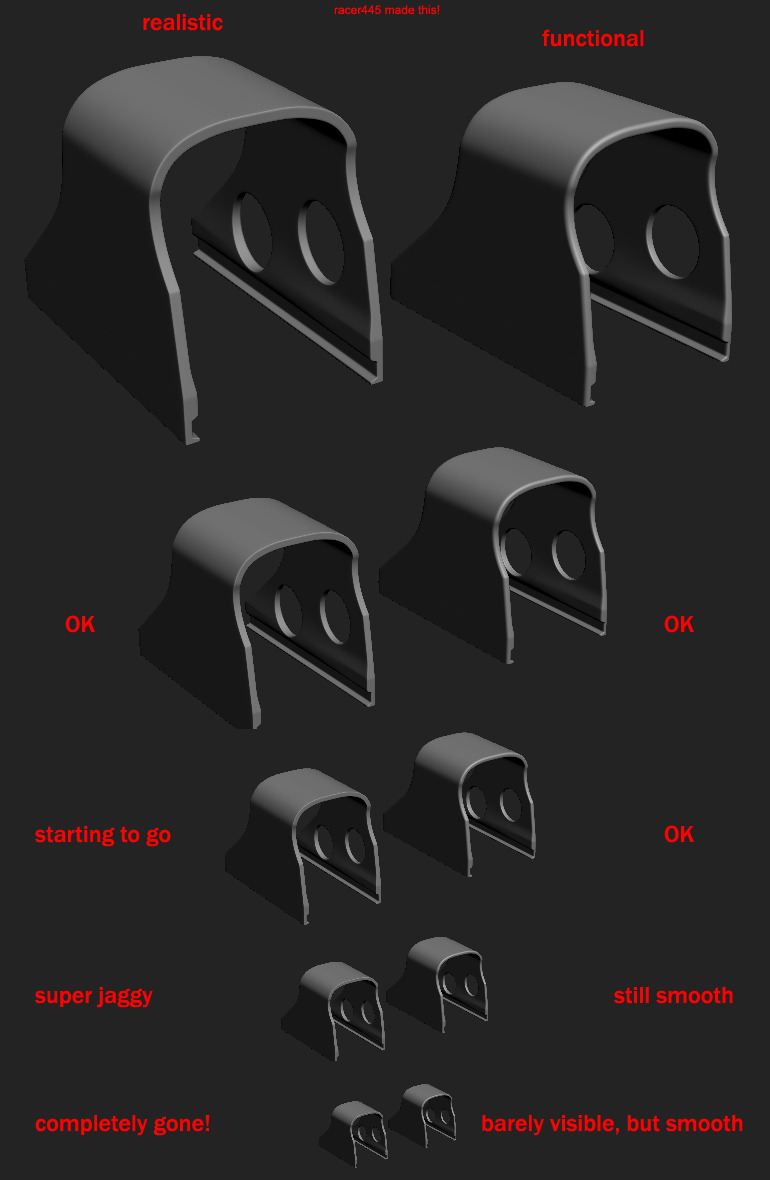 while i do not agree entirely on this one, as realistisc FPS weapons totally should look realistic in first person view foremost, i think this is still a pretty good example.

>27408 results