Search
-
Re: Milky normal maps - xnormal
 a lot of the time smooth or flat parts of your low poly model simply don't need a normal map - so you can use the background colour of your normal map (the colour that represents flat on a normal map) to colour out those areas of the map - as long as your low poly has proper smoothing groups then it should eliminate a lot…
 -
Re: i need some modeling help
 You'll have to apply a smooth to the mesh to get it smooth after the chamfer, but that's not really appropriate until the whole thing is finished. Do yourself a favor and read up on subdivision topology. You don't have to always use it on subdiv surfaces, the information goes a lot farther than that -- it is useful for…
 -
Re: Azkur's Crap
 thanks Goeddy! yeah i am working on her and i will post some screens of the hair stuff later but basically i work with them with the smooth preview on maya on and then later on actually smooth them, including uvs and edit the topo to lower it if its too high. meanwhile the Dragonball z constest is ending tomorrow so here…
 -
Re: Gir's Toolbag 3 shaders, scripts n stuff!

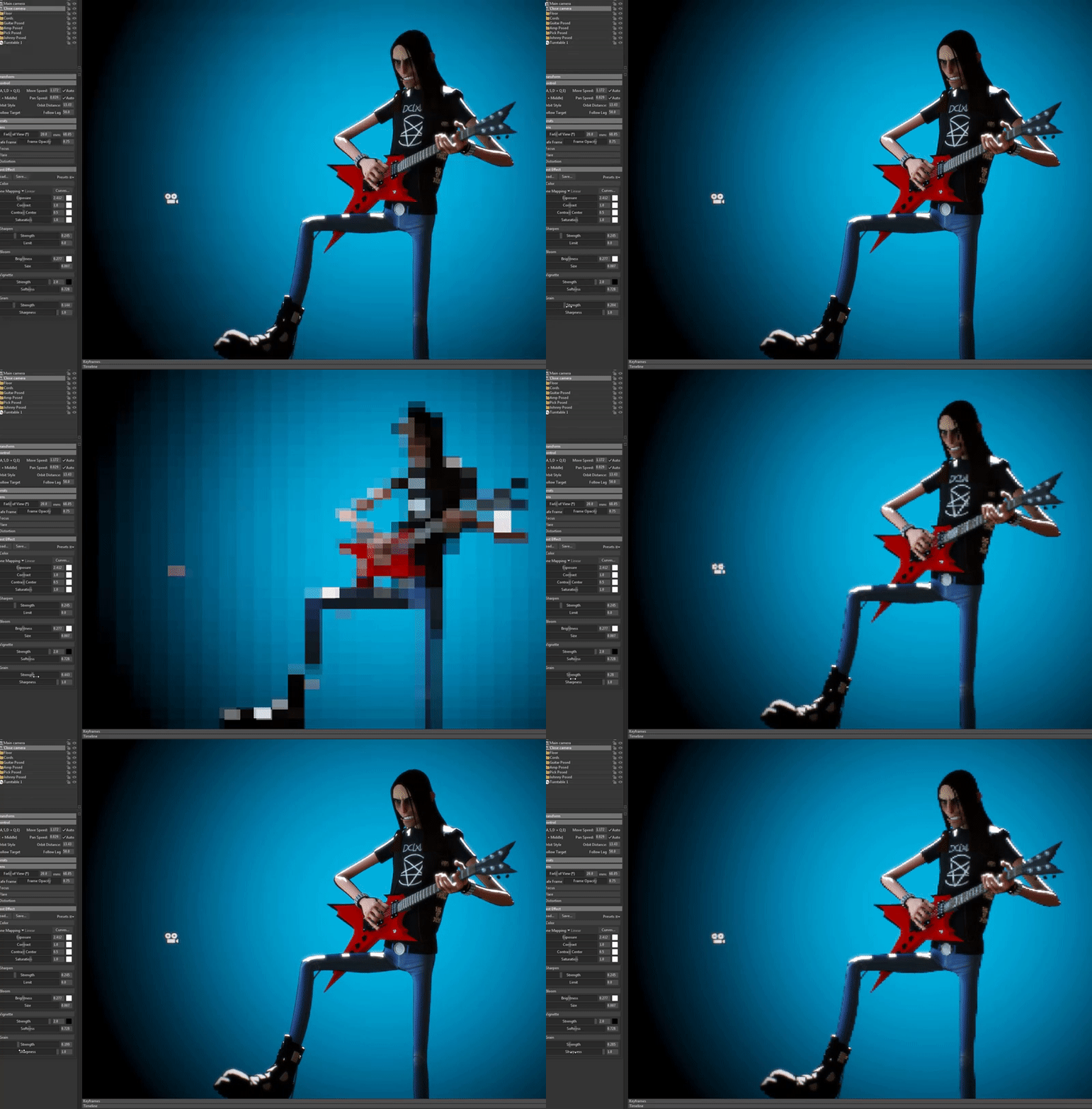 So the above prrof of concept is on a per-material basis, which would be cool, but also has the limitation that as you can see, a smooth surface like a sphere would still be smooth. Below is me hacking it as a post process (replacing film grain). If someone could convince Marmoset to add a custom post process shader…
 -
Re: TransferMap Maya
 N-gons are fine in your high poly so long as it smooths alright. What is your normals like on your low poly? Are they all smoothed + UVs sewn together? Also, I don't know what this piece is exactly, but it looks like some sort of bolt. If it is, I wouldn't even have the indent modeled in. Could just be done with your…
 -
Re: Designer generates Normal with visible UV pattern
 It's not the issue with Designer. I get this every time I export FBX in Modo. I don't know how to fix it in Maya but what I do in Modo - I open exported FBX, go to vertex maps and delete FBX normals. For some reasons every quad has a hard edge but overall smoothing is fine. so you have to fix smoothing in your file.
 -
Re: What Are You Working On? 2014 Edition
 could you show your wireframe on top? As it looks pretty normal to me, while you have faked smooth phong shading on it, creating the illusion of a highly detailled mesh. The geometry is still lowpoly, how should any light create realistic smooth shadows if what you throw at it, is a pretty edgy lowpoly model? at least the…
 -
Re: Starcraft MercHaven WIP (Status: Planing)
 This example it didn't show my problem and why this helps there. Normally if I use one smoothing group for all related polygons I got problems as soon as the object has oposite normals or some corners. With this methode also complex corners look smooth without a lot of additional vertex. The idea behind it is to create the…
 -
Re: Problem with models lighting
 But what 3d software is the model made in? If 3ds max, do a Reset Xform, Collapse, add an Edit Normals modifier and reset all the normals, collapse to Editable Poly, then re-setup your smoothing groups. Make sure the OBJ exporter is exporting the Smoothing Groups properly…
 -
Re: Deleting Joints in Maya
 The short-cut for un-parenting a selected object is Shift+P. You can also go in your outliner (window, outilner) and middle mouse button+drag the object out of the bone hierarchy. But, out of curiosity, why are you deleting the joints if you need to smooth bind your skin to them? wouldn't detaching the skin and smooth…
>15014 results