Search
-
Re: Maya's interactive creation in 3ds max
 You can right click the spinner(the little /\ and \/ thing) and it will make it go down to 0(or what ever lowest value can possibly fit) Right click the X Y Z spinners on the bottom and you can set what ever you are selecting to 0,0,0.
 -
Re: Atrium [UDK]
 Looks excellent! You just need some more color variation. Maybe some carpet or flags/banners. How did u do the tillable bricks wth the little rocks caught between them? Could u post z pic of the zbrush model?
 -
Re: almost a new year another new project. Willy Jeep WW2
 Here is a quick image of the new changed front proportions. Clearly a massive mistake on my part so sucking it up and carrying on. I'm about to start with unwrapping so I can export to Z Brush to add smaller details. Any thought before that happens?
 -
Re: Colt 1911
 How are you planning to detail it? PS or zBrush? If your answer is the latter, you would want to clean up as much tris as possible - they dont sit well with Z. I would suggest PS and crazybump. So far, so good, good luck, G
 -
Re: (3Ds Max) Mirrored Normal Map issues from ingame mesh
 It can help, but the thing is the tangent space is not only the axis orientation, but also the way they are computed on bake. That means that even if axis are the same x+y+z+ for 2 engines if their algos differ they are going to display same normal map differently. You can see it here
 -
Re: Free normal mapping program
 Here are few other free options: http://www.smart-page.net/smartnormal/ http://www.tartiflop.com/disp2norm/ Be sure to set Displacement Direction to Z http://normalmapgenerator.yolasite.com/ Not a generator, but a combiner: http://www.planetinaction.com/software/ncombiner.htm There also appears to be a normal map extension…
 -
Re: First Post! My Second School Project.
 welcome to Polycount mate! It looks cool, im not a Z-brush or Mudbox expert or even user so i couldn't tell you what to look for in terms of flaws but from a 3D perspective its really good. Opened the page and was like wowww. Keep it up!
 -
Re: Maya Position Transform
 If you want a quick transformation of a component, you can go up to the top of the Maya window just underneath the Help menu to the three X Y Z boxes. The icon adjacent to it lets you pick between absolute/relative, renaming and selecting scene objects.
 -
Re: A bit about my Workflow.
 This actually helped! I go about the concept in 2 ways, Either create a base mesh, or create a mesh from z-spheres and edit mesh I dont re-topo entirely. I will try to use this one you suggested on my next project. :)
 -
Re: FINAL Daniel Boles - Environment

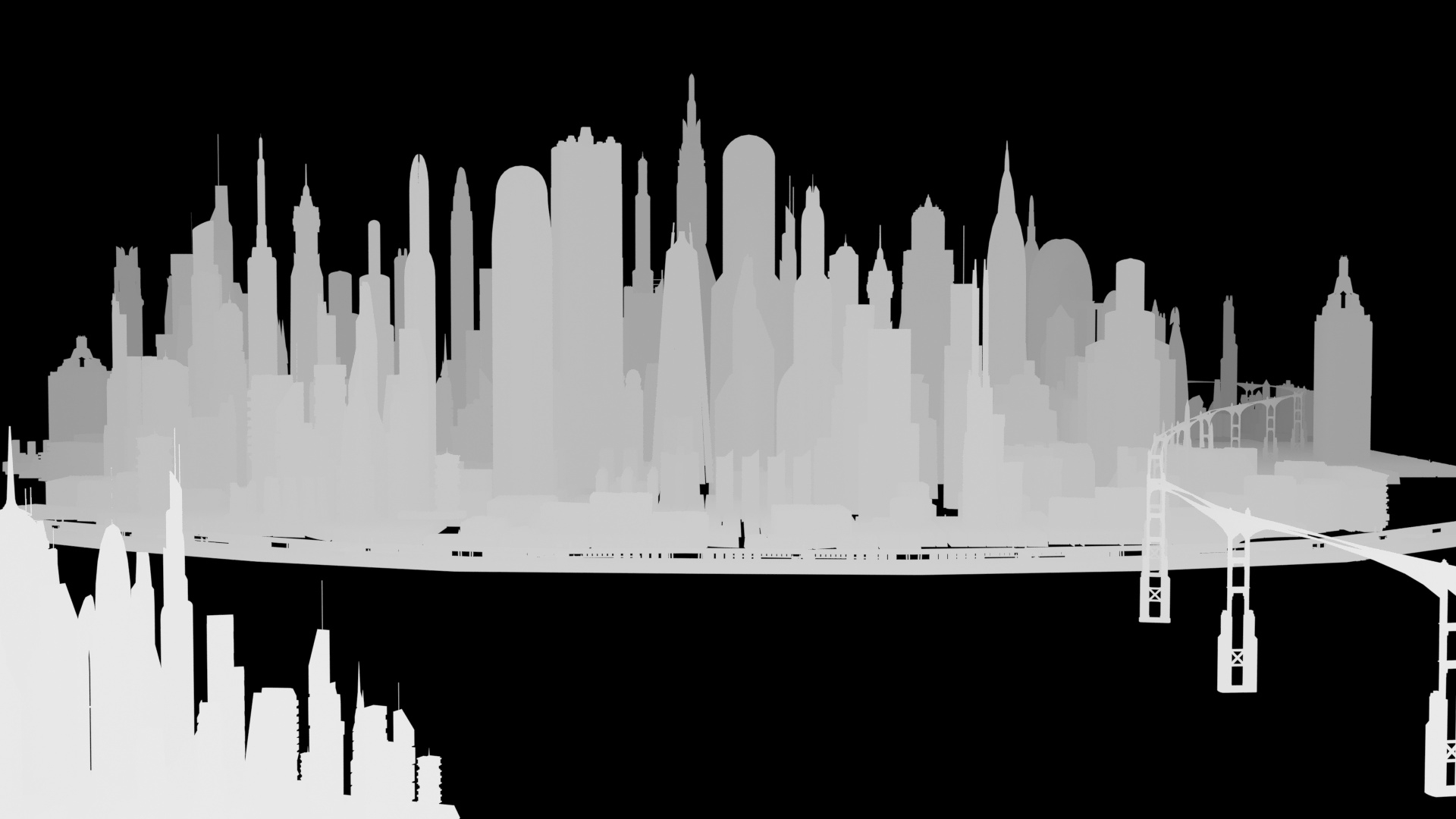 I liked what you said, Cat and Alex, so I scaled or moved the buildings around as needed to better match. Here's a Z-depth render of the city to get a little better feel for the volume of the city. (Plus I just think they look cool.)
>45490 results