Search
-
Re: My guide good 3D artz and stuff
 Always keep your animations as smooth as possible. Add as little keyframes as possible and keep the interpolations smooth. Linear movements always look like from a computer. Never use f kurves.
 -
Re: UV scramble
 If you'r working with 3ds max or maya it's because of smoothing groups you must put all your model in the same group of smoothing ctrl+A and clear all and then put them in 1 :smiley:
 -
Re: Introduction to handplane for workshop artists
-
Re: Strange Normal map artifacts generated by Mudbox.
 Does your low poly mesh have one single smoothing group? xNormal takes smoothing groups into account. That may be why your normal map is coming out faceted.
 -
Re: Xnormal: problem with baking normal map - extremely distorted maps
 Beyond the fact that retopo model and unwrap are very inefficient and troublemaking you forgot to make the shading smooth or make a set of smoothing groups matching UV seams . It's first to start from
 -
Re: Maya hard edges..cant make them soft edges
Could it be unmerged vertices or double faces or something like that? I usually check for such things by hitting 3 for a smooth preview and if it doesn't smooth as it should then that's a good indicator that something needs fixing... -
Re: Help for Beginners
 Hey Tom, welcome to the 3D world! I've never used blender before, but maybe look into smoothing edges/smoothing groups for your model? It'll make the hard edges not as prominent.
 -
Re: [WIP] 1930's apartment scene
 Feels like it needs more geo in the shape, the reflections dont go that smooth, IF its not used as a game prop maybe double the polycount jus to make it look bit more smooth?
 -
Re: My why bother i use clay instead sculpture thread that includes nudity?
You can use baby oil (preferably unscented) to thin/smooth out plasticene. I used to use it with a paintbrush to go over nearly completed pieces to get a smooth finish. -
[Finished] Kaminsky Handheld Device

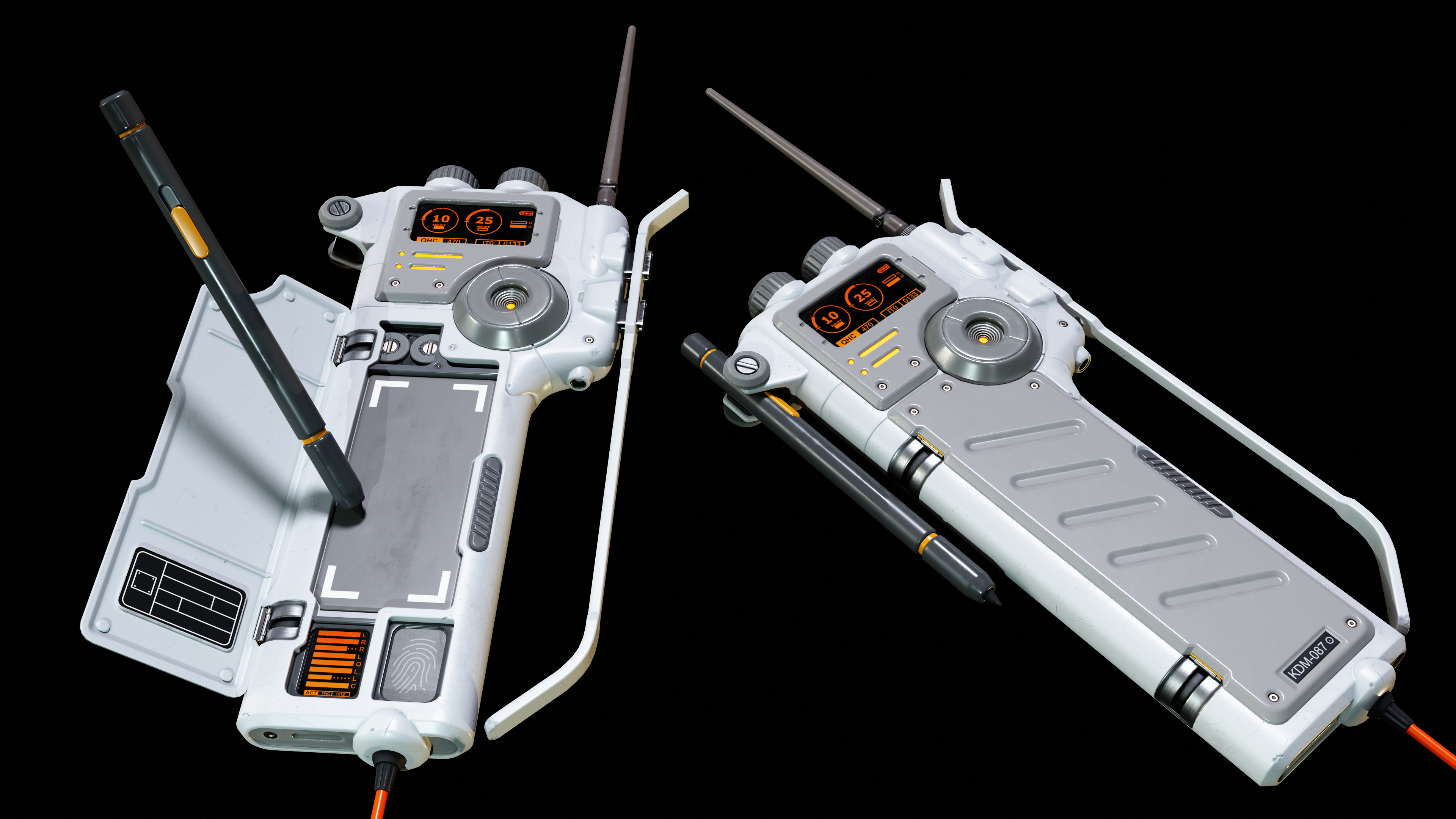 The final piece: Taking a break from some other work to make this handheld pad from Kaminsky designs, used with permission. All critiques welcome. The concept: Here's the current progress: Originally I'd worked with a subd only workflow for practice, but found that blender's remesh modifier alongside smoothing modifier did…

>15014 results