Search
-
Re: Radial painting (2D)
 corel painter 12 has a mirror mode and a kaleidoscope mode. I believe the mirror mode is what you are looking for. It also has layers like PS and you can even save your files as psd's. Mirrored portion updates in realtime and it has a ton of painting tools. I hope this helps.
 -
Re: [UE4] Lowpoly Stylized Environment

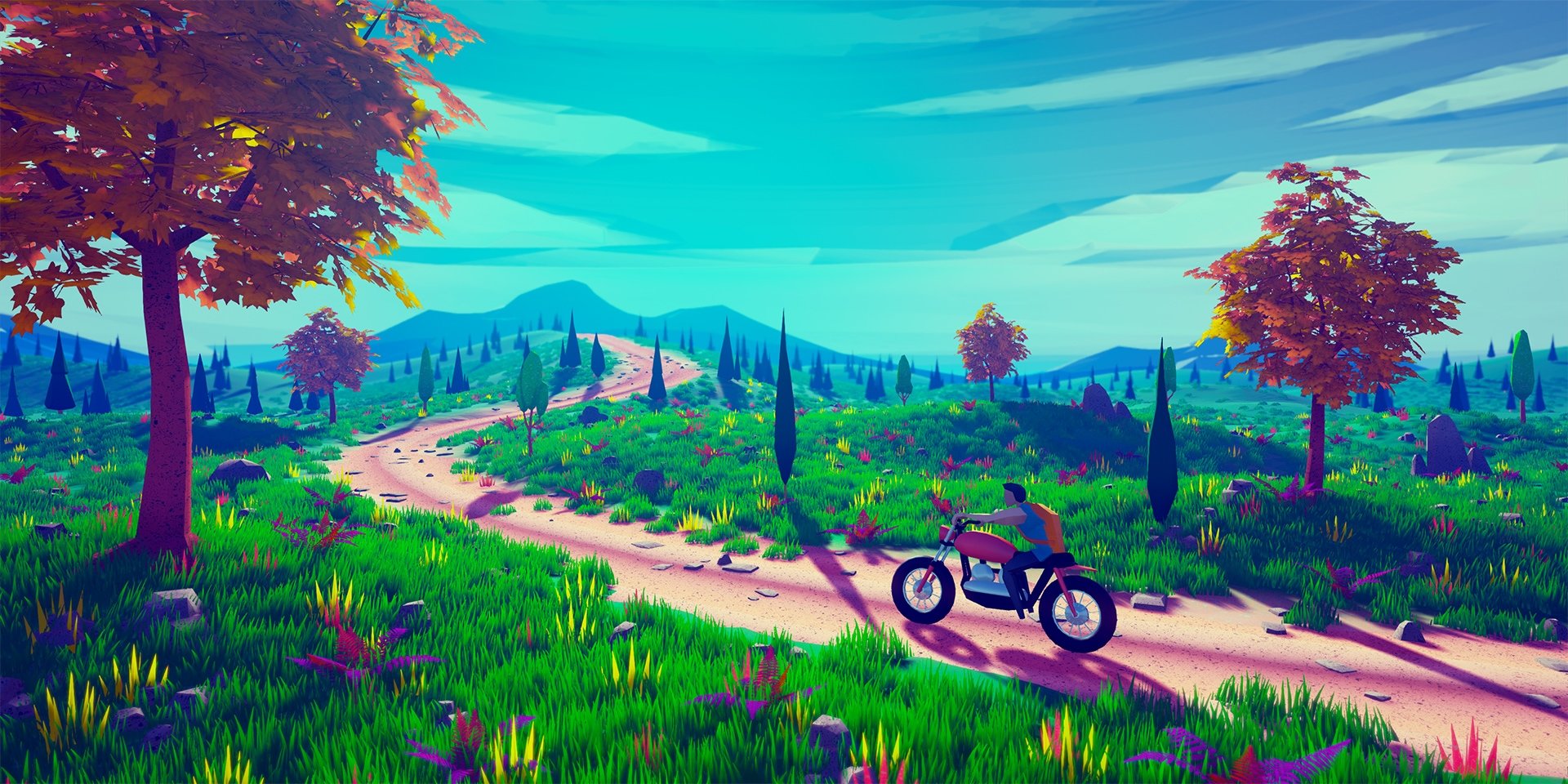 My new speed level design, builded and realtime rendered in UE4. I will publish a speed level design video of this concept soon! Check out my Youtube channel for previous level designs. Speed Level Design 1:The Aquarium Island Low Poly Stylized Environment Artstation for other screenshots
 -
Re: Snowboarder
 Good point! :) I'll make it more narrow. I like how the extrude works in the realtime so I won't get rid of that (anyway that will save me ~20 tris which is just 600 tris less a second for the engine to render). The idea to extrude it more is nice. I'll definitely try that! :) Thanks.
 -
Re: Riggin cloth banners/drapes - Maya
 yes, either animate it by hand or constrain your bones to a clothsim that's run on a higher res version of the cloth piece in question and bake down the transformations for export into your engine. in some games, this clothsim thing is handled realtime, however the results are not perfect, especially if you have bodyparts…
 -
Re: Unreal Tournament 3
 *sigh* ... i mean.. seriously, WTF epic. this game looks beautiful. this isn't realtime is it? your site's "thumbnail viewing music" is cooler than my whole being. do you have any idea how tired you make me by just thinking about how much work went into this?
 -
Re: [Postprocess] Outline and crush
 ok that helps. i guess what ill try doing is plugging in a blank material to the post process, and attaching each node one by one to see the effect realtime. that should help my understanding quite a bit. thanks for all the info! (and yeah this might be better off in the technical talk section :D )
 -
Re: Mini Environment - Tropical Island
 Thanks for the comments. The sandbox version will probably be an island. For the UDK I have to see if I can set up a believable ocean shader, if not it'll be the turntable. Don't worry about the admittedly horrible gravel, its just a generic HDR for lighting purposes in maya and will not make it over in any form to the…
 -
Re: Pudge's mohawk
 In order to get feedback you might want to post screenshots of your asset taken in Blender, Marmoset, or any other 3D environment that can display the full result in realtime - at least with normals, diffuse and specular. Also the UVs are very wasteful at the moment - there is no reason for the UV islands to be at an angle…
 -
Re: Maya Viewport Slows After Duplicating Object
 The things in the viewport don't use the CPU, it uses the GPU. Doesn't matter if you have an i7 or an i-95 until you render. Realtime viewing utilizes the GPU, and like I said, mid to low GPUs will slow down when you start bumping up poly count in High Quality.
 -
Re: WOW: Mists of Pandaria And Kungfu Panda
 Blizzard's cinematic dept doesn't do just pre-rendered, they do realtime cutscenes too and pretty much everything else that's not direct gameplay animations. So not all of the people are really working on pre-rendered goodness. But, yes, they're big too from what I Heard and Blizz is indeed huge.
>4567 results