Search
-
Re: How do you uv map with multiple textures in a sheet?
 just slice your mesh with another edge where to tile. Pretty common place when dealing with vertex lighting, alpha blending. Sometimes it's good to start with a gridded plane mesh, and shape it to whatever you're making.
 -
Re: Overlapping uvs with a normal map
 Up, down, left or right, doesn't matter, so long as they are moved a whole unit. What you see in this square is the 0,1 space (a grid measured from lower left to upper right, center being 0.5,0.5)
 -
Re: Mech a day
 Looking great man :) . I would highly recommend paying more attention to your perspective. I would highly recommend fashioning some prefabricated perspective grids to help you get in the habit of using them.
 -
Re: Fortnite Epic's first UE4 game
 So cool! I love the grid wall crafting system. This could be super cool. This is how you take the good parts of a game and make something new and different with it. Evolution! Genre making! *cough*fortresscraft*cough*
 -
Re: Psylocke
 PeterK - Sure man, nothing special going on, just the mesh that the Zspheres spat out. I think the key for soft detailed areas like this is to keep the base even and grid-like, so it's like painting in Photoshop.
 -
Re: Blender 2.5 Update Posted
 I never liked the knife tool. If I need to cut, I just add an edge loop. It's easy to use, especially with using the mouse wheel to change the number of cuts, and holding CTRL to keep them on the grid.
 -
Re: Sketchbook: Zetheros

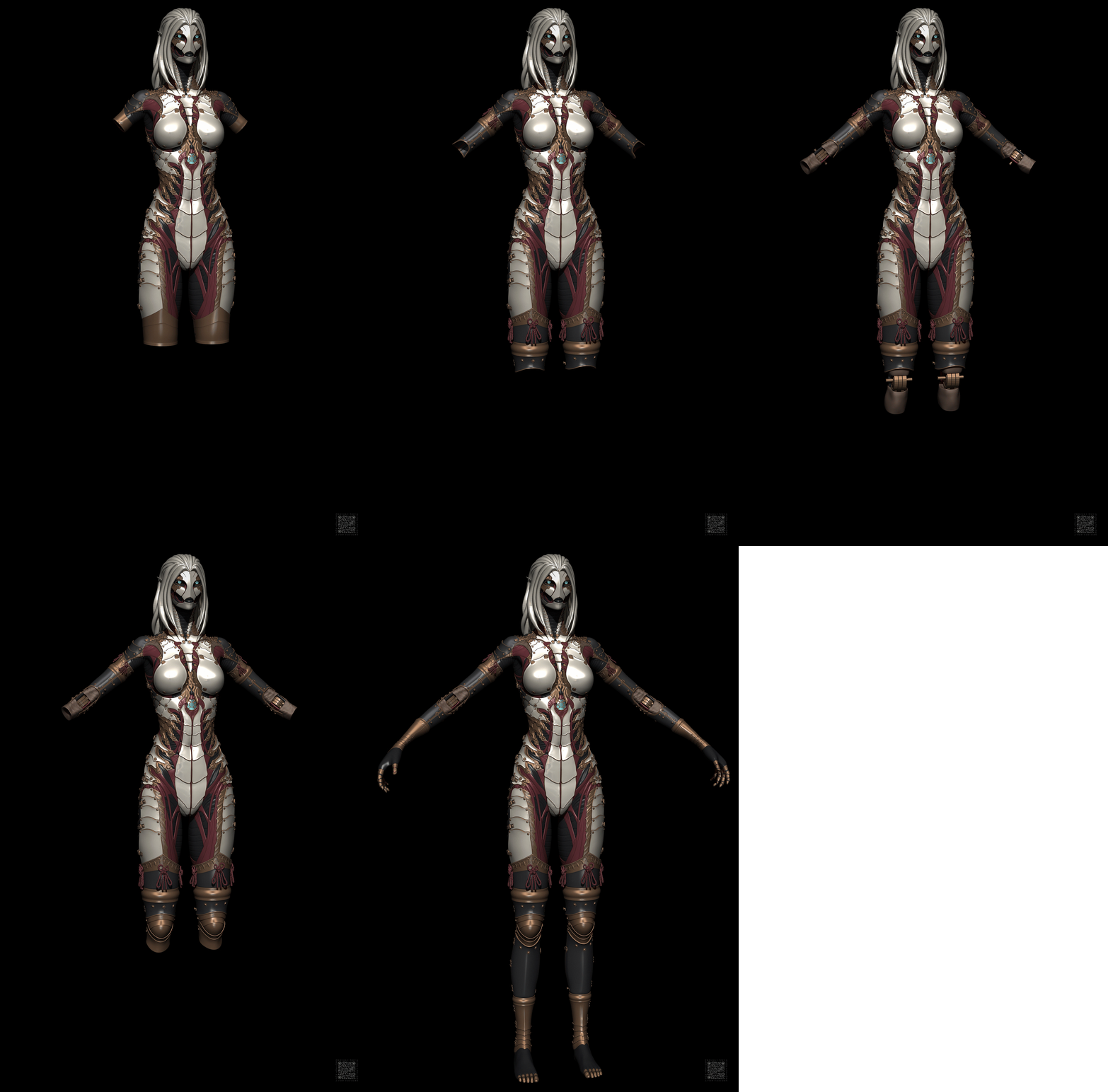 the sigma grindset continues grinding, what can I say Have a great week!
 -
[Maya] How to rotate a Construction Plane properly?
 Hi to all! Is there way to use a Live Construction Plane as a grid with own coordinate system, like in 3ds Max? It rotates fine, bit continues to use world coordinate system, so I can't create a primitive with correct alignment on it.
 -
Re: Looking to improve this workflow
 Boolean is one method. In 2023 that's a Compound object as you probably know, so it's a bit of a one-way trip, no undo once you've initiated it. It's pretty good with watertight meshes. Another would be to set up a modular system of meshes, and model them on a grid so they snap together perfectly. You could have a wall…
 -
Re: Halo Ivory Tower UDK Scene
 Looking great! What I would like to see are the lights that go along the bottom of the wall. Also the grid spacing on your floor is a bit larger than the lines on the concept, might be something worth playing around with.
>18190 results