Search
-
Re: Sidescroller woes
-
Re: [UE4 and Quixel Suite] Philips Control Box
 +1 for the mat look Right now, it has too much of a last gen, plastic-y kind of texture going on. The surface in the real world reference actually looks like it's reflecting the world around it like real metal should.
 -
Re: "Tyrone Evans Clark's Improvement Thread"
 Nice stuff dude. Its looking a little play station era-y right now. I think you need to step your realism up to the next level, or just the quality of your textures. Nice portfolio sir.
 -
Re: Another Generic Guy
 Are ye using actual prosthetic references for the legs? They're feeling pretty toon-y compared to the upper half of the model. EDIT: oops forgot to say: Absolutely love the face and where this is going in general. And that is a super nice hat. :poly124:
 -
Re: new Desktop suggestions any one?
 Can anyone recommend a good, large case ? so far I'm looking at these Cooler Master Cosmos: http://www.newegg.com/Product/ProductList.aspx?Submit=ENE&DEPA=0&Description=cooler+master+cosmos&x=0&y=0
 -
Re: [ASK]unity shader code - Moving outside vertices to center of object
 could you show the flower and describe how you want to make it bloom. intuitively i would scale it (vertex = (((vertex- center ) * scale) +center), but i wouldnt use an uniform scale but play aroube sinus of the y coordinate of the heig hedit or smoothstep, im a bit rusty with shader code
 -
Snap Camera to Axis
 Is it possible to snap the camera to an axis X, Y or Z? I've found the orthographic settings to switch the camera over to the type of camera i need but just nothing to snap the camera over to the axis I want. Thanks! Scrap that, I found it. Feel free to delete this thread :)
 -
max move tool prob
 so at work using max 2010 64bit version and i'm trying to move verts freehand and its treating them like the grid snap toggle is on. but its not!!!!!!! it moves 5 ft in the x axis and 10 in the y axis. anyone have a clue to whats going on?
 -
Totem Cactus-Photogrammetry

 Totem Cactus-Photogrammetry Created this cactus using photogrammetry. Photo scanned using a 50mp camera (54 images), processed in Reality Capture, and modeled in ZBrush and Maya. Highly detailed model Size: X:57.5cm x Y 189cm x Z: 96cm 700,000 Polys
 -
Tutorial - Create stylized textures in Blender

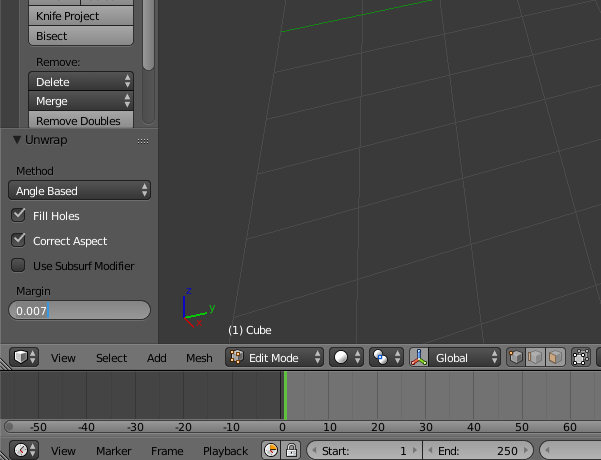 This tutorial has been written originally in French, here is the Google Translate version (french version: https://zestedesavoir.com/forums/sujet/6759/guide-la-creation-de-textures-pour-les-jeux-video/ ) We will see in this guide how to create a stylized texture of professional quality for a video game. We will need to…

>147271 results