Search
-
html question.
 I'm updating my web page and now I have all my full size images clickable to take you back to the gallery, but the scrollbar always resets which is annoying. Using the back button in the browser remembers the screen position. Any way to get this functionality in a hyper link?
 -
Photoshop Mouse-Over Layer Identification?
 That sounded way more fancy then I wanted it to, but I've been searching if there was a way to identify what layer your mouse was over with a push of a button? I've attached an example of what I was thinking. If anyone has any information on this or something like it, that'd be super duper.
 -
Re: Sketchbook: Zetheros

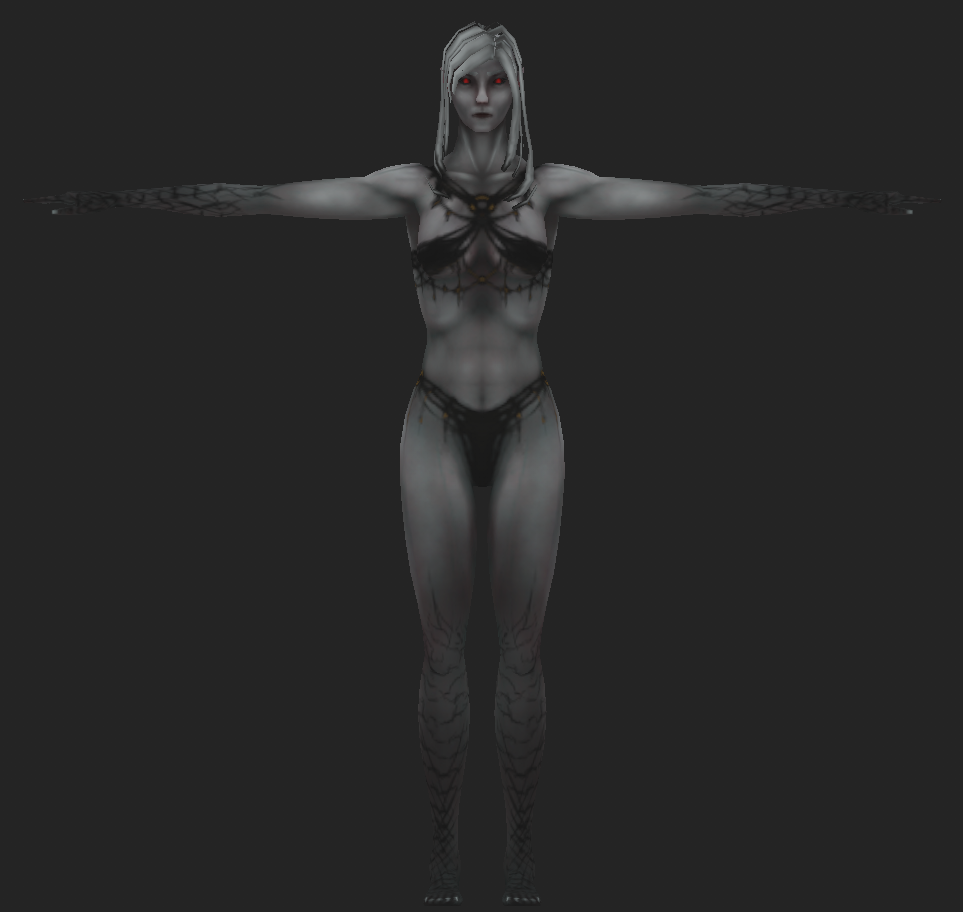 thinking about adding black draconic/demonic scales to the arms and legs, cuz it looks too similar to morrowind dunmer. Guess I'm going hand-painted for the artstyle? Texture size is 256px for the entire model. There's still some UV space left over for doodads like piercings, earrings, hair ornaments, etc. Hair obvs still…
 -
Re: Anvil model [sculpting critique please]

 A bit too bumpy on the sides but ok I guess if you want to look more like the real thing look for some ref like this Note to mods I am not fan of the new interface where all the lovely buttons go ?
 -
SP 2019 solo feature
 I'm using substance painter 2019,I wonder how can I solo texture set?the solo button just gone. I know there's shortcut alt and click ,but it doesn't work,it was normal back to 2018 . Any one know what's going on?
 -
MudboxCentral, new version
 http://www.mudboxcentral.com/ MudboxCentral version "0.2" is now up and running, still needs more buttons and bits and bobs which will be going up soon. Happy to place a free advert to polycount if anyone wants to create one and its okay with the owners of this website? Best Wishes
 -
Cutting holes in Zbrush
Need help cutting a hole into a mesh. I've tried doing it with dynamesh and an insert brush but it doesn't seem to work. I insert a cylinder like so: Then press the sub button and it just adds it... I've tried holding ALT when I insert the cylinder too. -
Don't use New Topic here, please post in the sections above
 Please post jobs in the sections above. If you post right here in the Category section, we'll move it. Shortly we will be removing the green New Topic button from this Category section, to avoid confusion. Thank you!
 -
Re: Maya Camera View Snapping?
 you can push space bar to quick swap between viewports. So if you have the four pane layout you just push space and move cursor to viewport you want. It's just as fast, just different buttons
 -
Re: Does this DPI ppi is overkill?
Well, on this project thankfully it has cell shading. So I can work it on vector based app. The funny thing is, Ai doesn't have any export setting regarding to dpi and ppi as I recall. And I remember when I ask, why ppi is so matter on phone with high ppi? pixels still will be pixels tho. Then he reply to zoom to my PS ui…
>10228 results