Search
-
Re: biped tricks and questions
 The most helpful script as far as that goes is CStudioGlobalTCB from Blur. It's not a copy and past script, but it lets you quickly set the TCB settings on a biped. http://www.neilblevins.com/blurscripts/blurscripts.htm
 -
Re: If everyone was like .... you
 [ QUOTE ] 1. There would be skull ornaments everywhere. [/ QUOTE ] Haha! This would be the same for me, too. Hmmm just looking around this room there are too many skulls to count quickly.
 -
Re: Welcome to George Orwell's future.
 quickly! drink the kool aid before they get you! there's no time to delay! DO IT NOW! THEY'RE IN YOUR BASE! THEY'RE KILLING YOUR MANS! OH GOD YOUR NEXT!
 -
Re: What are you working on? 2D! 2016

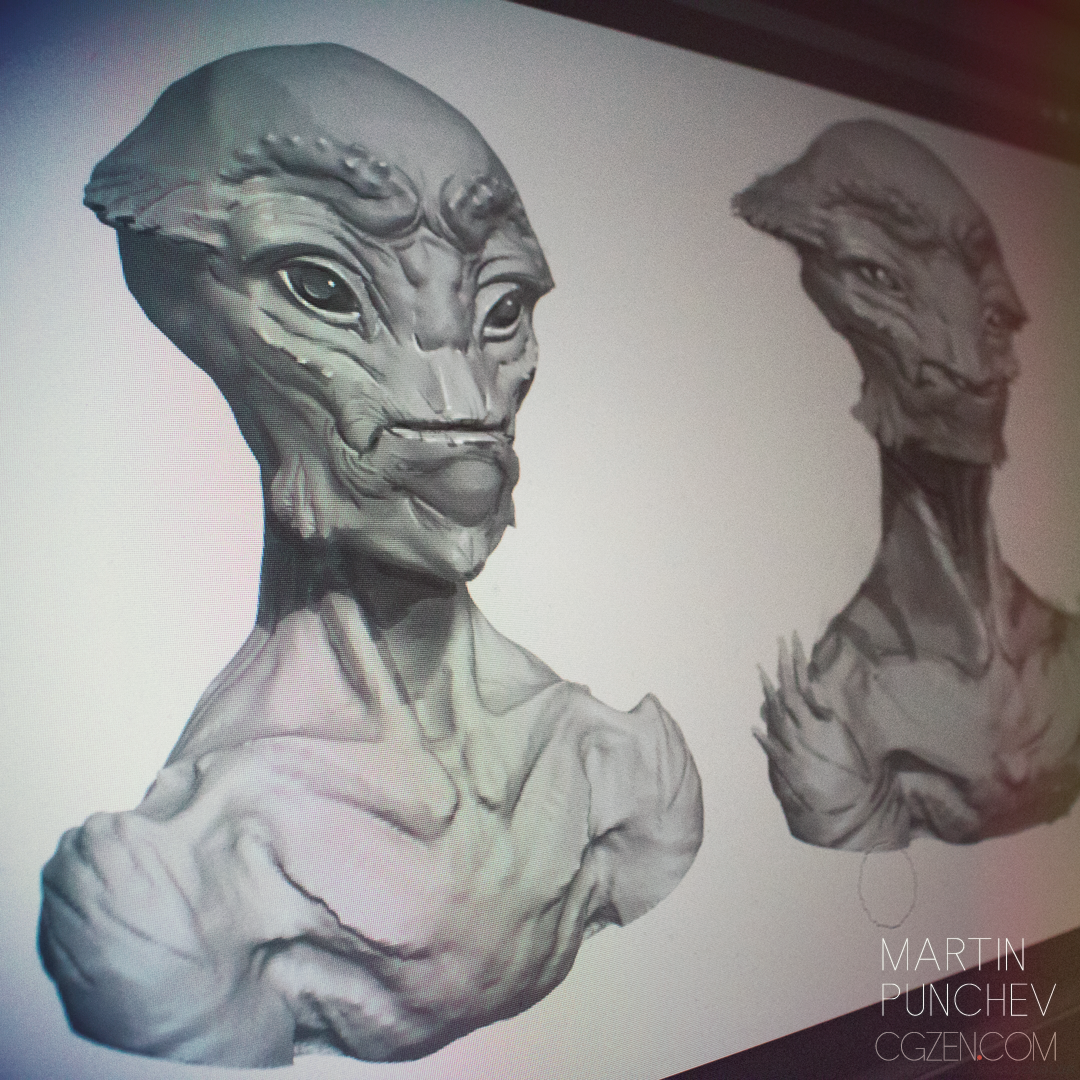 Sketched few heads as a live demo for my students. Just some simple generic alien heads, but they are always fun to do. Zbrush sketch as a base, then quickly overpainted in PS.
 -
Re: mario sunshine made real
 That is so sweet! If it is true, the buying and renting them out would make some fat cash quickly! Who would not want to fly? Its like a segway, but MUCH better!
 -
Re: Need help! - Very rusty at doing animation
 Looks like your missing up and down motion and oscillation on the COM object. The legs kind of jerk forward too quickly. And the shoulder should rise not dip on the way forward.
 -
Re: Where is your Username registered?
 Am I the only one who feel the urge to quickly registere on all those sites where you not registered yet, just to be 'safe', even though its stupid? :)
 -
Re: Looking for help/pointers on achieving a certain style via rendering...
 Curious to what this looks like, i might have some tips, but i can't see dropbox image links at work here, mind putting it on some other site quickly ?
 -
Re: [WIP] Lagertha - Vikings Fan art
 fabric work is looking really nice so far. I would be careful and not go up in subdivision level too quickly. parts of the face look a little lumpy and that could be the cause.
 -
Re: Bears are majestic and so are my items

>10664 results