Search
-
Re: Best ways for creating Albedo Maps?
 My antivirus says something malicious in your download page. =) For highlights try to use levels with luminosity blending mode + a bit of "blend if" sliders to make the levels not working for darker under layer pixels, for super strong highlights you could also use same content aware fill technique, if you have accurate…
 -
Re: Blooming plants solution?

 Depends how complex your flower is. Visual examples would help a lot when asking questions like this. Something like this could be mostly done with skinning, though it'd be a lot of bones. Blend shapes wouldn't work since usually the vertices move in a straight line from pose to pose. These flower petals rotate open from…
 -
Re: Metroid Chozo Fan Art

 Thank you very much! You do set up your materials in a very similar way. I did use Vray materials and I made some presets out of them. I attached an image of a couple of materials just to show the similarities. I really like the Vray blend material, where you can setup masks to blend between the different materials. If…
 -
Re: Dismal Mountains
 The grass is looking very nice - the thickness of it really suits your scene :) Although the low texture resolution of the floor in contrast is making it stick out too much as not being part of the ground. Maybe adding a Detail Texture to the ground as well as some smaller clumps of grass amongst your meshes would help to…
 -
Re: Repeat only a portion of a texture map?
 @gsokol, indeed - any tips to add about that method to stop mip map bleeding? I find that I can never stop the bleeding and either just give it another material with the tiler alone or break it up with other geometry (place stuff over the seams) - but imagine it on the side of a wall tiling a concrete or brick like you…
 -
Re: [UE4] Snow landscape
 Most of the detail is coming from the baked normal map of the rock itself, the snow normal map is very subtle. It's the same snow as you're seeing on the ground. Then I've used the angle blending to blend the snow and rock materials together. :) I guess the rock is too dark.. I just finished adding SSS to snow on the…
 -
Re: UDK - Material - World Projection Texture on Skeletal Mesh
 See, the reason I ask is because you might be making things too complicated for something like this. Consider using multiple blended UV sets for the detail maps with vertex alpha masks for the seams. 3d projection for detail textures sound expensive and probably won't give any better results than Muli UVs, especially with…
 -
Re: Does anyone have any tips or guidance when it comes to rigging?

 Do you see the little wrench icon (Weight Tool) ? Use that instead of the Abs. Effect. Since you are just getting started, I recommend as a first pass vertex weighting the entire model using only 1 or 0.5 weighting. This will give you a mostly rigid weighting with just a little bit of blending at the joints. On the second…
 -
Re: [MAYA] CREASE+ - Tool for Hard Surface

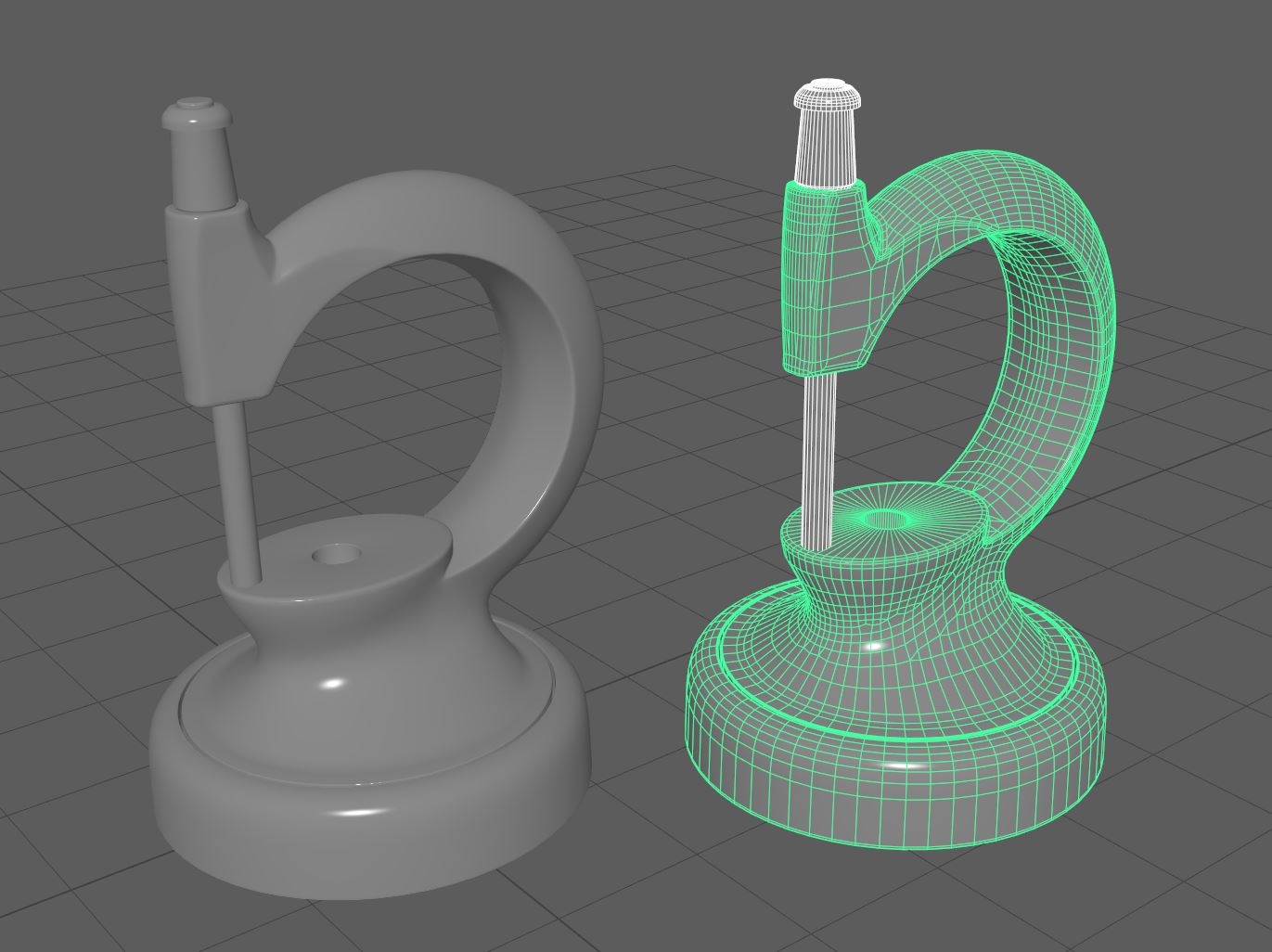 So I think I can do anything I could in MeshFusion in Maya now. Of course I have to do some cleanup, but that's what hot keys are for. For areas that need a broad blend, I just use Maya's excellent multicut tool to cut out a nice wide span and fill it back in with quads using the quad draw tool. I love the way Maya's cut…
 -
Re: Material Node errors. Please help!
It would most likely be in the terrain shader, but I wouldn't know how to make the intersecting water geometry change the sand material on the fly. I'm not sure you can flag up specific geometry (the water) to affect the shader while ignoring the influence of other objects (rocks, for instance). The simple method I would…
>11460 results