Search
-
Re: Maxscript, including external files problem
 Noors, You are right, but the problem in this case is that the parameter given to the include command cannot be a variable. Include's only intended use is to break up large files. http://docs.autodesk.com/3DSMAX/16/ENU/MAXScript-Help/files/GUID-1CF90959-B604-45F9-8552-7680F535BF50.htm
 -
Re: [Portfolio] metalliandy, Andy Davies, 3D/Environment Artist
 It's a bit one sided. I realize you love that well (and rightfully so) but it takes up 3/4th of the entire folio. Contact page is useless right now. The image viewer feels slow. Also, png or gif for text, 8-16 colours should be plenty.
 -
Re: The Bi-Weekly Substance Challenge (Challenge 5 & 6 & MeetMat17)
 Look at your nodes, do you see the L8 in the bottom right? That means the node dropped to 8bits which means it has a limited color range, which in turns causes banding. Select that node and in it's "Base Parameters" set its "Output Format" to forced to 16 bit.
 -
Re: Turning a pretty big model usable
 You could try to rebuild lower SubD levels in ZBrush. This should give you a headstart for reducing it by hand. I gues you could devide the Polycount by 16 that way (if it works). Or you can ask your Source, if you can get the model without the SubDs...
 -
Re: Music at work.
 http://legacymusichour.blogspot.com/ I'm a big fucking nerd so I listen to this podcast at work. They play 8-bit and 16-bit songs, every episode is themed. Pretty rad and interesting and I get to hear great songs from games I never knew existed.
 -
Re: THRONE ROOM - The Temple of Utu - MartinH & Minos
 I can't speak for Minos, but this is definitely the case for me. I enjoy doing 3D art. It's what I do. So it never feels like a chore unless I'm ... I dunno, optimizing triangle counts 16 hours a day trying to ship a game or something. :)
 -
Re: Do you connect meshes or not?
 Raycast errors on cage intersects, for me. - left low poly is merged, right low poly is intersecting - 20 vertices vs. 16 (left/right) - high poly is merged with beveled edge between the two primitives - didn't edit cage, just a simple push outwards
 -
Re: Sketchbook: DerRazputin

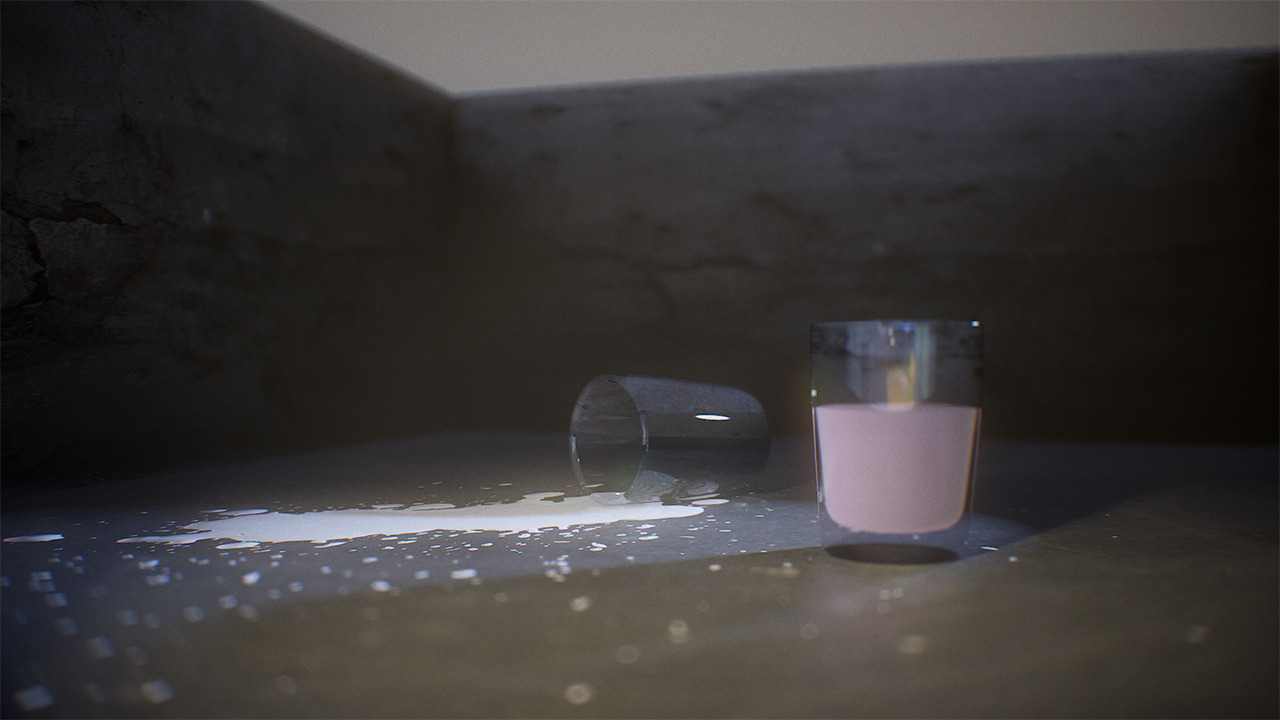 Got told that half of my Sketchbook pics were dead links. Went through and fixed most of them. Enjoy! Lighting test in Marmoset Toolbag 3: Update on my ArtStation challenge entry: https://www.artstation.com/contests/ancient-civilizations/challenges/16/submissions/16415
 -
Re: Photoshop CS2 - slow?
You can bump up the tile size by activating the bigger tiles extension (look in plug-ins/adobe photoshop only/extensions/bigger tiles : remove the tilde in ~Bigger Tiles.8BX to activate the extension). That might help when working with large 16 bit images. -
Re: The new expressway into the industry
 Considering I wrote two particle systems (I'm not talking about effects, I wrote entire systems for handling those effects) by hand and know how they work inside and out, I'd be perfectly suited for a job doing that stuff. Now if only I weren't 16...
>7632 results