Search
-
Re: [WIP] Stalker 2 Fan Art - Unreal 5 Realistic Environment & Story Telling

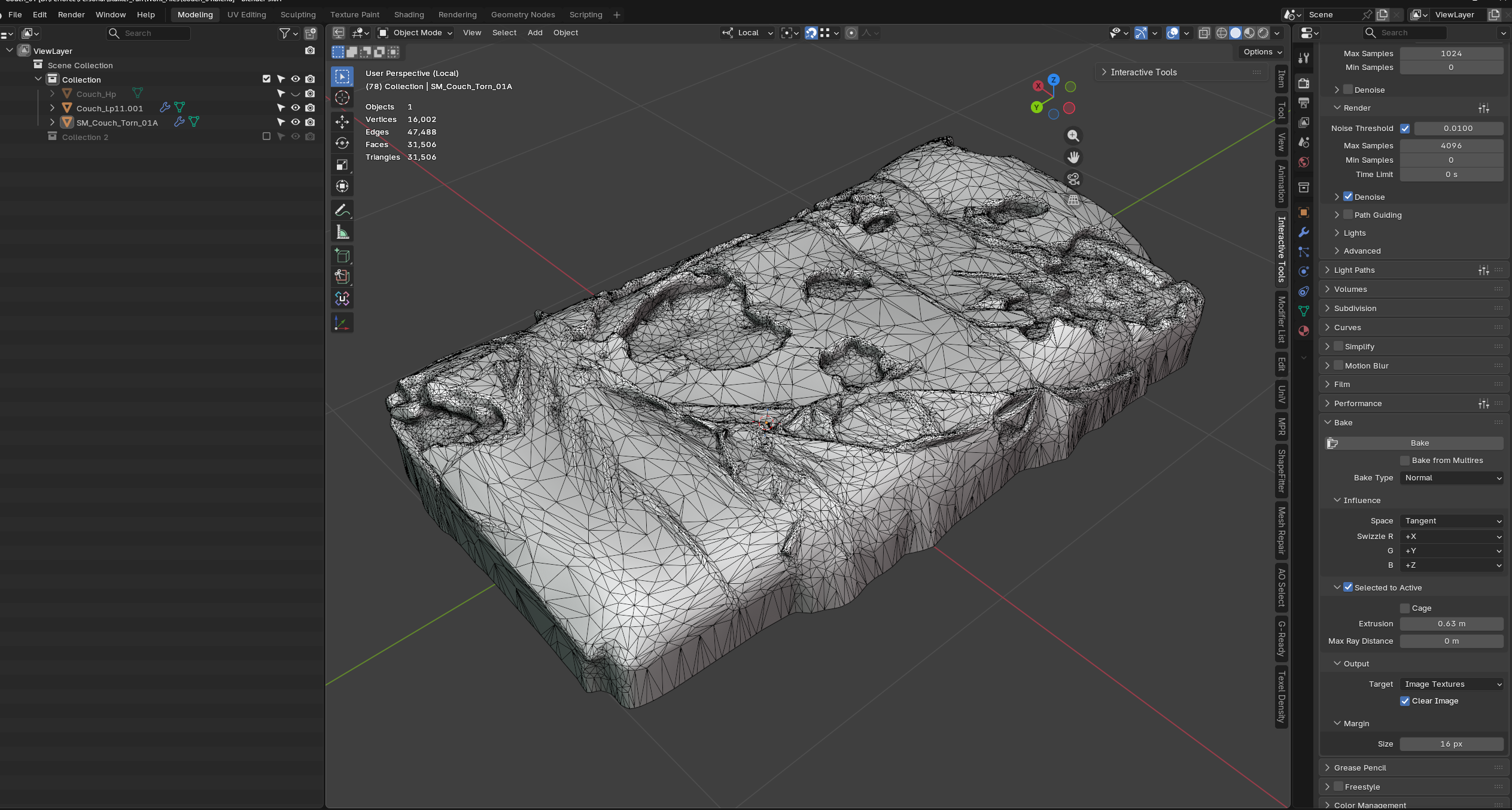 Update on my photoscans - this was remeshed in Zbrush with dynamesh then decumated and cleaned up in Blender. For texturing I de-light the diffuce scan in photoshop and texture in substance painter
 -
Re: Can Marmoset 2 display stuff not as a PBS?
 There are a few too many variables here to give you a clear answer (such as, what engine will your work go into?). However, it seems like your biggest issues is that your spec/gloss values appear differently in Toolbag than other shaders, a very simple thing you can do is adjust the slider after you import. Gloss values…
 -
Re: Old bus [volvo 7700]
 Overall, I like the feel. Would fit right in in Fallout 3 or New Vegas. I have a few critiques though, to keep in mind. I feel like there's almost no variation in roughness at all; it makes the model and textures feel very flat. The lighting environment, as well, isn't doing it justice. Can we see your texture flats? The…
 -
Re: Fozdar: Game Art Thread
 Started working on some hand painted texturing recently. Definitely a departure from what I'm used to. Going for diffuse only. Going to be a repaint of the Ravager Blade from Monster Hunter. For reference I'm using an image of the in-game sword from an older Monster Hunter title to get the general mesh placement. I'm not…
 -
Re: [WIP] [UDK] Futuristic Arctic Research Lab
 Screens are almost done, they have a line of distortion running through them and colour is adjustable. Also a more detailed couloured 'sector A' strip. And as I've posted in the original post: 'Originally, the scene was to be created using a single set of 1024x10244 textures, diffuse, specular and normal. The scene has…
 -
Re: knife needs texturin crit + tips
 Zac beat me to it, nice article btw. But yeah, for any kind of material properties that play off the lighting you want it to be strong in your spec and only hinted at in your diffuse. Same with the sharp edge, the diffuse should be a dark grey and the spec should be almost pure white. While texturing with xoliul's i…
 -
Re: Dismal Mountains
 You need some edge padding on your diffuse texture, as colour textures and transparency both scale in different ways when the camera pulls back - leaving a sort of halo effect around your leaves (imagine your alpha map going blurry). To remedy this, make a copy of your diffuse layer in Photoshop and place it underneath…
 -
Re: Homeless/Subway Scene?
 Well before I started on this today, I was going to try to add spec maps to everything. Well I followed the tutorial Skidu posted, and got another black and white map. I tried to attach it to what I thought would be the spec map in Maya, but I do not think it was. So my questions are this 1. What should my spec map look…
 -
Re: Jesses Props
 [ QUOTE ] I still just don't think the texture is looking good at all, color scheme or not. The spec isn't working, the diffuse isn't working, and the gloss most certainly isn't working. [/ QUOTE ] Wow... not working at all. While I can take crits with no problem I don't think that one has anything to offer to be honest as…
 -
Re: A few questions about gloss maps, blend layer and the detail map
 Hey Man, 1. As for as I know it doesn't make much difference, it makes some sense to place the gloss map in the alpha channel of the normal map because they both deal with the same sort of information (they both describe the micro surface of the object. For memory reasons its nice to put it along with either the diffuse or…
>11803 results