Search
-
Re: Stuck on trying to resolve this topology for highpoly.
 Glad you solved it, and that you shared your solution! Always nice to see. FWIW this specific issue has been covered multiple times in our sticky thread https://polycount.com/discussion/56014/how-the-f-do-i-model-this-reply-for-help-with-specific-shapes-post-attempt-before-asking/p1 Open the link there, for "Shared: My…
 -
Re: [MAX 2011] "Textel Lookup" settings won't save
 Sorry for being so late, I totally forgot about this, since I had some priorities to solve. But, guess what? It works now! Thank you very much for your help! I'm going to (poly)count the times you solve my answers, Vig... And this is the third. :D
 -
Re: Can I Bake UV Shell IDs into the alpha of a position map?
 Yep I was researching that the other day, I plan on using Wolfire's solution since it works really well with a singular set of geometry. My unique constraint is the fact that a player moving through UV shells poses a challenge that decals cannot on their own solve, and must be solved in the inverse approach.
 -
Re: what's the best normal shader to use in maya?
 hi all just so that nobody wastes their time, i've solved the issue. upgraded to maya 8.5. much more powerful that 7.0. it p***es all over normal mapping issues. my renders look awsome in comparison to yesterdays! problem solved thanks to all who helped jase
 -
Re: [FINISHED] - UE5 Realtime Metahuman - Ryan Gosling: Drive

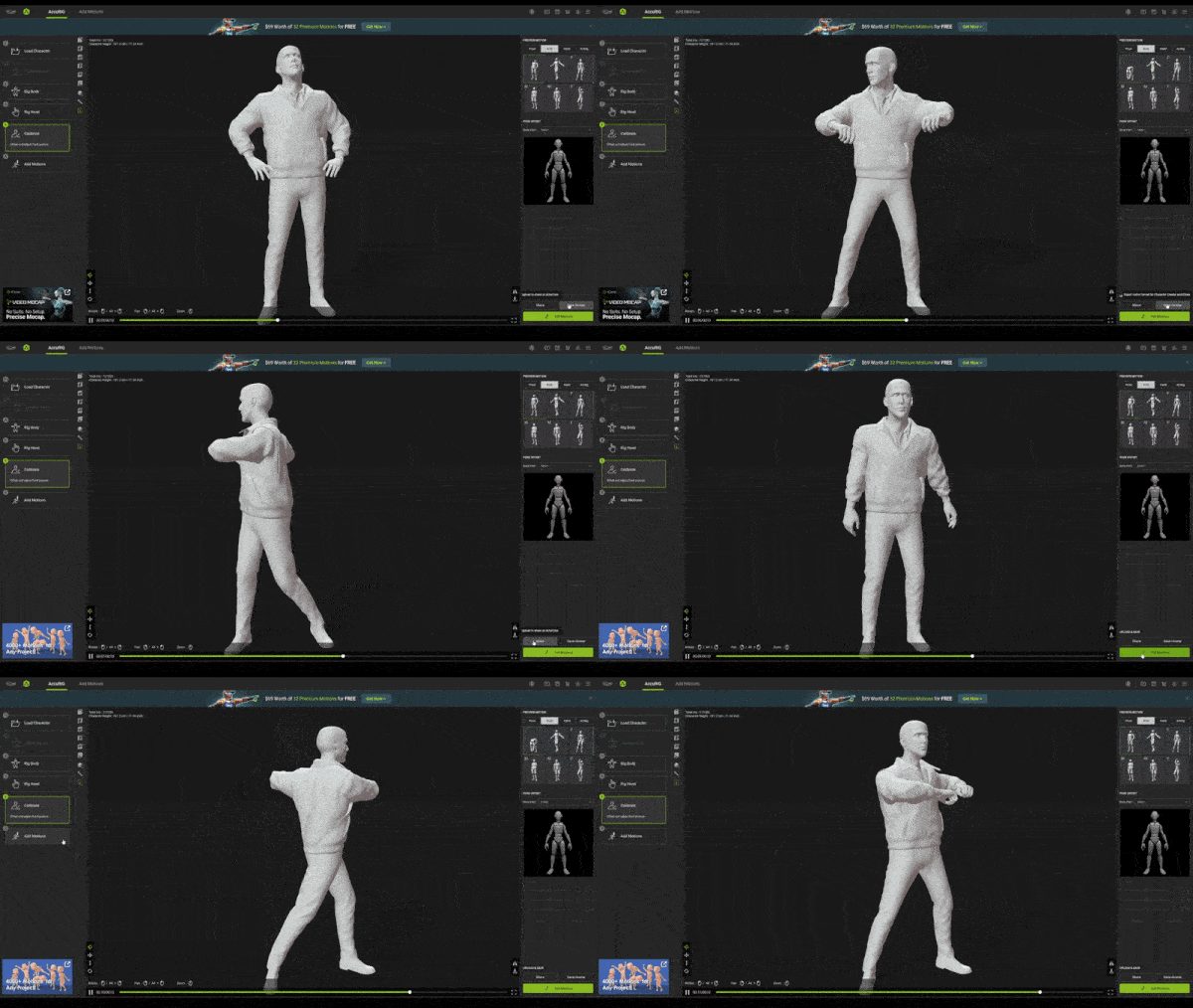 For rigging, I was a bit lost at first. I had many questions, like: "Do I need to make my clothing parametric to fit onto a Metahuman?" "Do I just use the MH rig?" This would obviously involve a lot of work since I had created my clothing in an A pose that was different from the Metahuman one. I'm not sure how, but I…
 -
Re: The Bi-Monthly Environment Art Challenge | January - February (94)
 Progress update: I applied what @Hymil said and softened the main body, but haven't completly rounded it off and removed the pinching at the edges. For the textures i wanted to go for a more realistic approach, but when it came to baking the textures i've run into a few problems, tried to fix them but i can't seem to, so…
 -
Re: Blender issue with oddly shaded faces.
After going crazy with button-pressing, I finally solved it. Under the Object Data Properties tab, I selected "clear custom split normals data" and voila! No idea why the model imported with that...but at least this was one issue that was solved by pressing random buttons! Thanks to everyone that viewed/was willing to help. -
Re: weird lag in UV Edit window
 Had that for a while (and seen some other people have problems with it). Try downloading all the service packs/patches (whatever the name of those are at autodesk), that solved it for me. Someone else fixed it by turning one off his videocards (he had dual gpu's). Hope one of those solves it for u.
 -
Re: Autodesk, Mirrored Bakes, and UDK
While clever and it may solve problem on the import end on UDK (can't test that here at work); that won't solve the export limitation in FBX. You can check yourself by exporting a model in FBX ASCII and doing a search for tangent or binormal you'll find that they're not in the file even if you checked off the box. -
[3ds max] OpenSubdiv issue

 I'm learning how to use open subdiv in max. As you can see on the image below I run into a visual issue... I tried all the sliders but it didn't help to solve my problem and watch documentation on youtube but no one have the same issue. I'm pretty sure it's super simple to solve but... Do you have an idea about it? Thanks…
>14351 results