Search
-
Re: 3ds Max 2017 SP1 - possible two UVW Unwrap bugs (gif's available).
 Dang - i got it the wrong way arround : For me "Select by Material" works using the old select from scene dialog tweak ( SelectByNameUsesSceneExplorer=0 in currentdefaults.ini ). AND using this tweak Select by material works with SME and CME ( both material editors )... So the problem lies once again in the sceneexplorer…
 -
Re: New Job + Maya = I miss Max
 Is there a way to get selection modes to switch between window/crossing like you can in Max? Maya is great, but this is probably the one reason why I prefer Max over it. I can't seem to find anywhere a way to change the selection mode to only select a component only if it is entirely within the marquee. There is that…
 -
Re: Brusherator for Photoshop CC+, a panel with brushes! and more

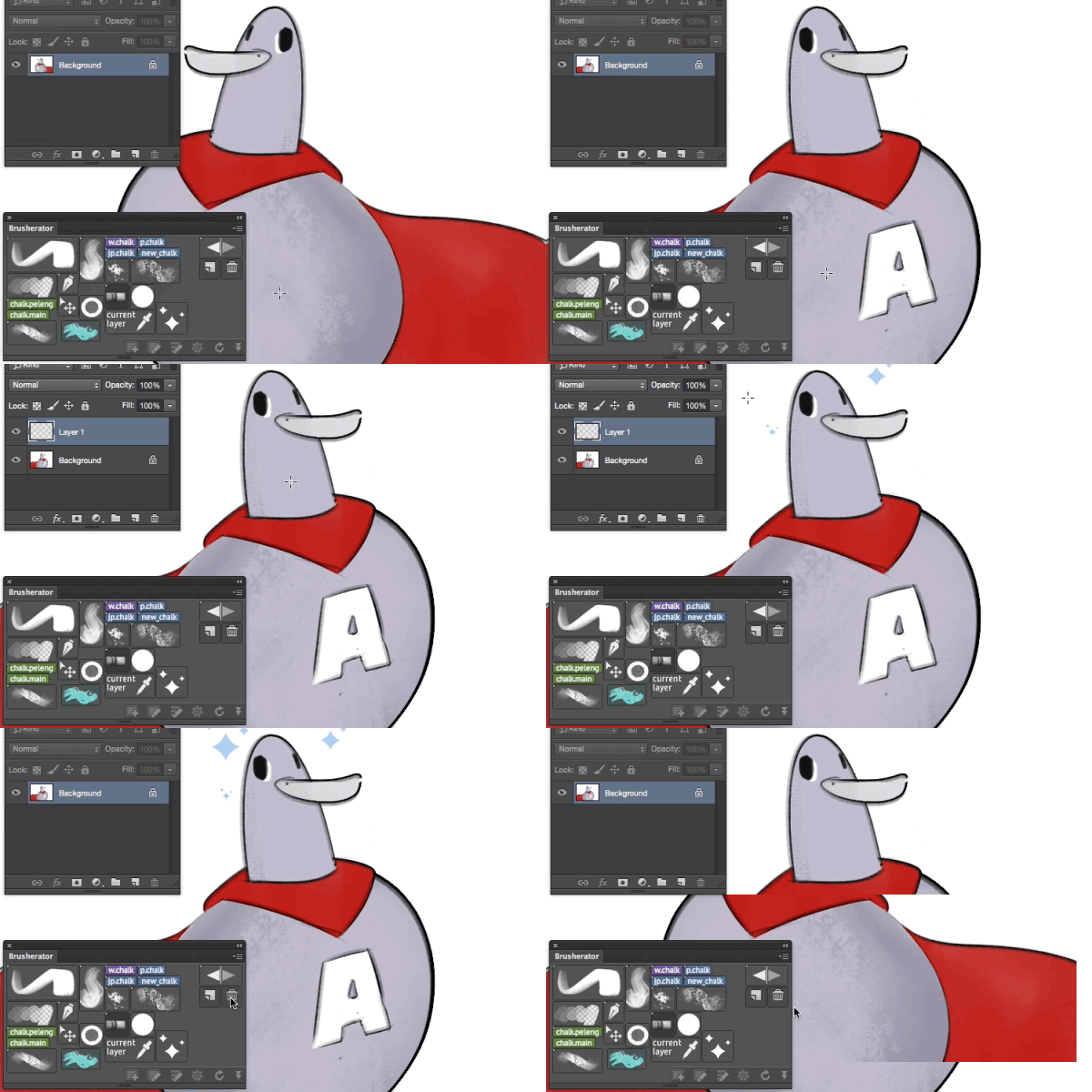 Brusherator 1.1 is online! • Actions may be placed on a panel as buttons • Flyout menu (CC2014+) — striped small thing on the right of the panel • You can select shelves from flyout menu • Option to toggle brush size inheritance for all buttons (default: size is inherited) • Option to toggle names visible on image buttons…
 -
Re: [3d max] UV Editor and unwrapping
 Because Maya never needs simple scripts for basic tasks. :) Anyway, here's a couple of scripts for you: Combining --SCRIPT TO COMBINE ALL SELECTED MESH OBJECTS ( local proceed,Objs,firstObj --GET THE SELECTION AS ARRAY Objs = getcurrentSelection() --TEST ALL THE OBJS FOR VALIDITY proceed = true for obj in Objs do ( if not…
 -
Re: [WIP] [UE4] Modular Vehicle Vol. 2
 In this short tip, I want to describe my workflow of making vehicles for this project. 0. Decide what you want to make. 1. Gather references. You need all sides of the vehicle because they are mostly asymmetrical. 2. Make high poly mesh by using reference images. I'm using Blender. Mostly I'm using the following modifiers:…
 -
Re: Questions about Cubemap
 Max can display cubemaps in the viewport if you use the DDS cubemap format, and you use a DirectX shader. I was going to post an updated wiki page, but the server's crapping out. Here's the info, eventually I'll post it here in the wiki... ============================= A cubemap is six images that are mapped onto a cube.…
 -
Re: You know why Max is -fucking- awesome?
ElysiumGX You know you can shortcut scripts right no need to look them up anywhere? Thanks for posting that script, those commands gave me an idea and on how to solve my problem. I found this command or property looking through the guide. SIUnhideObjects objs seems to work to unhide only hidden meshes and not all objects,… -
Re: 3ds max 2019 is this serious?
Like this? https://vimeo.com/163361143 3dsMax 2017 has.. * Dramatic Performance improvements(UV editor was completely re0-written with DIrectX) * New Packing Algorithm * New Peeling based on ABF(Angle Based Flattening) * Point-to-Point Selection Preview * Symmetrical Geometry Selection * keyboard Shortcut Match to Mesh… -
Re: alt+click! =)
 v1.3 - 06/06/2010 Add Shortcut for Converting subobject selection to an another in EditablePoly and Unwrap Download V1.3 Here ! Shortcut for Converting subobject selection to an another in EditablePoly and Unwrap: CTRL+1 for epoly_convert_to_vertex CTRL+2 for epoly_convert_to_edge CTRL+3 for epoly_convert_to_border CTRL+4…
 -
Re: 2 Material ID's in Marmoset
 FBX works fine as well. Go into polygon selection mode and select by material channel. You need to make sure they're totally separate objects as opposed to separate elements of the same object. The object name will carry over to Marmoset so make sure to keep them as something you'll recognize (hair, gun, body, etc.) Select…
>15393 results