Search
-
Custom .38 Special Revolver
 Hi polycount, I've been working on a Custom .38 Special Revolver over the past 2 weeks. The aim is for it to be of similar quality to most weapons seen in modern fps games (see PBR/IBL/realistic). As for specs, I'm aiming for something similar to FC4: 12k to 15k poly count and 1024 to 2048 texture res as maximums. High…
 -
Re: [UDK] CORRIDOR_01
 Yep cheers for the crit Disting - I will definately add some wear and tear. But it will be very space clean :) Finished texturing the MainBoard - 1024 Diffuse / Normal. Will tweak Spec and create an Emissive map when InEngine. Any crits on the color scheme i have chosen, leave a comment! Update 2moro.
 -
Re: The Bi-Monthly CHARACTER ART Challenge | November - January

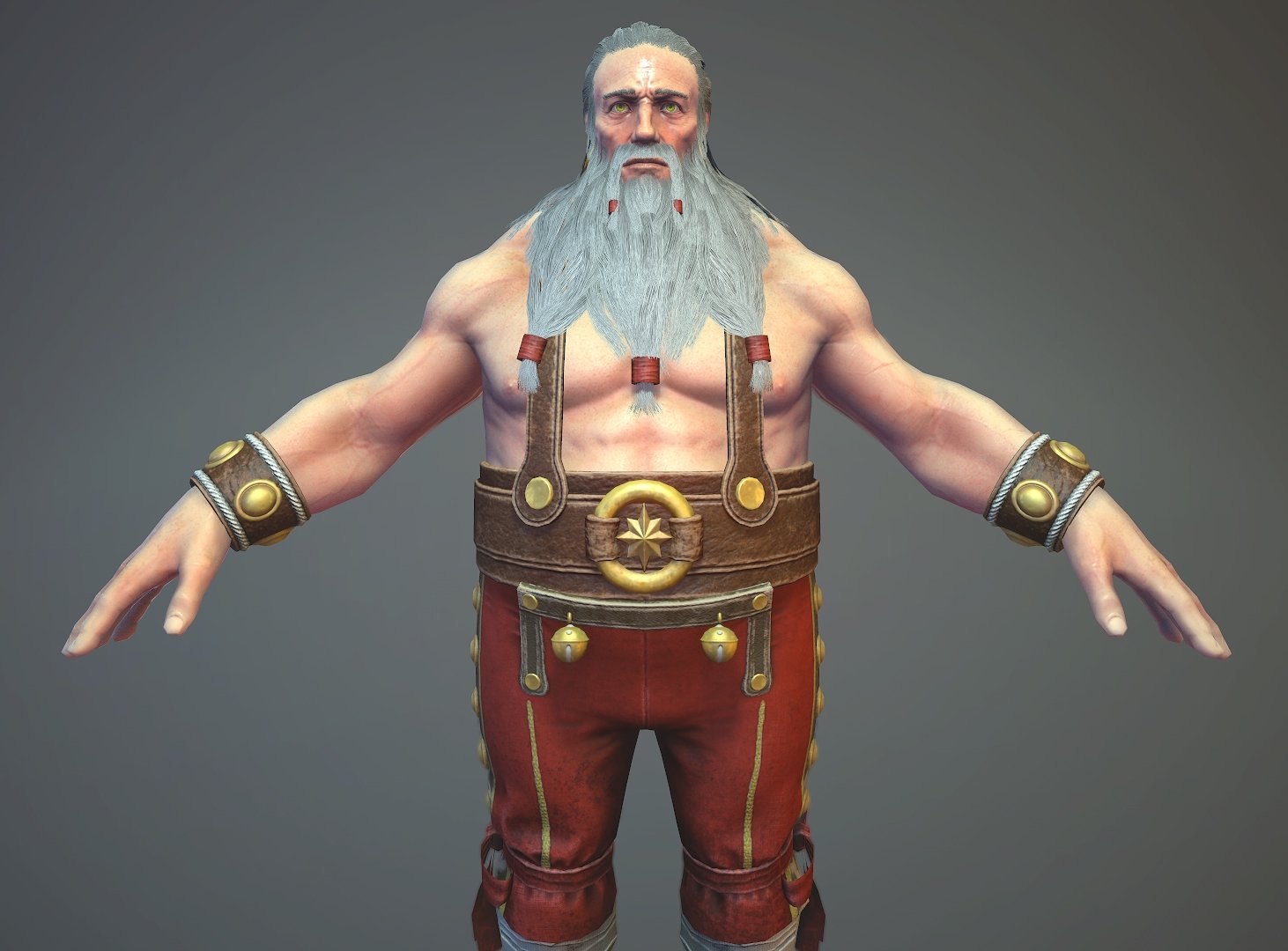 Hi guys! So a bit late but i finished "Santa" Here is what i've done for this time. Texture maps - Two 2048, one 1024 for hair and one 512 for eyes Tris count -15600 tris Hair -20700 tris body https://www.artstation.com/artwork/LJKGA marmoset viewer
 -
Re: Weird Lightmap Artifacting
 Try setting detail mode to high in properties. Also raise lightmap resolution to say 1024 as a test to see if that helps. What are your shadow settings? Modulate? Normal? I doubt this will help but have you tried flipping the normal map green layer? Turn off overide lightmap resolution.
 -
Re: UDK Newb Questions: Lightmaps & Geometry!
 To the OP - try toggling the post process on and off - the black marks might just be ssAO. Otherwise try setting the lightmap to something ridiculous - like 1024 and seeing what shapes happen when you rebuild lighting. It might give you clues that show where the black marks are coming from.
 -
Re: ZBRush 4R4 Released!
 Re Dynamesh : Even tho its slider has a limit ( 1024 and now 2048 ), one can actually go much higher than that. When a dense mesh is needed simply duplicate the tool, dynamesh it, divide it one or two times then projectAll to recover the tiny details stored in the copy. Easy!
 -
Re: FPS Shotgunt Texture
 for modern engines (unreal, cryengine2 etc) i would suggest a 2048 texture. don't forget that guns are taking up a quarter of the screen at all times, and thus should look good. for older engines like source a 1024 is the way to go. try and stick with a single map whenever possible too.
 -
Re: Golf Tee Box Progression
Quick bake, 1024 map. Think my rock texture/colour is going to be far different from my concept, thinking of going the 'Australian' orange rock look. Also need to iron out some of the artifacts withing my normal map just to get rid of some of the bad edges. -
Re: i need some guidance
 You can't. That's the resolution that the items have been set and those are the restrictions you have to work to. In future if you wanted to work at a higher resolution and then downsize later you should always work in a multiple of the base restriction, ie if it is 512 x 128 Then you could work at 1024 x 256.
 -
Re: Modular Chinese Art Deco
 Yeah the whole building wall is a tileable texture, most of the windows have unique UV's with a normal/ao bake on em. The billboards are unique and those balcony's all have a tileable texture on em. The textures range from like 256 on the smaller stuff to 1024 on some of the larger windows n doors.
>3242 results