Search
-
Re: second hand smoke (odd post sorry)
 [ QUOTE ] I realize I came off like I was talking to a toddler, sorry if I insulted anyone but everyone was starting to get all spun out and Judging by Daz's posts he was starting to worry. I figured I could bring it back to what might really be causing the burning in his lungs, exersise, duh. I even said I'm pretty sure…
 -
Re: Substance Painter Baking Issue

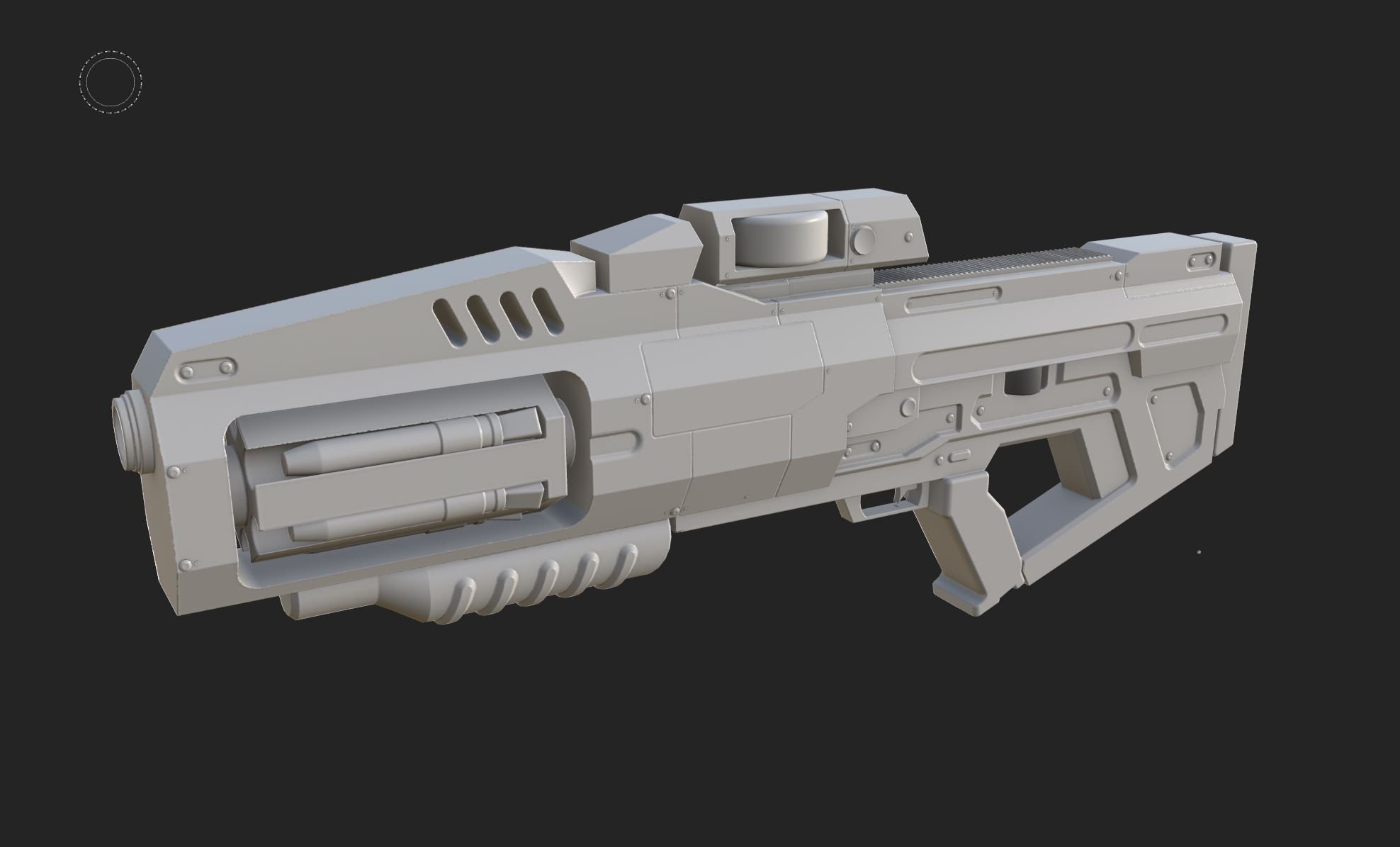 Hi! Opening the Painter project, what I see is different than what you shared in your initial post, so I suppose the original post is outdated? Since I don't have a Max license, I can't check the highpoly or rebake. Exported the lowpoly from Painter, some notes looking at the low poly mesh: - there are hard edges without…
 -
Re: Substance Designer Help - Masking parts while keeping the weave?

 The way I'd do it is by using the material workflow. here's a simple example: Substance already comes with a pre-made material node called "fabric009" that you can use with the "material blend" nodes and a few adjustments to make any pattern you want.
 -
Re: QuadRemesher : new auto-retopo plugin for Maya, 3DSMax, ...
Please consider a proper integration into Maya. What i mean is having it integrated as a node into maya, it will allow to have a procedural approach and combine it with other nodes thanks -
Re: Texture Atlas - Placing 2k into 4k
change the size from "relative to input" to "relative to parent" on the compositing node - you can then force the input nodes to whatever size you want using absolute -
Re: Designer question
3d noise nodes require position image/AOV baked for any specific 3d model or you can just merge vertical and horizontal gradients into rgb image and input it into those nodes . -
Re: Photogrammetry - Texture baking - was I doing it all WRONG :-)?

 I'm using Refine Noise node from Substance Share to generate fake height from diffuse and then normal map node to generate normals. It's not 100% precise but it's ok.
 -
Re: How to make Trim sheets Using Designer
You get a 45 degree bevel if you use a distance node to convert a shape to height, pipe that into a normal node and use the same value for distance and normal intensity. -
Re: Sunset Overdrive - UV mapping tips for 3ds max?
A simple example would be to plug a shape into a distance node and that into a normal node If you set the distance to 10 and the normal intensity to 10 you'll get a 45degree angle (at 2048) -
Re: Getting Mental Ray to Render Vertex Color

 You'll need to add a mentalrayVertexColors node, connecting each object's color set to that*, then the color output goes to a shader or wherever. *Easiest done in the node editor. Documentation page.
>37262 results