Search
-
Re: Monthly Community Noob Challenge February 2015 (27)
 @riceart Those textures don't really look correct, if you want to use them with PBR. Have a look at this: https://www.allegorithmic.com/pbr-guide Especially the second PDF. Added some damage: And some more detail on the grip:
 -
Re: Lotpixel - Free and Premium Textures 1k - 2k - 4k - 8k - 16k Resolution.
 When starting a creative project, one of the biggest needs is high-quality content. A great texture, a detailed 3D model, or a well-lit decal can take your work from average to amazing. That’s exactly where LotPixel comes in. Over 6,000 Assets – A Massive Library for Every Creator LotPixel offers over 6,000…
 -
Re: Sketchbook: Celosia

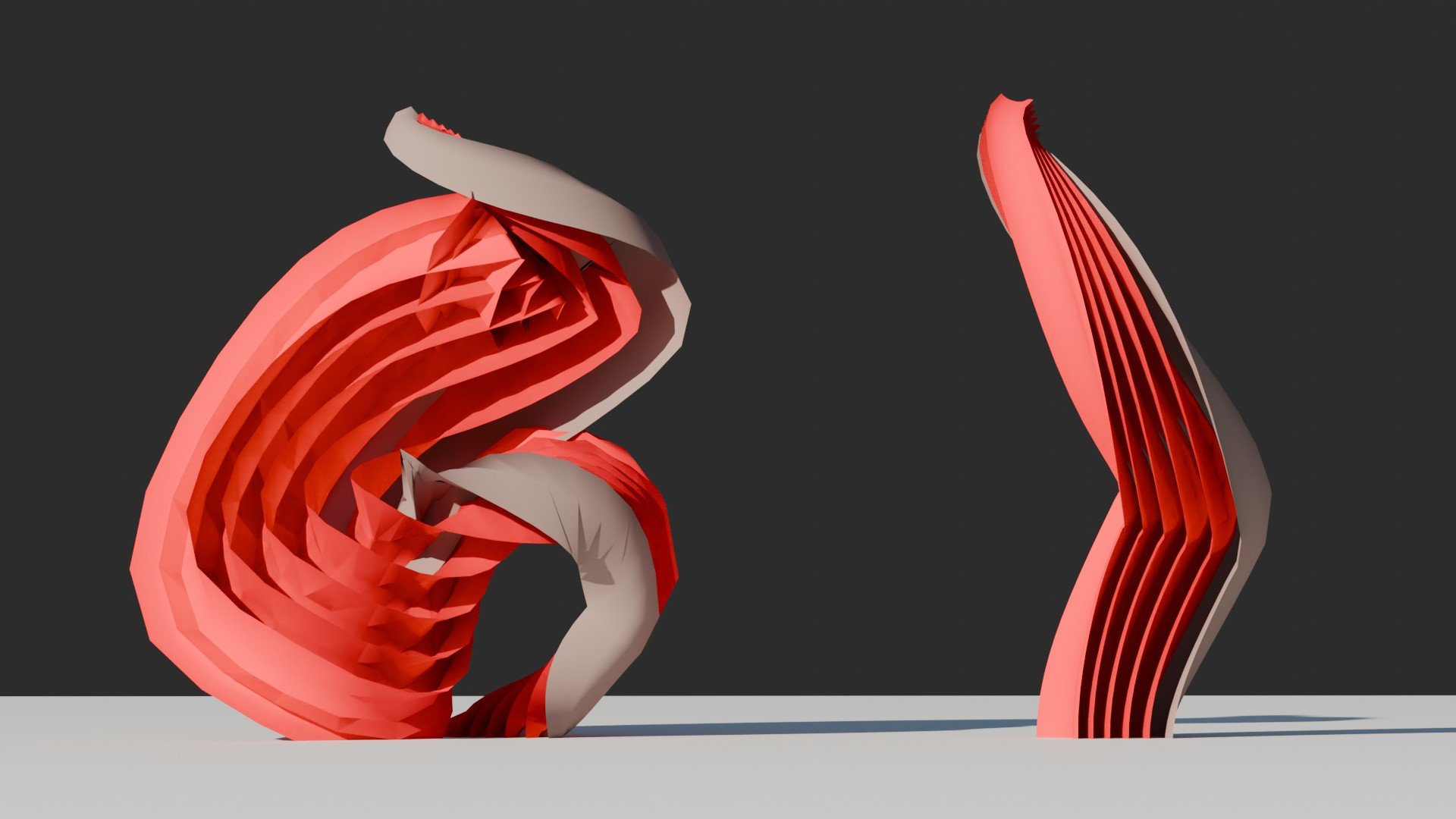 Thanks! I have no idea of what I'm doing, haha, just chasing approaches to get the artistic results I want with the least pain possible, but it's fun. ----- Thought about two alternative approaches for the base layers thing and made some progress. I'm pushing it to absurd degrees to see when it breaks and I think it's…
 -
Re: Oil Barrel - AAA Prop
 That is a really good idea. Marmoset has some good info as well: https://www.marmoset.co/toolbag/learn/pbr-theory https://www.marmoset.co/toolbag/learn/pbr-practice Can you post your maps? Something isn't looking right in your metal.
 -
Re: Need help with Hand-painting Textures
 Hey OP, how much "WoW inspired" do you want your tile to be? Because you can still do PBR and have it be hand painted. See the PBR Dagger http://www.polycount.com/forum/showthread.php?t=135431
 -
Re: UE4, how to add varied roughness effects.
 Familiarize yourself with the PBR workflow, and how the shader interprets each map. (alb,spec,roughness,transparency,etc) http://www.marmoset.co/toolbag/learn/pbr-practice http://seblagarde.wordpress.com/2012/04/30/dontnod-specular-and-glossiness-chart/
 -
Re: Overwatch - Team Arena Shooter by Blizzard
 Well the metals do look very PBR like, but the environment has a lot of areas that I don't see any sort of specular reflection. Looks like they took some PBR ideas, but are only really using them on characters.
 -
Re: Warrior Character - Herod
 Hmm... by looking at your artstation site and the 2D works you posted there I think you can crank it up a notch with the textures. To me the textures are too plain, lacking the life that you definitely are able to bestow into your 2D work. I have not tried to do stylized textures with PBR, so I can't give you much help,…
 -
Re: Diffuse to Albedo in Photoshop
 Hey guys, thanks for the heads up on marmoset leleusart. I'll be sure to check it out ASAP. As far as I understand UE4 imports it as default linear/sRGB, however something I forgot to mention in the tutorial is you must change some photoshop settings. edit> color settings. RGB: RGB needs to be set to sRGB Gray: Gray Gamma…
 -
Re: Exporting from Substance Designer to Unity
 Hi, 1- By default Unity 5 Substance integration will adapt the "channel shuffling" to fit with selected shader convention. It means that if you use sbsar files, use the PBR metallic roughness template in SD (with "Standard" shader in Unity). Once you import your sbsar file in Unity, if you select the "Standard" shader (=…
>15786 results