Search
-
Tutorial - Create Dota 2 textures in Blender

 This tutorial has been written originally in French, here is the Google Translate version (french version: https://zestedesavoir.com/forums/sujet/6759/guide-la-creation-de-textures-pour-les-jeux-video/ ) We will see in this guide how to create a stylized texture of professional quality for a video game. We will need to…
 -
Futuristic Modern Building 01 Blender Modeling Tutorial #blender3d #blendertutorial #futuristic
-
Re: [WIP] Mavica FD71 - Floppy Disk camera

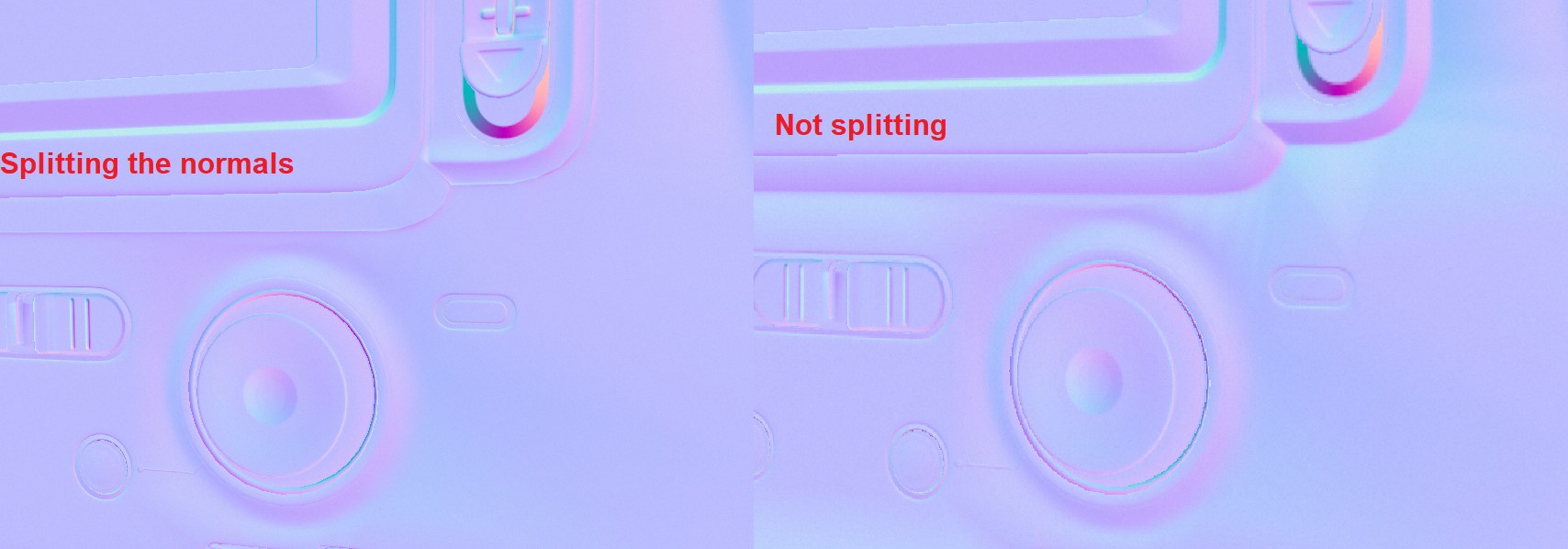 A mix of both of them.I have this problem, unless I split the normals (In blender I mark the edges as sharp), the tangents of the normals become very visible. I've tried using weighted normals modifier but I can't make it work
 -
[3DSMAX 2027] Smart Bevel improvements feature request (please vote on official 3dsmax forum)

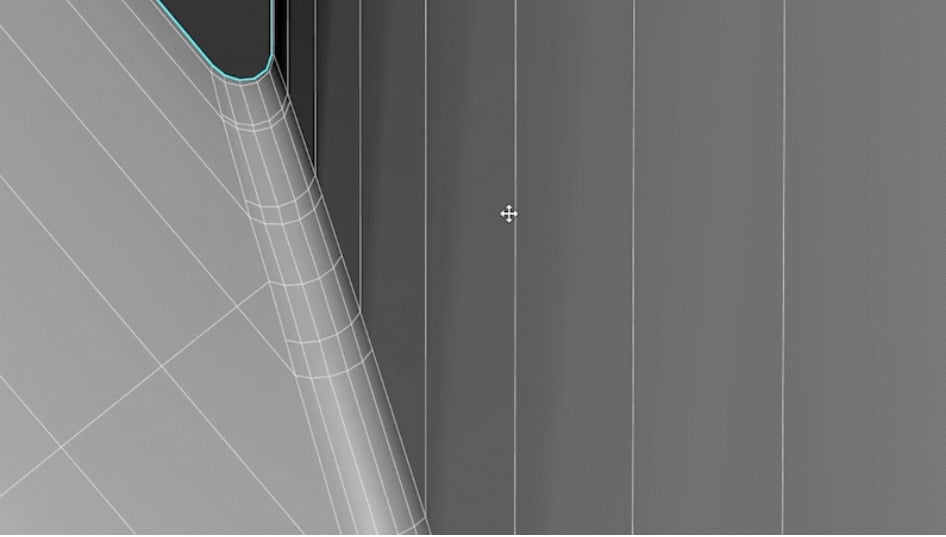 I made a feature request on the official 3dsmax forum for improvements to the new smart chamfer modifier; Evenly distributed edges along the chamfer geometry and inset loops along the borders of the new chamfer geometry. /!\ Please vote for this improved smart bevel feature request on the official 3dsmax website here: /!\…
 -
Repeated Elements on a Building: Which workflow is best in Blender?

 Hey polycount people, first post here. I'm in the process of strengthening my portfolio a bit before I send it out to local companies, so I'm rapidly reaching into things just a bit beyond me. I'm just finishing a university degree, but courses on 3d and art in general were pretty basic, so I'm 99% self-taught and muddling…
 -
Remesh problem in blender

 Hi, when trying to use Remesh in both sculpting and Modifier, holes are created in the model, why does this happen, how can it be fixed? thanks
 -
looking for 3D modeler for Game to style match

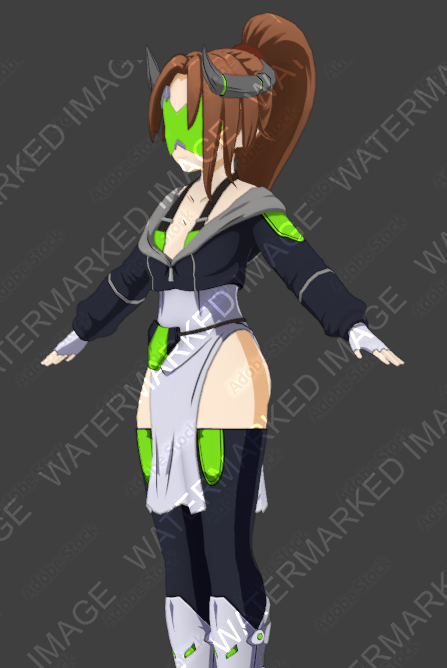 Looking for additional character modelers to work alongside existing designers who can style match the examples. As well as individuals well versed in editing existing models. Currently, we operate in Blender and use the Unity engine. Our motion capture is done via Xsens. Familiarity with Blender required and Unity is…
 -
[Blender] Making my first game asset isn't easy - troubles with retopo and UVs
 Hello everyone. Few days ago, I opened this thread https://polycount.com/discussion/comment/2734111#Comment_2734111 concerning the basic pipeline to follow when you want to make a game asset. I've received the answers I needed to start a project and try to follow the "checklist" of the 3D Game Artist. BUT of course I'm a…
 -
Re: WIP - Deep dark wood - (Block out Phase)

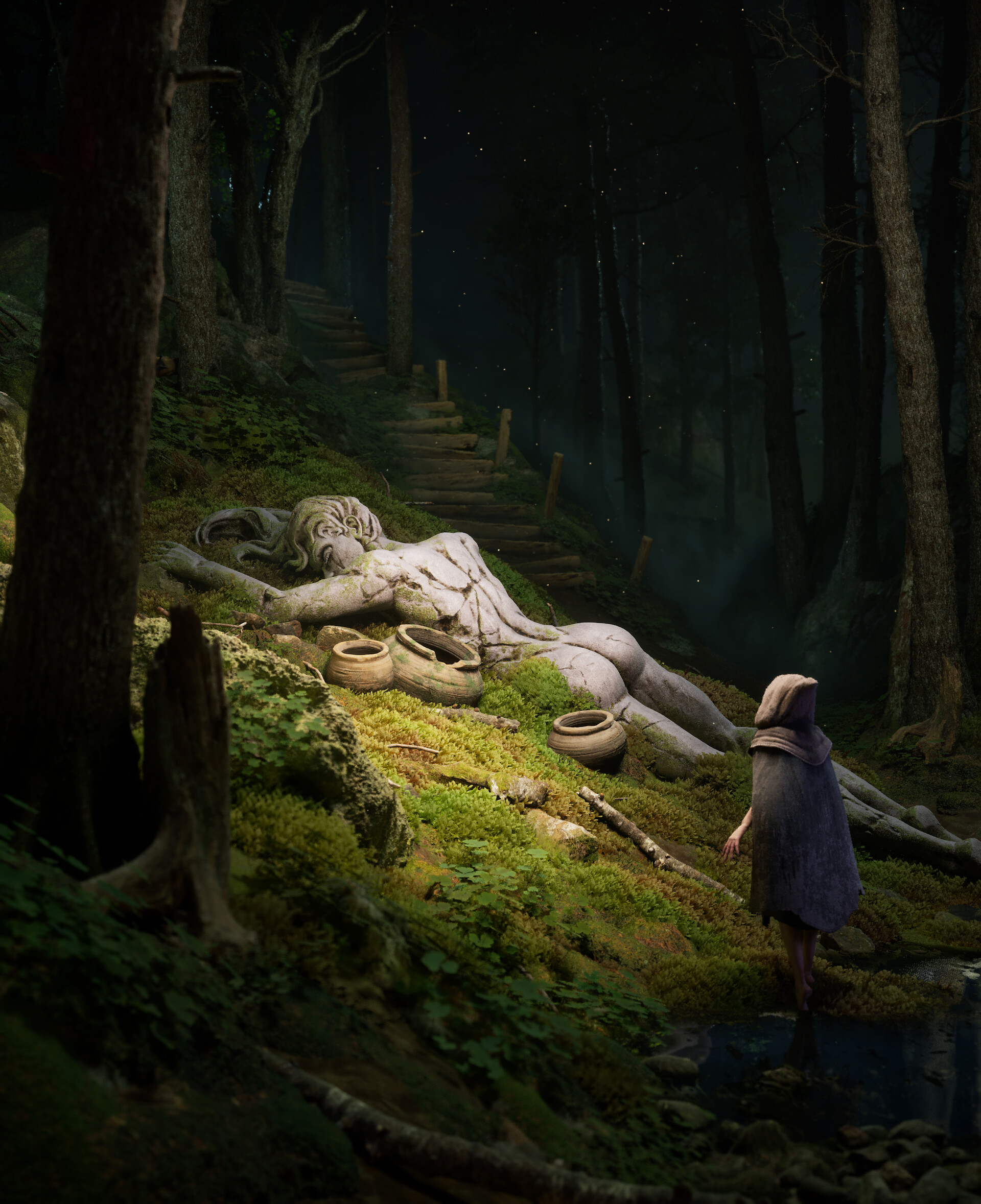 This is looking cool so far! As far as moss, theres so many ways to approach it, you could try creating cards and foliage painting them, then creating a vertex paint material and paint the mossy texture underneath the cards to ground them. You could also place them yourself using MASH is maya, or you could try it in…
>10390 results