Search
-
Can/ How does ue4 handle non uniform textures?
 for example 2048-1024 texture maps etc. can ue4 read these correctly and if so how do you make it work? it's a current problem i'm wondering if there's a solution to it, as i've not found any info on it.
 -
Star Wars - Droid caller

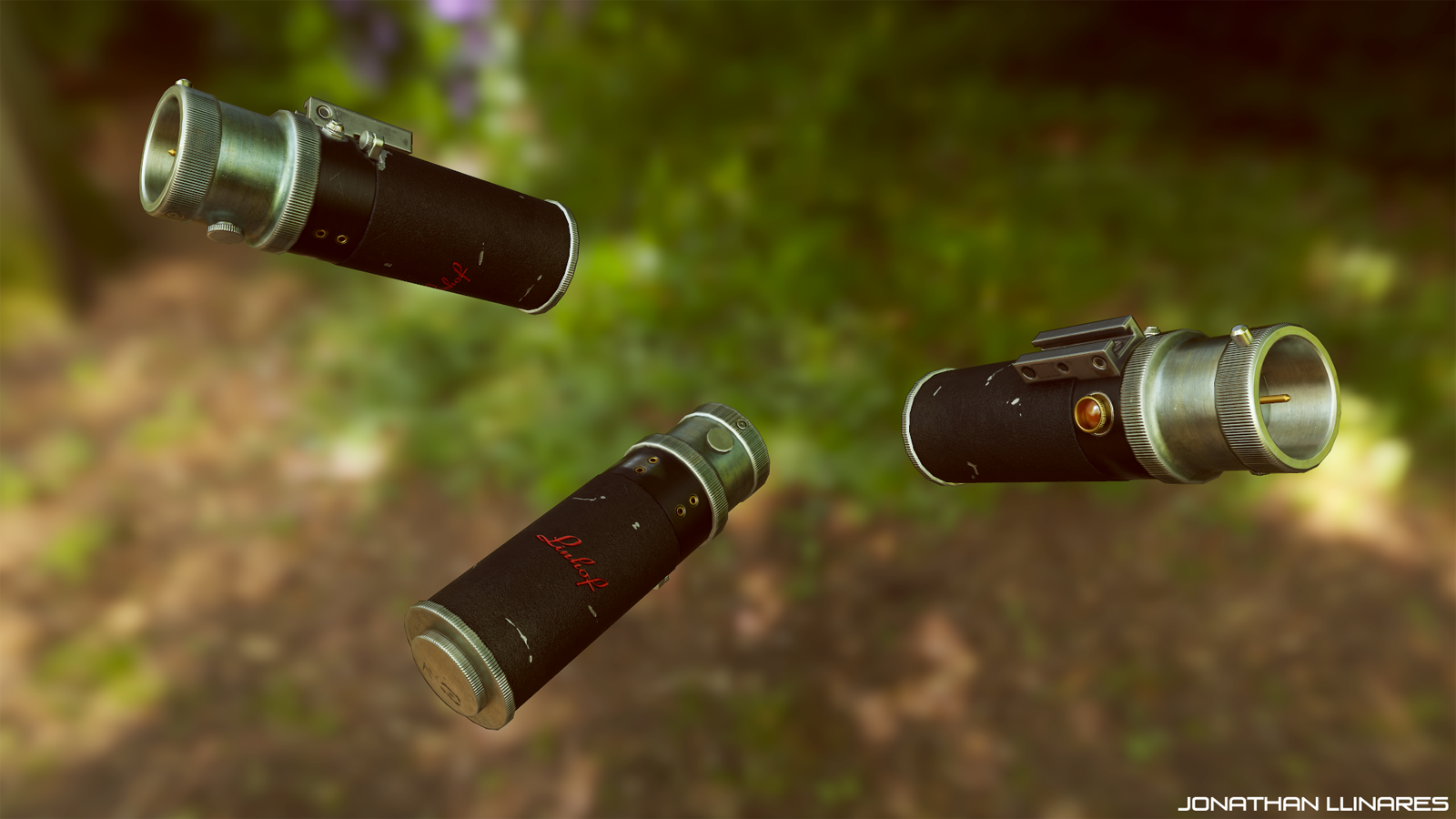 Hi :smiley: Quick little prop I wanted to do, and first star wars model, at last! 1776 tris, and Albedo/Reflectance/Microsurface/Normal 1024 each. Marmoset viewer and more here : https://www.artstation.com/artwork/QEYm3
 -
FPS Bernzomatic Torch WIP
 Here is an FSP style game prop I am working on. The texture will be reduced when all is said and done to a 1024 square. Still have a lot of work to go on the texture side. C&C is welcome as always, tear it apart :) .
 -
One Handed Axe
Hi I'm pretty new to 3d art, I think my texturing is better than my modeling but here I go: One handed axe for a first person medieval game 2048 x 1024 texture 600 polygons -
Tribesman
Just finished this guy up so I thought I would share it. Let me know if you guys have any crits, main reason I'm posting it. used Maya, Zbrush, 3dcoat and photoshop 2048 1024 Thanks for checking it out. -
Re: need help buying monitor(s)
 I have a 22" widescreen and a regular 19", their resolution heights are roughly the same (1050 and 1024) so its not that weird, but I think it might be weird if the difference in their heights were larger.
 -
Re: Paddle Frigate
 Still cranking on mats. They're pretty gross, but they're on a tight schedule, so I'll just have to leave them as is. As of now, most textures are at 1024 or 2048, but they will eventually be rezzed down.
 -
Re: Help with texturing
It depends on what resolution you render the uv template. I would render it out at 1024 or 2048 and then you can always resize it to a smaller resolution once you finish texturing it. -
Re: 900 tris Soldier wips
 Great work so far, the character has a nice solid feel about him, and that vest is awesome. Looking forward to seeing how you deal with the tri-limit, plus a 1024.
 -
Re: WIP / Need help [low poly texturing]
 For starters your resolution of 1024 is really large for a character in that style. Perhaps you could tighten up your UVs as well. Aside from that you really need to jump right into it.
>3241 results