Search
-
Re: Various game models
 Tectonic: Thanks for picking that up, I totally agree . Those tubes you highlighted could be much simplier. I couldn't decide whether to left the holes in upper beams modeled or cut them with alpha and normal map. I should have tried to let the texture do it.
 -
Re: 2d/3d art thread (RJBonner)
 onely 1 day left of labor day weekend, and im proud to say ive been practicing most of it. very, very bland diffuse. Lets see if I can put any of my painting skill to use. Also, ive acquired bodypaint, need to learn that too.
 -
Another Beretta M9
Ok ok, I've always wanted to make one, I've left it long enough, so here goes! New generation, new Toolbag, new Ddo, let's D-do it! (sorry) New to Ddo but I'm quite happy with this, please point out any errors you see etc Thanks! -
Re: Walk Cycles Help and Reviews
 The normal walk hips. Are they mirrored in terms of timing as well? Looks like when the left leg goes forward, the left hip goes forward faster than when the right hip goes forward. Also, it's because the hips are tilted back that it looks odd. Like he's sticking his ass out for no reason. Either way, the rotation can be…
 -
Re: Critique my game environment please!
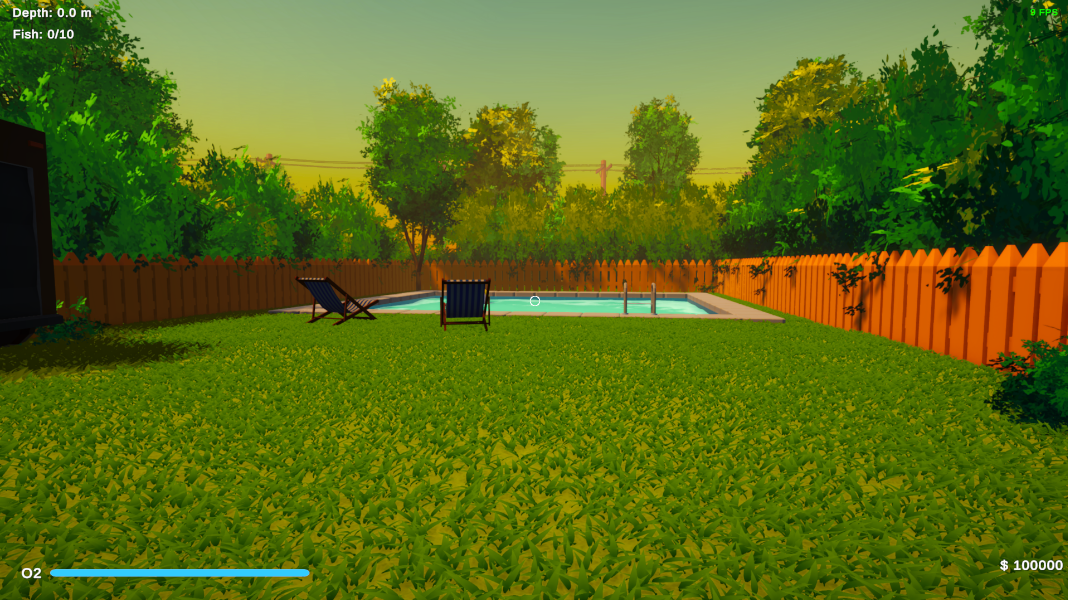 Touching more on this... Here is the grass without casting shadows. I think in this case maybe the shadows do make the scene look better? Let me know. And I meant more in terms of lighting for my reference of hello neighbor. In terms of the assets , I do like the low poly / realism feel I have going? I dont know how to…
 -
Re: Have you ever asked to see anyones Badge?
 Meh. When I first got here, I left my badge at my desk. Had to ask someone to let me in, with their badge. They asked me if I worked there. I said yes. End of story. Sounds like you just ran into a douchenozzle.
 -
App question...Blender, etc.
Recently I've been trying out some new apps. For years, I've been using QME 3.1 Now before you all laugh, first let me state that I build models vertex by vertex. This is my prefered method, and I'm very fast at doing it. I have no apsirations of doing high poly models or scenes, just game models. I'm not looking to switch… -
Re: [CE3] Sci-fi Machine Room
 @Target_Renegade: Thank you! On the left side I'am going to add some kind of crane like machines and such stuff. I'll block out the lighting later on, thank you for the hint! :) @Brygelsmack: Thanks for mentioning this! I've changed the resolution of the pictures. Please let me now if its better now.
 -
Re: Is Converting a Landscape to Terrain possible?
you can create a hole in your landscape by using the visibilty tool in your landscape toolbar thingy (it only works when you apply a material to you landscape, the default one doesn't work) ctrl+ leftclick will delete quads, ctrl+ shift+ left click will let them reappear -
Re: Advice with secondary forms
 @DustyShinigami, ah, too bad these posts are not numbered. The image is from March 24. The options to flag/quote/like are on the left side now. The site seems to experience April 1st joke gone completely out of control XD Check General Discussions, I guess.
>42828 results