Search
-
Re: [Finished] Kaminsky Handheld Device

 En-materiation begin! j/k some normal and other issues I need to fix before really drive into the materials. Nothing I haven't dealt with before, just stuff like the flat surface normal jank like you can see on the flat area under the lid, the top panels, etc. Those flat areas should be bordered entirely with hard edges,…
 -
Re: Technique question
 I am a Maya modeler, but the one way I would think of doing this (Take it you are doing the High poly of the magazine), is taking a helix or spiral spline and extruding along this spline and creating this geometry this way. Or you can use a flat geometric spiral of some sort to match this spiral, and extrude along that.…
 -
Re: Double Mag AK-47 [W.I.P]
 id say you arent quite ready to move on yet. it looks like the only real thing of interest in this is the magazines. you need to put that much love and care into the rest of the gun. your safety lever for example looks SUUPER flat. it needs to come out some to give some shape and silhouette to the model. the stock doesnt…
 -
Re: (Portfolio) Andrew Boyles - Environment Artist
 Hey andrew! Welcome to polycount! I think its starting to look like something. So keep up the good work! My only 2 crits is that your shader that you are rendering with is too flat, and toomuch ao. It needs more specular. See about combining 2 specs through a mixer and then adjusting each spec power of each node to where u…
 -
Re: UT2004 - MakeShift Vehicles!!
 I am back! Great critiques The Umbrella Man! I made the ropes thicker, made them attatch to the wood, gave the propeller a curve on both sides, hinges for the steering to move back and forth. I added an acceleration handle to the steering. If you look at other airboats, it's all they need to drive so I believe it is…
 -
Re: What Are You Working On? (3D) 2025

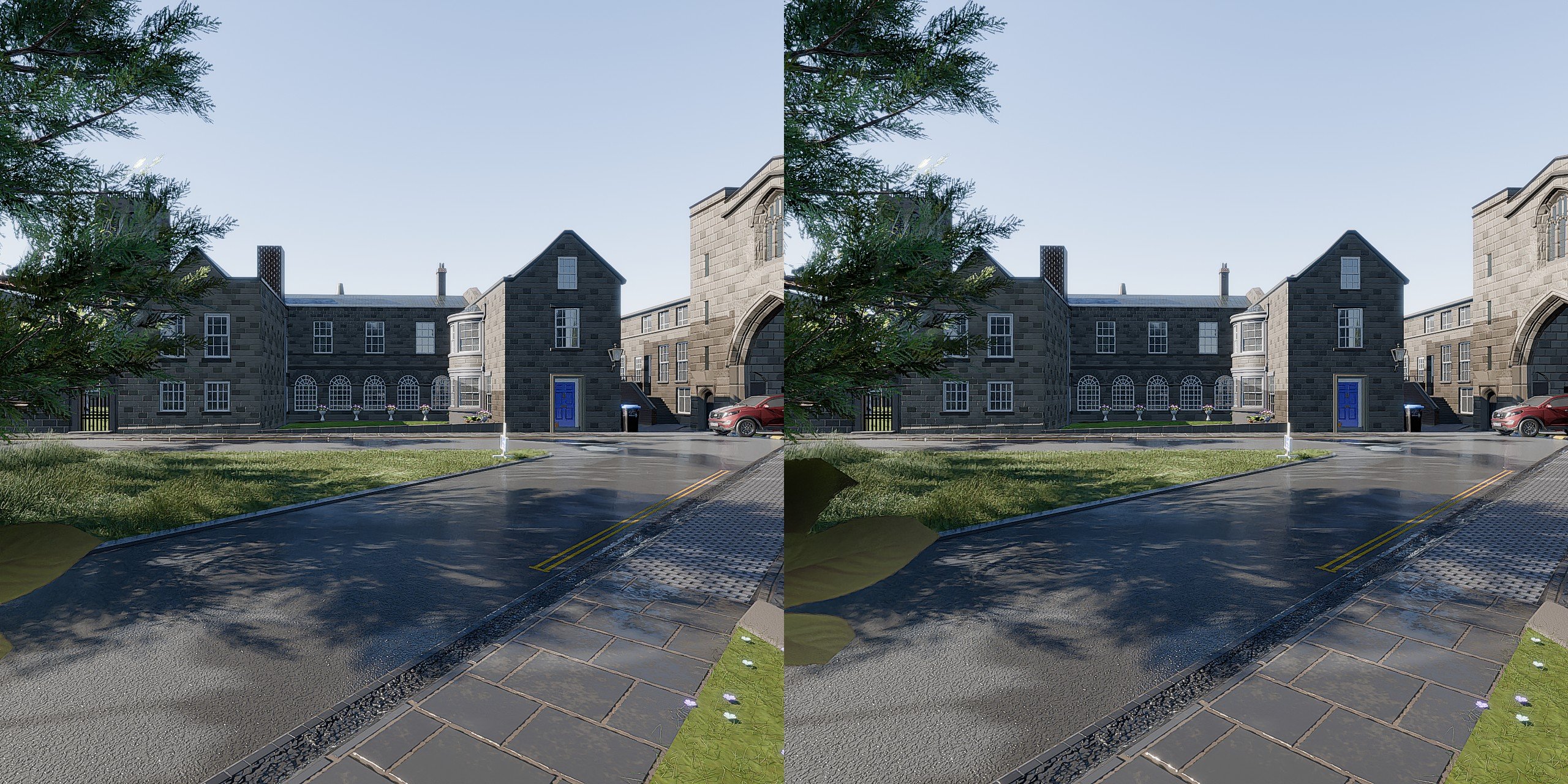 another side by side render in Blender 5 alpha its one of those 'cross eye' images ie make yourself go cross eyed to see the image in 3d. you can also view it in 'DEO VR' by switching the eyes in the video settings, then setting it to 'side by side' and 'flat' Took me a long time to figure how to get a nice render and have…
 -
Re: Sketchbook: Tim Smith

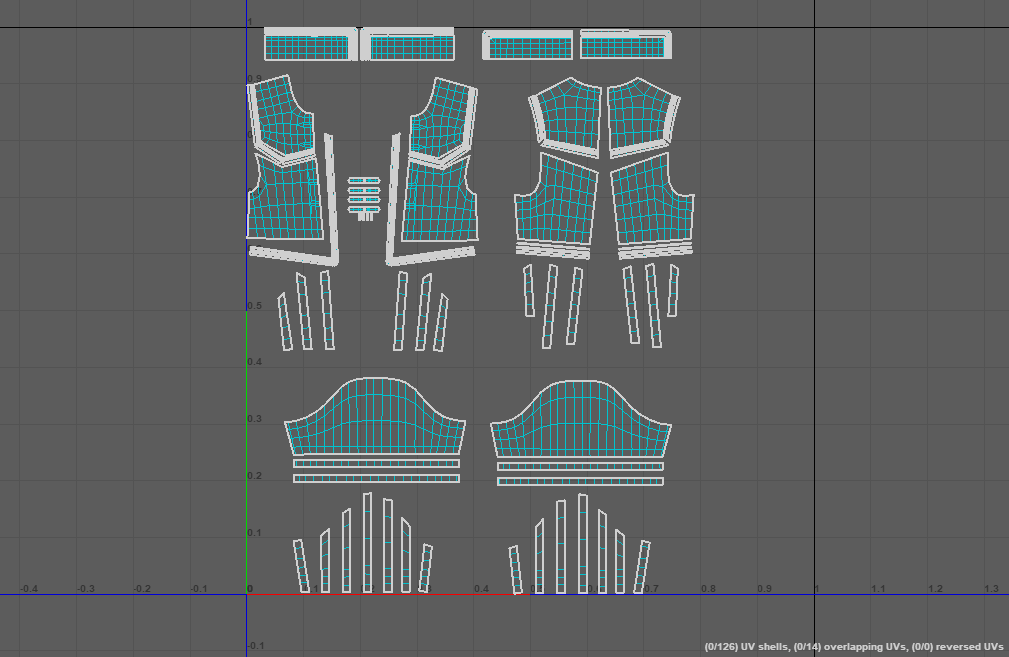 I've finally reached a bit of a milestone with my character project. I knew the chainmail was going to be the most complicated to sort out, but I've finally got it to a point I'm satisfied with. I use a workflow that gets you clean topology and UVs using the flats/UVs from Marvelous Designer. I've transferred the details…
 -
Re: WIP Sky Pirate Outpost
@Khalamea - Ya that cliff wall is something that has been bugging me for awhile, and seeing how its as obvious to others as it is to me im definitely gonna redo it with a bit more love. Ill also add some wear and tear to the other portions of the ship, thanks for the crit :D @Douxan - Glad your liking it, and yup ill be… -
Applying Smart Material Turns One Area of Normal Map Dark Grey

 I've been trying out the texturing tools in Toolbag 4. I am woefully behind on the smart material and painter type texturing process, and I am trying to get familiar. Unfortunately I've run into a problem that I am clueless as to it's cause. When I apply any smart material included with toolbag 4, my normal map goes grey…
 -
Re: UV Island & Smoothing groups problems
It looks like you have put smoothing splits at all UV islands, and you have a seam on the flat part of your model. Only put smoothing splits at 90 degree angles or more. remove any splits on flat surfaces but you can leave the UV seams there. Whenever you add a smoothing split you MUST have a UV seam there, but you can put…
>25687 results