Search
-
Re: Moving to Cali! Cultural lessons please.
 Hey congrats on the job at Blizzard! That's very awesome :) Someone mentioned In N Out but since you'll be in Irvine I can HIGHLY reccomend Sonic. Great fast food there as well, In N Out is great as well no hard feelings on them. There's more In N Outs than Sonics around SoCal. Most of the time the sales tax will be added…
 -
Re: Blender Mega Thread
 @Justo In Blender you can type additional commands into a live operation and re-run it as many times as you need. One way to copy objects around a circle is: Alt-D (Duplicate Linked) and while it's active type R (initiates rotation) then X, Y, or Z (selects the axis of rotation) then 360/N (where N is the number of…
 -
Re: What AI do you use to solve CG software puzzles ?
I met a traveler on a green foreign forum page He seems to learn a lot through his experience and age My hat is off for any wisdom to be spare. End even no need for any goat sacrifices as a fare for gods to please them in my sake , to be awake and drive beyond what lurking evil might be there. At first it might pretending… -
Re: Beauty or Execution? Which one is better to ace as a Junior?
I can't teach someone to have a natural eye for color, shape and composition I can teach pretty much anyone with fingers and a willingness to learn to make a model that fits a spec if I'm hiring for the long term I'll take the hit of training someone for a few months over someone who'll never quite nail the vision/style.… -
Re: 3D Modeler

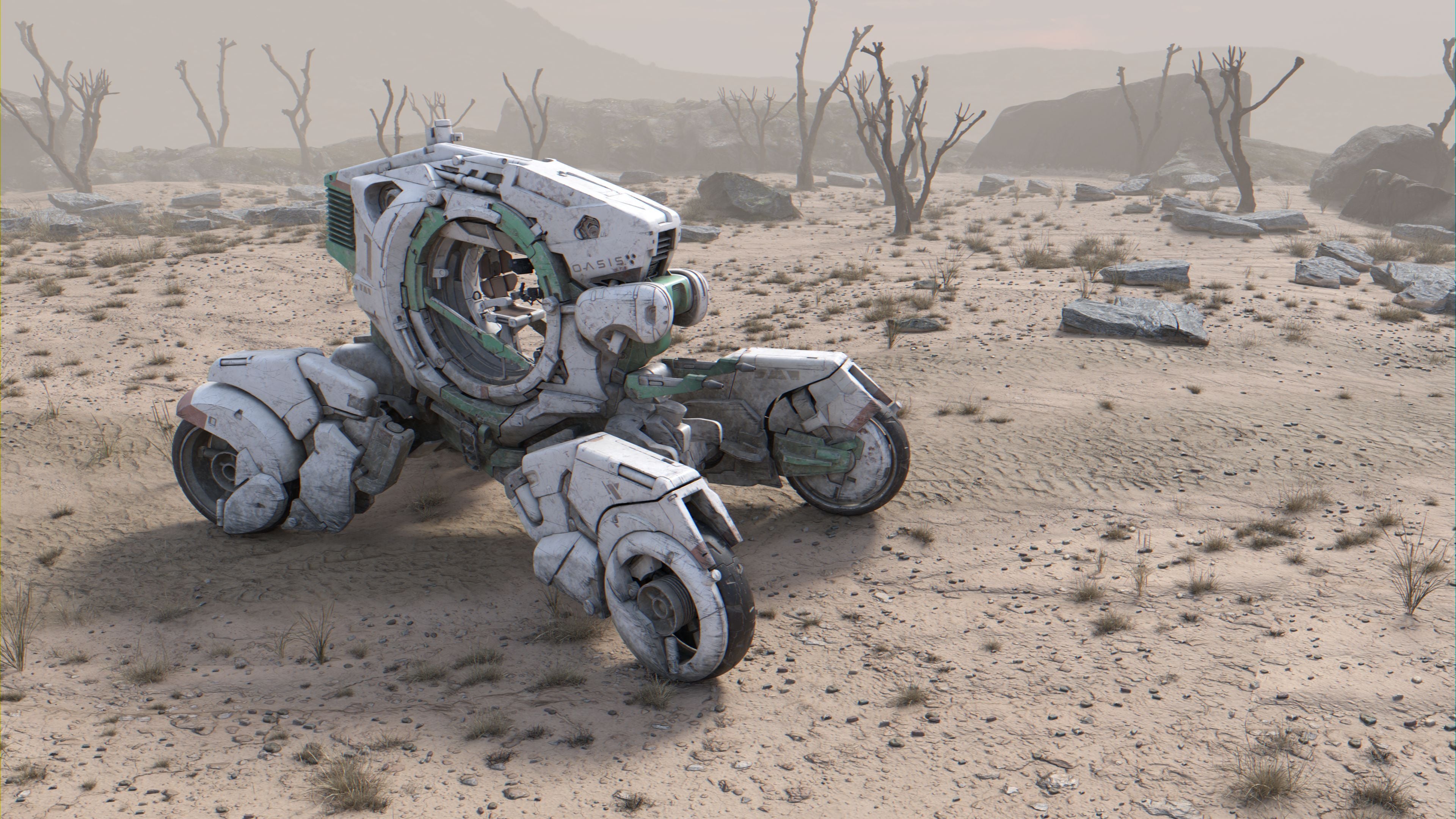 Hello! Interested in new opportunities! Latest work: https://www.artstation.com/artwork/gRYWeQ Cheers!
 -
VFX Artist — Layered Clip Licensing for AI Research
Job Description: Twine is sourcing on behalf of an AI research client looking for VFX artists with existing photorealistic footage they own outright and would consider licensing for AI model training. This is not a commission. We're interested in work you've already created that could be separated into distinct visual… -
Re: Arcane Inspired 3D Character Bust
 So now that you have the hair shine, I’m wondering if the eyebrows and eyelashes also need some love? They seem a different color now.
 -
Re: Normal shader
 Custom Node return refract(E, N, IOR); E = Camera Vector (invert or transform this pending on needs). N = Normal (same as above). IOR = Index of Refraction (plug in a constant check up a IOR table). Stick this either in the Distortion slot or use a Cubemap. Note, you cannot use a 2DSceneTexture since UDK reads them as 2D…
 -
Re: Monthly Community Noob Challenge September 2014 (23)
 Easy guys - Looking good! This is my first stab at an environment challenge - Has been making me work a load out and learning a lot. Here's an early block out, using 3DS Max's Camera Match err have to learn to post vids n stuff... any tips? images below https://www.youtube.com/watch?v=RKTFoY1SQUY It has worked out the lens…
 -
Re: a newbish question ><
 Shift+RMB over your model in Maya go down to Cleanup this will pull up an options menu in the Fix by Tesselation section, select only the "Faces with more than 4 sides" box Hit Cleanup at the bottom You will see your mesh go into Face component mode The faces with more than 4 sides will be highlighted in orange and they…
>144808 results