Search
-
Re: How The F*#% Do I Model This? - Reply for help with specific shapes - (Post attempt before asking)
 What does his edges being too sharp have to do with floaters? Completely different subjects/issues. There is no "wrong" here. If you're of the subjective opinion that his edges are too sharp here(could be, or not, we don't know the scale of the object), that is fine, but it really doesn't have anything to do with floaters…
 -
Re: Doom 3 Fan Art
 Right, So... your door is going to look a whole better if you just bumped out the geo, (made a low poly for it) you get betting lighting, and its not going to fall apart if you get too close to it, (I know its fan art). I use parallax occlusion mapping on everything- no you shouldn't. Just on flat tiled textures. the…
 -
Tutorial: Floating Geo on Awkward Shapes
 Hey guys! I was discussing the placement of floating geo on more awkward shapes with Joost the other day and came up with a solution which worked pretty well. I haven't seen it anywhere before so I thought I'd do a little write up of the technique. I realise you could really easily do the same using NDo, but I know a lot…
 -
Re: 3Ds Max- Tips on modeling this Breast plate
 floaters would probably be best. you could start it out as a floater, turn on snaps to vertices and cut around the floater's edge. then weld. that's one possibility though it's probably not the cleanest method.
 -
Re: Creating carvings?

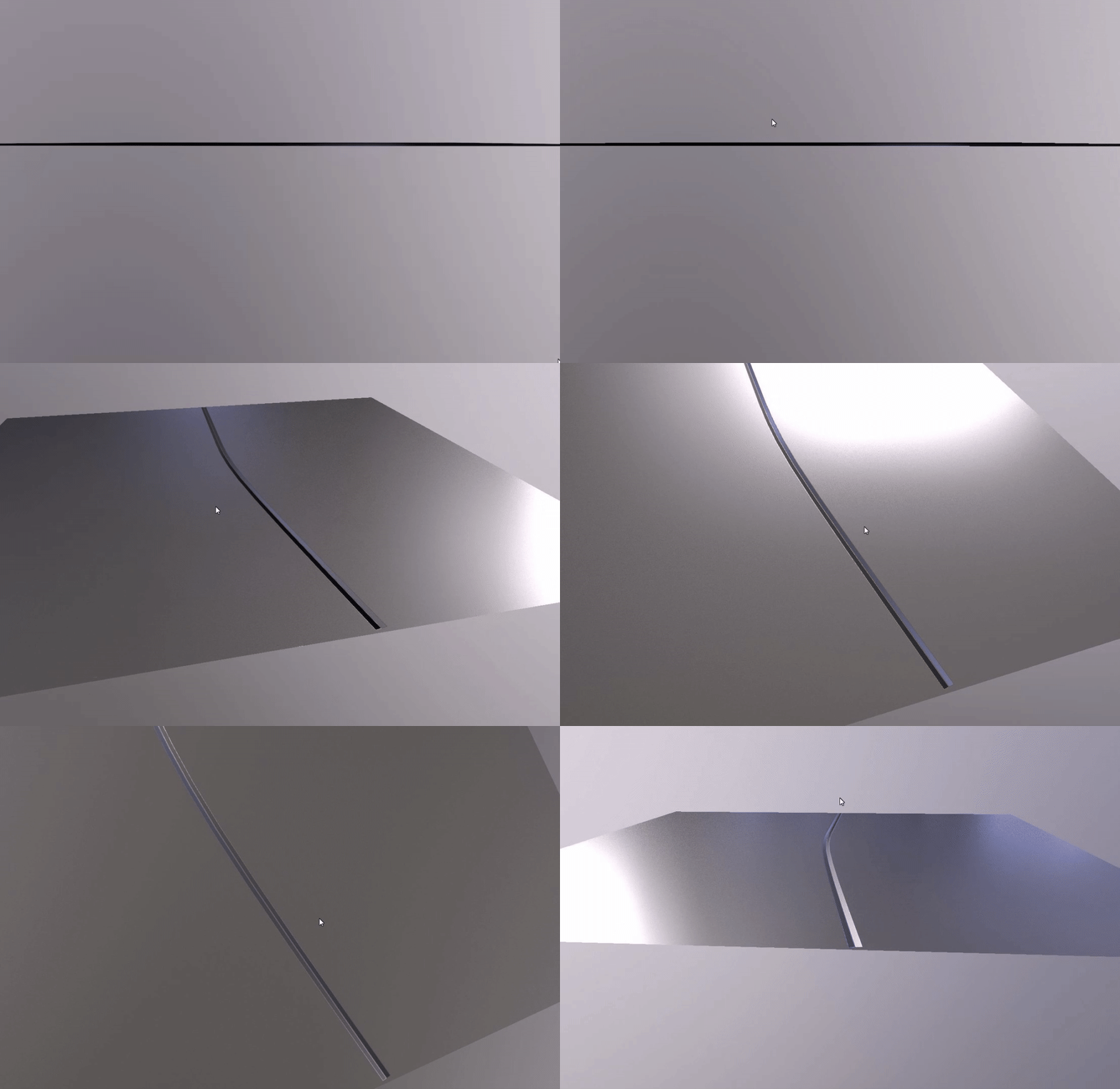 when i have to do this, i use (in maya) a curve and extrude my floater-mesh along this curve to bake carvings onto the mesh , you could work with floaters i baked a "floater" mesh onto a low poly mesh here: that's the setup:
 -
Re: How do I make panelling/seams like this?
 I can think of 3 things that would cause the floaters not to render. *You've set the bake to only render onto matching Mat IDs *The cage isnt covering the floaters *The floaters are not added to the projection modifier. The conform space warp is quite nice for this too.
 -
Re: Polycount Model Database for Normal Mapping
 Another easy way to place things on the surface is with the Attachment Constraint. It will let you slide/align the floater along any surface you pick. Here's what you do: - Select your floater click Animation > Constraints > Attachment - Click or click/drag on the surface to place it. Tips: - Assign Attachment Constraint…
 -
Re: Getting an AO map out of Floating geometry
I seem to half remember that there was a trick for this besides CrazyBump which I also suggest trying. You could try, rendering it two passes. One with the floaters hidden and another with only the floaters visible (or maybe it was with shadows on the floaters disabled?). Then composite the two passes? There might be… -
Re: Spec & ambient occlusion maps how do you make'em?
To get rid of floater shadows you can do like PolyHertz suggested, only with one change to make things easier. You hide or get rid of the rest of the mesh when you render the floaters. Makes combining them much more simple, provided nothing casts a shadow on your floaters... -
Re: Open Edges
 Stl check is mainly meant to be used to check if the model is suitable for 3d printing. For game art open edges are fine. What do you mean with floaters? On the high poly or low poly? Both should be fine but keep in mind how SSAO reacts with low poly floaters. Open edges for high poly floaters are fine as well as long as…
788 results