Search
-
Re: Building modular buildings and houses questions
 It's all context-dependent, something you learn best by doing. My advice is to try forcing yourself to stick to a lower resolution, and fix the problems you see. You will learn how to minimize repetitive features in a texture that is tiled. You will also learn how to leverage vertex blending and other techniques like…
 -
Re: How do i move the vertex according to edge direction? [3DS MAX HELP]
 Disable edge constraint, extrude in local or world space depending what what works(maybe you do one edge at a time) then enable edge constraint There's lots of ways to deal with this.. If it's being really tricky detach the faces, scale them up uniformly and tidy up the result You can also make yourself tools - eg. Use a…
 -
We Got Tired of “Final” Renders Breaking — So We Built a Gate Instead

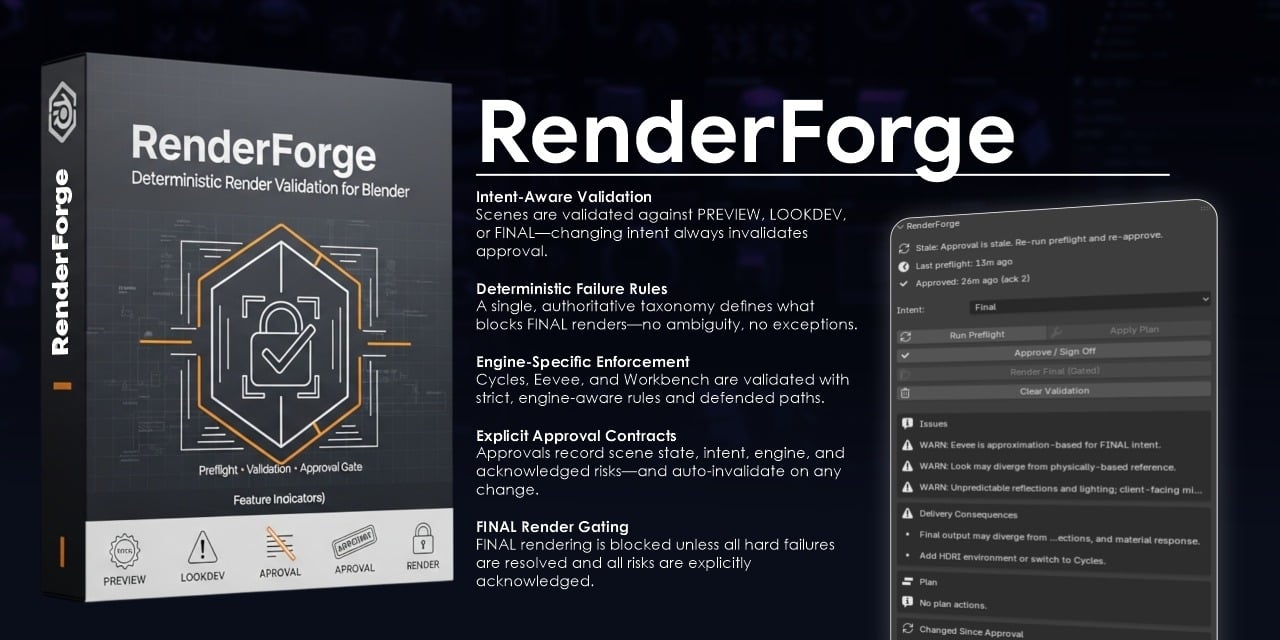 If you’ve shipped enough work, you’ve seen this moment: You approve a render. Someone changes one small thing. The final output doesn’t match what you signed off on. No one did anything “wrong.” But now you’re explaining differences to a client. That’s the problem we wanted to solve. The Real Issue Isn’t Quality — It’s…
 -
Re: Camera facing quad in Maya.
 Never mind figured it out, constrain to orient works, I just had to create a clean camera that didn't have rotation on it before I constrained it.
 -
Re: Switching from Max to Maya =[
The constrain feature seams hard to get at first in maya (esp snap to curve) but as I found theres a certian place you need to click on the gizmo or it wont constrain properly. -
Re: 3Ds Max - I cannot rotate my hand using HI Solver / IK Controller
 It sounds like something is position constrained but not parent or orientation constrained. I don't have time to check your file but off the top of my head, that sounds like the issue.
 -
Re: Silo 2.0 public beta
 With silo 2 can you now modify geometry without having to use the tool handles or pre determine an axis you wish to constrain to? E.g can you hold a key then move the mouse and your tool gets constrained to the axis closest direction of your mouse?
 -
Re: Dumbass 3ds Max Question
i knopw what you mean scott. the fact that you cant bake keys in max is dumb. I bake all the time in maya. i am always constraining stuff, baking, reverse constraining, baking again etc. I sure do love maya..... -
Re: How do i rig this
thank you for the answer. i am not a complete stranger to 3dsmax but i will be using blender. blender do have useful constraints but i am just grasping the rigging. hardest part for me is the 6 different legs effecting the platform and each other. platform and the base is the limit but even the tiniest movement in any lef… -
Y-axis locked in Maya's UV Editor
 Hello! For some reason Maya's UV editor isn't letting me scale in the Y-axis. Every time I try to use it it just scale in the x. I've checked my tool settings and my constraints are off and no video or search has been able to help me so far. Is there anything I should try to help me resolve this?
>8075 results