Search
-
Re: The Bi-Monthly Environment Art Challenge | May - June (102)

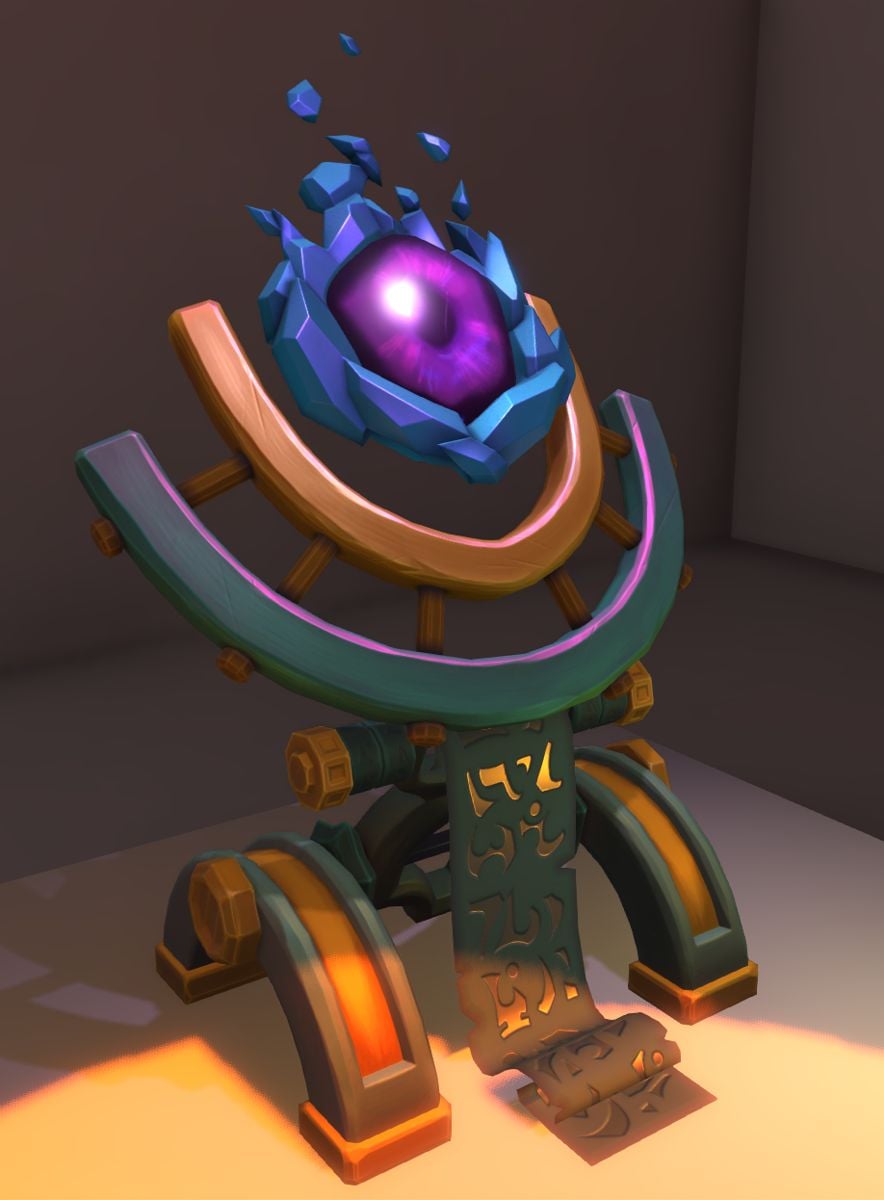 Hey there, don't know if it's okay to post still, but I wanted to show final renders since I've managed one last effort to finish the thing :sweat_smile: Godot - added a custom "specular" shader to have stylized highlights. Debatable if it's payed off, but I wanted to try. For science! Also, now I know just a little bit…
 -
Re: Technical Q&A
 I am having an issue with .obj's in 3D Max and their pivot points. They are in the correct place upon export, but when I import the .obj into a new scene, the objects pivot point is not in the correct place at all. What could be causing it? Something wrong in the file the .obj is being imported to? Or some box I'm not…
 -
Re: Maya batch exporter dae-fbx script
 import maya.cmds as cmds filepath = r"C:\Users\abraz\Desktop\PolycountScriptTest" selection = cmds.ls(sl=True) for obj in selection: cmds.select(obj) objExportPath = "%s\%s.dae" % (filepath,obj) cmds.file(objExportPath, type='DAE_FBX export', pr=True, force=True, exportSelected=True) Can try something like that. Can try…
 -
Re: [Maxscript] Simple TryCatch script error - Help
 You can make the script a little shorter by using SetProperty. I like using SetProperty because it's a mapped function, so you can set a property on an array all at once. (Not used in this case.) ( max modify mode obj = modPanel.getCurrentObject() bf = #ignoreBackfacing if isProperty obj bf do setProperty obj bf true…
 -
Re: quick question, applying modifiers to several objects independently
 @maze: If you have lots of objects that you want to add a modifier to but like me don't feel like doing it by hand use the following script: PutMod = $ as Arrayfor obj in PutMod as Array do( select obj modPanel.addModToSelection (Uvwmap ()) ui:on) Cheers~
 -
Re: [TOOL / ADDON] VmBaker - GPU-accelerated texture baker (Maya, Blender & beyond)
Thanks for the feedback.. yeah I get it. I'm missing quite some info in the docs it seems. I'll have to update it and add some more info about these kind of things. But to give you an explanation, the selection workflow works this way : For traditional High to Low : You can use the both tabs the EdgeBevel with the enabled… -
Re: MightyBake Tool Announce
 FR0GG1E Thanks for trying it out. I will remove the limitation for 10x10 from the next release, it was an oversight of mine when I read the UDIM documentation. Regarding the OBJ - which package were you exporting from? How many objects does it have in it? The OBJ parser in MB is a very optimized, but simple parser. There…
 -
Re: need help fixing max script
I doubt the issue comes from the tutorial, could you please paste your code so we can see what's missing? "i" shoudnt be undefined as i == a number ranging from 1 to obj ( which you should have declared above) number of verts do you declare obj when running the function? ig: fn exportmesh $box001 ($box001 = obj) and so… -
FiberMesh to Splines Standalone released
FiberMesh to Splines Standalone is a standalone application that will convert the exported FiberMesh from ZBrush to splines. You simply drag and drop the exported .OBJ of FiberMesh on FiberMesh to Splines and it will convert it to splines in .OBJ format. The splines can then be opened by a 3d software that supports… -
Re: Stumped
I did re post this in the team fortress forum. so far no reply. As for decompiling the grenade launcher. the problem seems to be that .obj don't hold joint information. so whatever bones/joints you make just vanish after you make said .obj. By the way I'm using Maya. I have been using SDK item test to turn obj into smd.
>28981 results