Search
-
Re: Exporting Pivots from Maya to UDK
 doesn't matter if transformations are frozen or not. global proc UDKexport() { string $selection[] = `ls -sl`; string $thisObj; string $presetpath = `internalVar -usd` + "UDK-FBX.fbxexportpreset"; FBXLoadExportPresetFile -f $presetpath; int $selsize = size($selection); if ($selsize == 0) { warning("Nothing is…
 -
Re: Maya: Bake vertex ao into a specific channel?
 You're probably looking for PolyColorPerVertex You can query each channel and set too. Some sample code. Note this will probably be slow on higher vertex counts: import maya.cmds as cmdssel = cmds.ls(sl=True)start = cmds.timerX()for obj in sel: totalVerts = cmds.polyEvaluate(obj, vertex=True) window =…
 -
FGO Minamoto no Raikou - Real-time Character
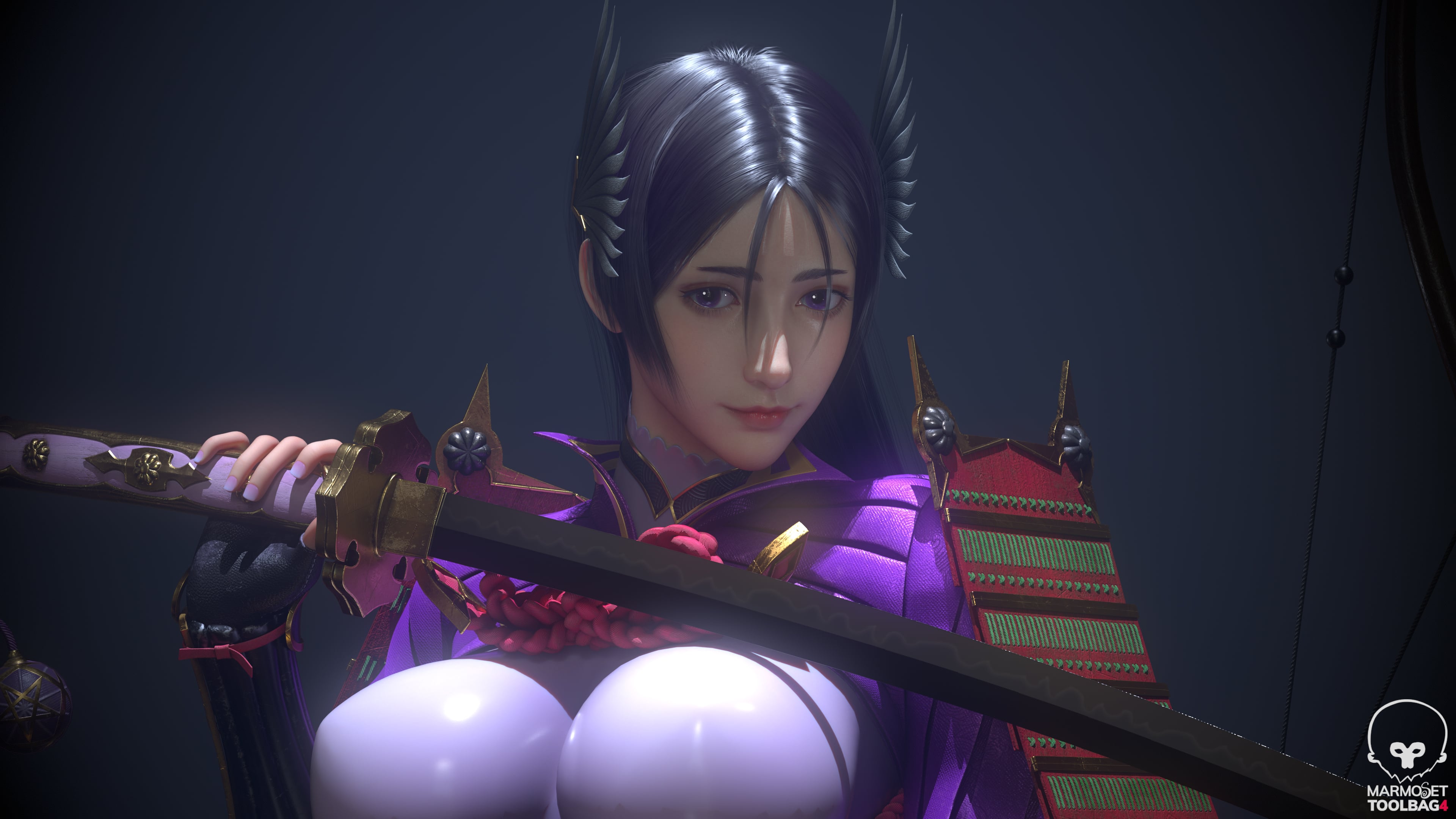 Software: Maya / ZBrush / Substance 3D Painter / UE5 Fan art of Minamoto no Raikou from Fate/Grand Order. Rendered in toolbag Feedback and critiques are welcome.
 -
Re: WIP - Deep dark wood - (Block out Phase)

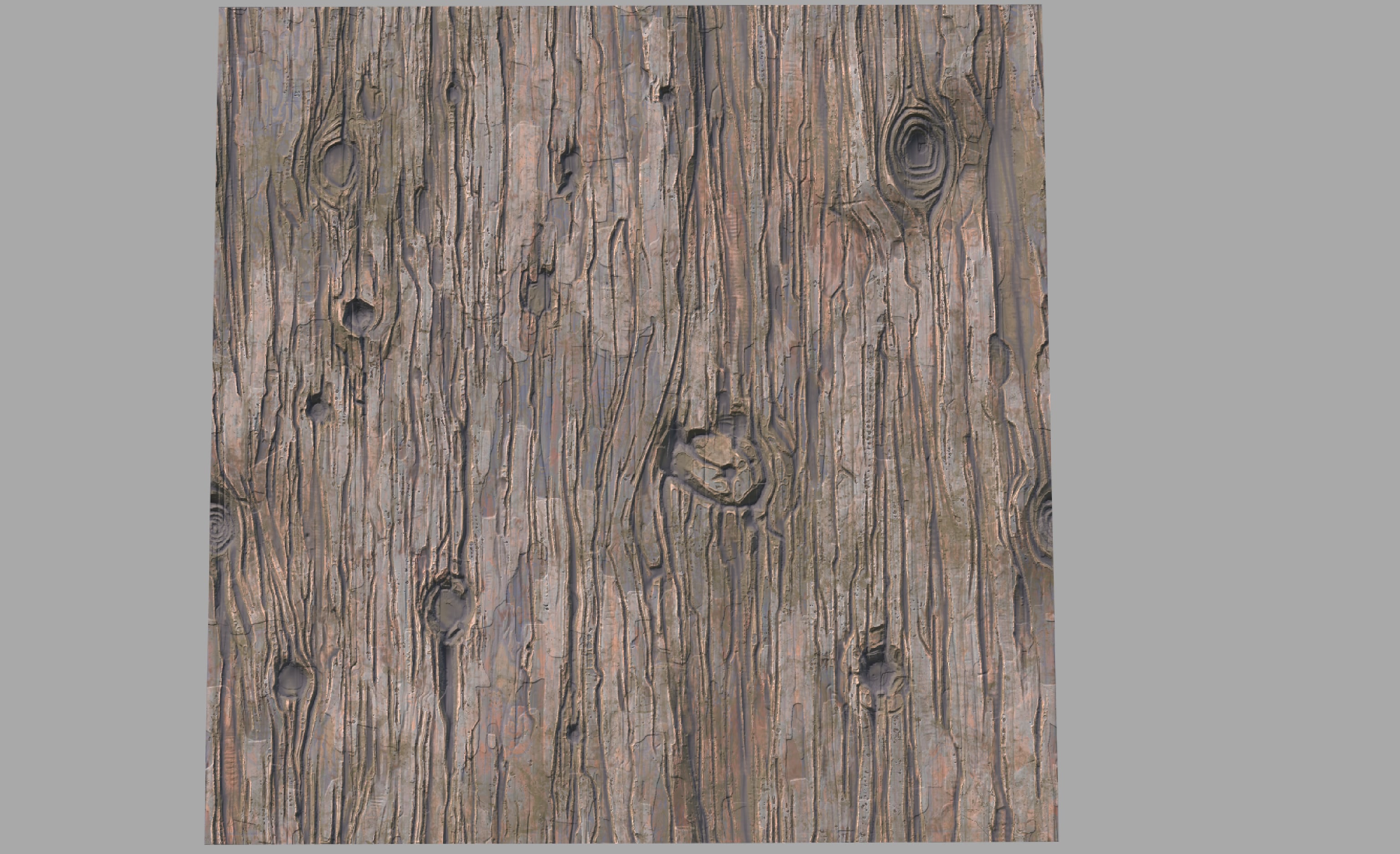 Also made a new tiling texture. I needed one that I can scale the uvs of my mesh's so i can start making trees and a faster rate. Here is the progress on that:
 -
Re: Freelance 3D Character Artist available for new opportunities
environment modeling and 3D modeling Portfolio : ArtStation - Magical Stylized Purple Room, Şevval -
Re: [UE4] - Blurry textures with WorldAligendTexture node [Solved]

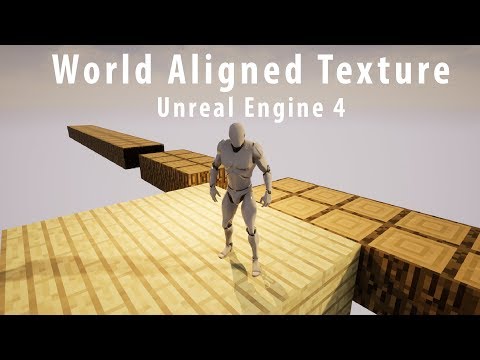 Relevant video to this post that I never posted, here it is 10 years later: https://www.youtube.com/watch?v=BMbV4I4acaQ
 -
Re: Pinching after displacement
The texture tiles "mostly" ok by the look of it (i checked in designer) there's a couple of areas where I'd expect to see some sort of spike but nothing that would cause the sort of gap seen in the last image assuming a 1:1 ratio of faces:pixels - unless one of the meshes was rotated relative to the others. I'd put this… -
Re: Survey for Blender users: what would you automate if you could?
 nothing really. To many scatered tools already. Waiting for proper Straight skeleton Bevel but thats not possible with python and will be probably in 5.2
 -
Re: Shuttle Altair
 Oh okay I gotta I'll remove it. Might do the same for my other projects.
>161916 results