Search
-
Re: Track AND Terrain
 Mr Whippy : Thank you for clarifying last few blurry points ! :) WAW, thank you guys, that is just freaking awesome ! :poly108: This is what I managed to do in a matter of minutes : The Process : - Create a track along spline with a loft. - Extract the two borders of the road as splines. - Create Terrain using garment…
 -
Re: MaxScript: Playback Curve Editor Friendly
 I had a skinned character in the scene - and some additional animated rigid hierarchies with some wired ctrl etc..... But it was a pretty simple scene in general, so mabye having multiple skin modifiers in the scene might still be slower Just a hint: When using the stats display turning off all geometry related stats…
 -
Re: Korgathian Spawner
 I've been on this pretty hard since my last post. I didn't put too much faith in the decimate modifier, so I extruded and filled every last triangle. It was tedious, inefficient and above all BOOORING. I think next time I'll just decimate the damn thing and fix up any problem areas. After that I ran in to a myriad of…
 -
Re: Project: MotoGP KTM 125 bike
 Started on the back wheel today and made the footpegs. Not quite sure how they attach to the frame so held off on that for now. Theres also some hydraulic cables to go on top of the springy thing, but again I'll wait till I've got a bit more done before hooking them up. Finally I made the back section of the swingarm and…
 -
Re: UV unwrapping in 3ds Max9
 In answer to your beveled box example, personally I'd just use the unwrapping tools in your 'UVW Unwrap' modifier, not bothering with any extra 'UVW Map' modifiers. Select each side of your box (including the beveled pieces) and just use the "Planar" option, aligned to the most appropriate axis for that face. By the end…
 -
Re: Help modeling a robot for animation
 Yeah Toomas is right, the easiest way would be without bones. You wouldn't need bones if they where all separate models. Just treat the objects as bones by moving each objects pivot point to the joint and link each object using the select and link tool. All bones do is set a pivot point and define a length which you…
 -
Re: RTT - turning a few materials into one
Yep you're stuck making a 2nd uv channel and rearranging all the pieces, then in RTT instead of automatic unwrap use channel 2 (you probably already knew that) =/ Most of the 3rd party apps, pretty much do the same thing, with only slightly better results... I like using a second UnwrapUVW modifier it makes things easier… -
Re: The Game Artist's Guide to Maya
 [ QUOTE ] I'm assuming at this point the reason is that I'm running Maya 5 and these files will only work with Maya 6 (full version or PLE). [/ QUOTE ] Can't use PLE, has to be full version of Maya. When you open the ASCII file with Wordpad or some text editor, this what it looks like: <font class="small">Code:</font><hr…
 -
Re: cruise ship lobby (Seeking Honest Feedback on My Portfolio Piece)

 Hi! I think it's a cool location :+1: I recommend taking a step back from 3d and break the reference down, identifying what's important/ location-defining. Including such preparation steps in your thread (and portfolio), you can communicate your thought-proccess to the viewer. Had a quick go at it: I think this doesn't…
 -
[3ds Max Script] miauu's Primitives' Presets

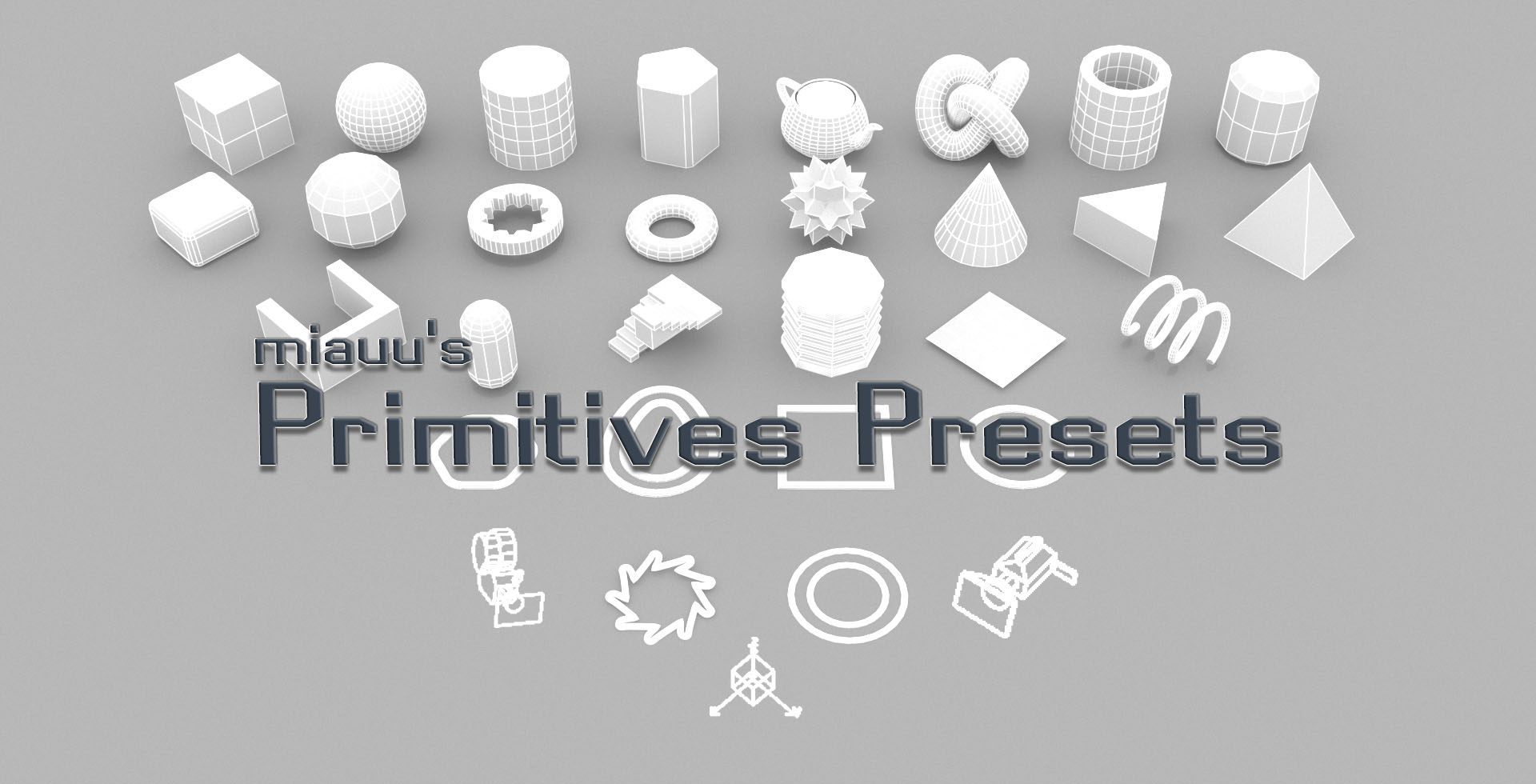 miauu's Primitives' Presets allows you to create presets for almost all primitives/objects you can create in 3ds Max. The UI of the tool is embedded into the object's rollout in the Modify Panel of 3ds Max. You can create as many presets as you want. Each preset can have its own custom notes(comments). The presets can be…
>11681 results