Search
-
align objects to normal face in Maya

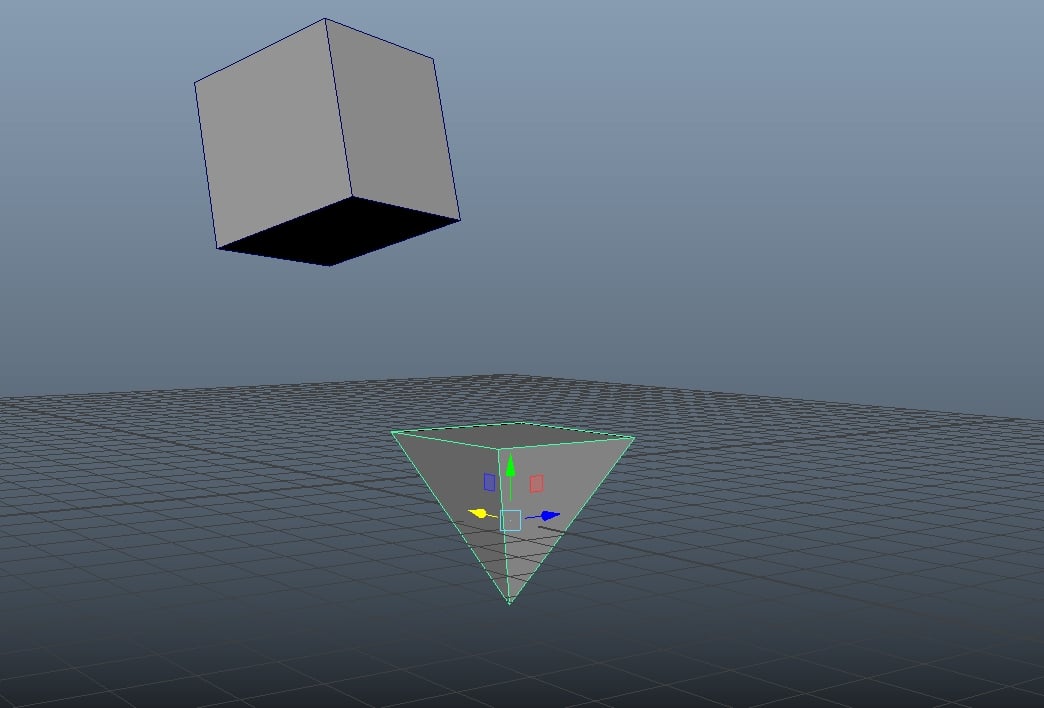 Maybe this is a newbie question but i was searching a lot and didnt found an answer. The question is if i want to align orientation by one face of an object to another face but i want to orient the y rotation axis to because when i use the snap two objects together tool it doesnt align the orientation perfectly. i made a…
 -
Re: animations (loops) and rotations problems
 sorry to get this thread back from back down but I'm still struggling with this. This time I made some gifs. Maybe this demonstrates what my problem is in a clearer manner. The problem occurs when the curves cross each other I guess. The point is.. it does matter if I rote x y or z first and x y or z 2nd and x y or z last.…
 -
Re: Max 7 animation issue
 Looks like a rotation axis order issue? If you look at your screenshots, the rotate values at the bottom have Y at -90 and Z at 0 in the "zero pose", then you have Y at 0 and Z at -25. That means somehow to reach that position your Y axis has gone through +90 degree rotation. It doesn't look like it visually, so I'd guess…
 -
Re: FAQ: How u make dem mats? Hands-on mini-tuts for making materials and texturing
 Yeah that's exactly it. The normal map is a direction, because each channel holds a component. Generally R is X, G is Y, and B is Z. If you happen to have a copy of UDK around, open up a texture. There are sliders for RGB Min and Max. You'll notice if you open a normal map the RGB mins are all set to -1. When you combine…
 -
Polyfraggers
 Gather with your fellow polycounters for online gaming!
 -
3Daily 2017
 Make one 3D object per day for the year of 2017
 -
Career & Education
 Getting into game development, education for game artists, working in a studio vs. freelancing, life/work balance, managing your career.
 -
Animation Showcase & Critiques
Share your animation projects for discussion, education, and feedback. -
2D Art Showcase & Critiques
Share your 2D game artwork, share techniques, and ask/give critiques. -
Low Poly Challenge
Oh sure, you can throw as many triangles as you want at a mesh to make something pretty! But what happens when you're limited to how many triangles you can use? Think you're up for the Challenge? Then this forum is for you!
>147181 results