Search
-
Re: The Bi-Monthly Environment Art Challenge | January - February (94)

 Quick Update I put together a simple animation and did some lighting renders. You can check out more render image on ArtStation: https://www.artstation.com/artwork/rlDXkG Render video uploaded on youtube https://youtu.be/X2eexC1BM_Q?si=I-Kf60lrd4A2hDYe P.S. I also noticed an issue with the bottom texture mask and made some…
 -
Re: [FINISHED] - UE5 Realtime Metahuman - Ryan Gosling: Drive

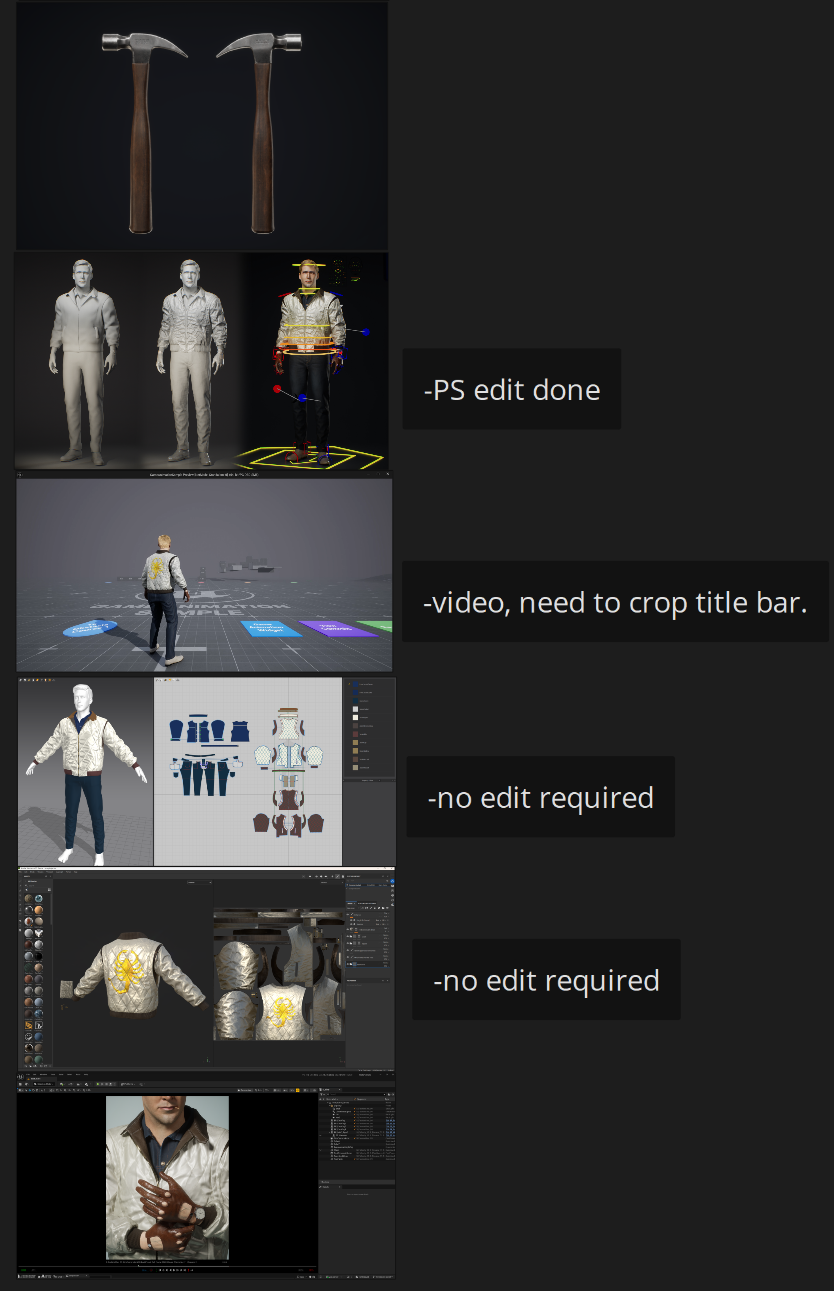 For my Artstation setup I was mainly looking at an awesome, recent character art post: Exiled Pink Knight by SeungHwan Jeong. My character is much simpler in comparison, but I took what I could in terms of how to present work well. So I took some headshots in Sequencer and MRQ, and also took some screenshots of my…
 -
Re: Fender Telecaster - Model and Skyrim Mod
My main critique would be the black parts look to be 100% black - which is something you should always avoid on models (even when the specularity is so high as it is here). I'd suggest knocking it down to 85% or 90% grey instead. In line with that, the wood looks a little too bright in-game. It looks fine in your renders… -
Re: PBR safe base color node in Designer?
Iirc the node supplied with designer lets you switch between the two - if you're on the 70 version it's probably clamping your values to what it sees as full black Don't ask the AI stuff like this - it can't do sums and it recycles all the misinformation on the internet when you ask it questions . The vast majority of… -
Re: Feedback on 3D character model

 Looking good :+1: I think with the final asset, some of the forms of the sculpt got lost, in particular with the head. This probably in part due to the different lighting/ reflections between the matcap highpoly render and final render. It's up to you (or how you intend to render) to what extend you paint highlights into…
 -
Re: Unreal 5.7.1 Performance "Gain" World Partition
You're best off reading the docs World partition is designed primarily for handling large worlds (several km across) in games. You probably don't need it if you're planning to render out sequences but you may find it convenient to organise your work with the tools it provides. Personally, probably wouldn't bother -
FAQ: Concept Art Shader Pack for Unreal Engine
My outlines are looking weird, flickering or appearing in places where they shouldn't be. There are two options to fix this: Option 1 Set the Antialiasing Method to MSAA or FXAA. This is a quick fix, but will result in aliasing / jagged lines. To then counter the aliasing, you can take screenshots at higher resolutions.… -
FENDER 3d model
 Hi there! i've made Fender American Standard Stratocaster guitar in Blender... I wanna hear bad and good things of it (maybe something is good... :) ) It's one of my first models in Blender so i think it sucks... I don't know what is this black fields on fretboard
 -
Re: 1900's Western Fields

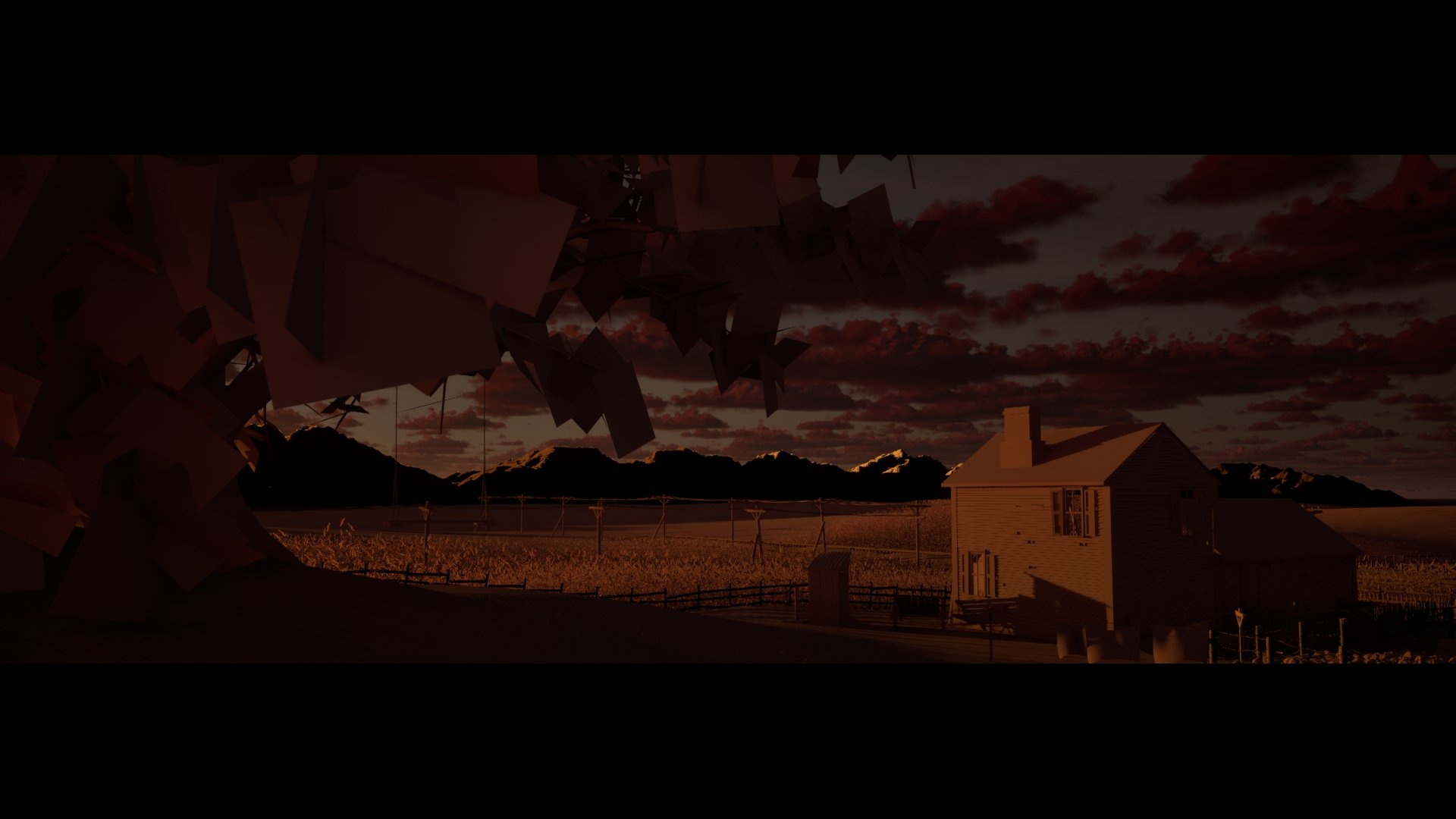 Okay so I got some cameras setup and some renders with lighting only. Now I'm preparing to add detail if these renders look okay. I can see how setting up cameras help it easier to composition. (Image heavy sorry)
 -
Re: Free Blender 3D Tutorials on YouTube

 This is a Blender Diamond Material setup tutorial, the video is to show how to make Bender Diamond Shader and lighting setup scene with Cycles Renderer. This tutorial is good for beginners to understand the Blender Diamond Material Setting and Rendering.…
>37775 results