Search
-
Re: Beretta M9 - Highpoly
 Im seeing a lot of mistakes in the model itself, and also lots of problems with the subdivision. Im not sure how accurate you intended the model to be, so ill just assume not very, and focus on the sub-D issues. The first thing that hits my eye is the pinching on the grip (behind the mag release) and at the back of the…
 -
Re: Darksiders Weapon
 Hey guys, thanks for all the help! (Thanks to ZombieWells too if he reads this, for the private message. That helped too :) ) Sorry for posting back so late, I've been going on and off again on this thing in my free time. I ended up fixing some erros I was having, by doing a couple of things: 1. Relax modifier. My edges…
 -
Re: What are best AIs for game art? Both for scripting and content creating?
aumramaram Well. all this might be true but I can share my own experience , I wasted years studying free arts and painting in my yonger years. Falling asleep in big uni amphitheaters listening courses I then never needed only for a sake of diploma and never had any as good teacher as chatGPT . The information it gives you… -
Have anyone figured out how new Curvature Smooth node works in Designer?
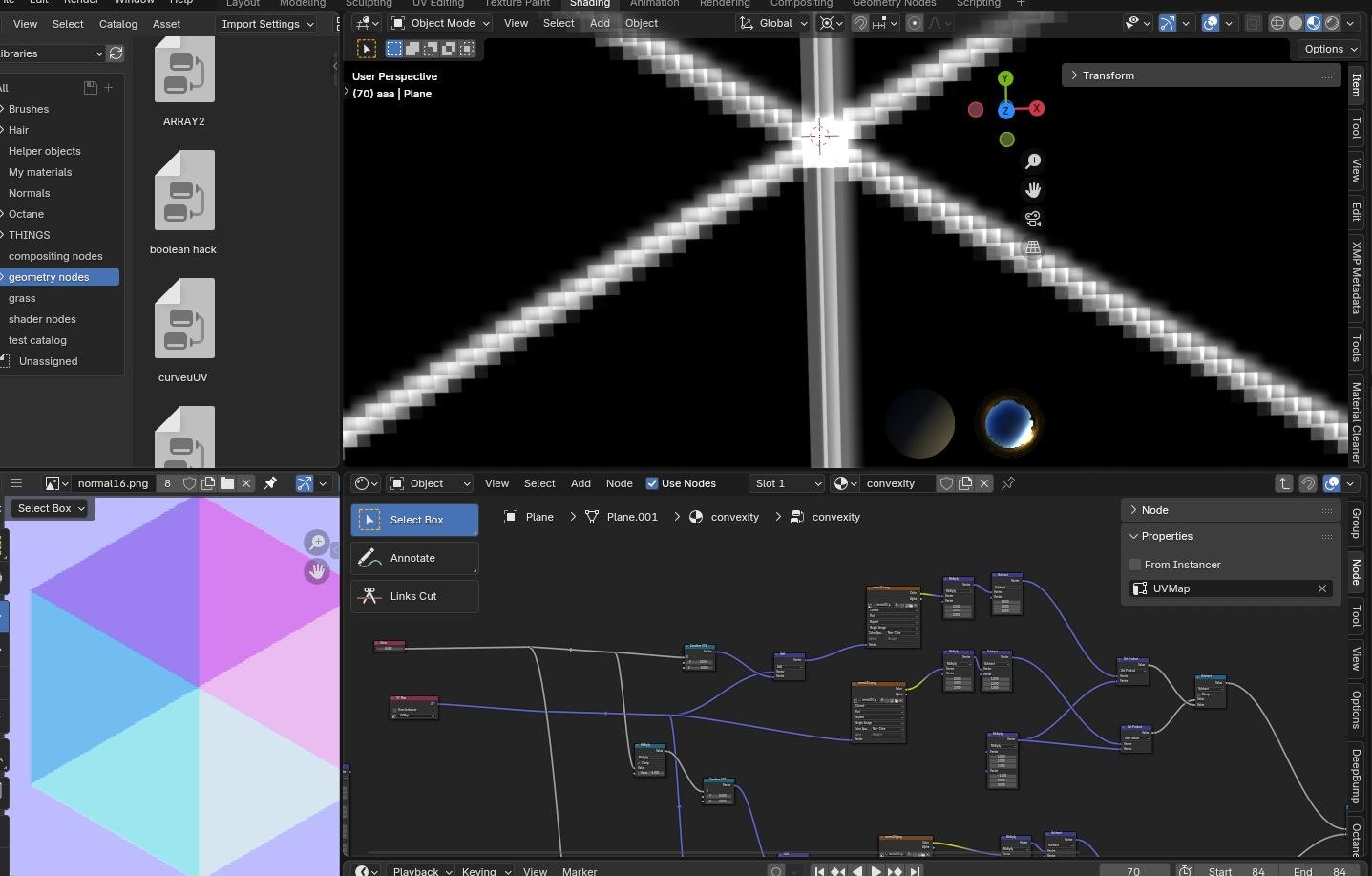 So far I find it best for doing various edge masks just on top of a final normal map . Tried to make it work in Painter but as always it's weird and never same , works only on square textures i.e a dead end. Want to recreate it for Blender shader editor. I see it sort of shift iteratively in x and y positive and negative…
 -
Re: Triangule the cage, but why?
 Short answer: Triangle Striping. Longer-ish answer: Invisible edges can flow any which way when models are exported/imported. It's up to the ex/importer and the application to define how they flow. If you triangulate, it doesn't give them the option to flip. Slightly more detail:…
 -
Re: HK UMP45 WIP
 You are making great progress! There are still a lot of unnecessary edges. Don't be discouraged, the more models you work to completion, the easier this stuff pops out at you. Just be patient with learning this phase and don't be afraid to bake test things out. Optimizing each asset is absolutely vital to the entire…
 -
Re: The Blowhole
 the bricks are far too regular in shape, i think this would have been worn quite a bit. IMO= 1- get rid of the horizontal lines in the greeble work, and try and get more horizontal. 2- pull a few in and out. select random bricks and put slight rotations on them, do this lots of times till the whole thing starts to look…
 -
Re: My game has been released Joy Ride Turbo!
 cupsster, extremely important. For baked lighting it's the difference between looks awesome, or looks blobby/low res/unshippable light maps. The rule of thumb we use is if the edge is hard in the normals of the model you must cut that edge in the light map uv's to allow a clean separation between the light map edge to…
 -
Re: Cinema 4d anyone?
 Just chiming in on Edge Cut (M~F) if you activate the tool, turn off the Create N-gons check box on the attributes manager (dumb default). Then if you hold the LMB when you cut you can use the CTRL modifier and slide your mouse to move your cut along the edges. If you LMB hold and just move the mouse, you can add addition…
 -
Re: Maya Ambient Occulsion Issues
Hey, I couldn't tell exactly as I don't have your UV maps in front of me but do the edges with the black lines, by chance, not have their own UV islands? When baking, hard edges always need to have their respective UV seams. Otherwise it will produce baking errors. The lower border of the blade looks faceted. Think of…
>27985 results